OpenClaw “origin not allowed” fix
The OpenClaw Control UI loads but showsorigin not allowed (open the Control UI from the gateway host or allow it in gateway.controlUi.allowedOrigins)because the browser origin you opened it from isn't in the gateway's allowlist.Fix it by adding the exact origin your browser shows — scheme, host, and port — to the gateway's controlUi.allowedOrigins allowlist, then restarting the gateway. It usually appears after moving from a local to a public deployment through FRP / Nginx / Caddy or IP forwarding.
Use the exact origin the browser sends — scheme://host:port, matched character for character:
{ "gateway": { "controlUi": { "allowedOrigins": ["https://agent.example.com"] } } }- Behind a TLS-terminating proxy (Nginx / Caddy / Cloudflare): use the public
https://origin and the port the browser sees (e.g.https://agent.example.com, no:18789) — not the gateway's internalhttpaddress. - Docker / Kubernetes: set it by env var —
OPENCLAW_GATEWAY_CONTROLUI_ALLOWEDORIGINS='["https://agent.example.com"]'(a JSON-array string). - List every host you'll actually use; avoid
["*"]outside tightly controlled local testing.
If the gateway won't start at all (non-loopback Control UI requires gateway.controlUi.allowedOrigins), that's the startup variant — see the OpenClaw non-loopback startup fix.
- GitHub issue #29809 created 2026-02-28, updated 2026-03-01 with reproducible cloud + FRP setup.
- Multiple teams reporting "page reachable but Control UI blocked" pattern after moving from local to public deployment.
Actionable fix sequence
- Choose one canonical UI URL (for example:
https://agent.example.com). - Add exact origin allowlist in
~/.openclaw/openclaw.json:{ "gateway": { "controlUi": { "allowedOrigins": ["https://agent.example.com"] } } } - Restart gateway:
openclaw gateway restart. - Proxy hygiene: make sure your reverse proxy forwards
HostandX-Forwarded-Protoconsistently. - Retest in incognito to avoid stale browser cache/token state.
What usually causes repeated failures
- Mixing IP and domain access (e.g., open by IP once, domain next).
- Allowing the wrong scheme (
httpvshttpsmismatch). - Changing forwarded host in FRP/Nginx while keeping old origin list.
- Using wildcard origins in one layer while another layer enforces strict host checks.
Stop babysitting your OpenClaw box
Fix it once — or stop fixing it for good.
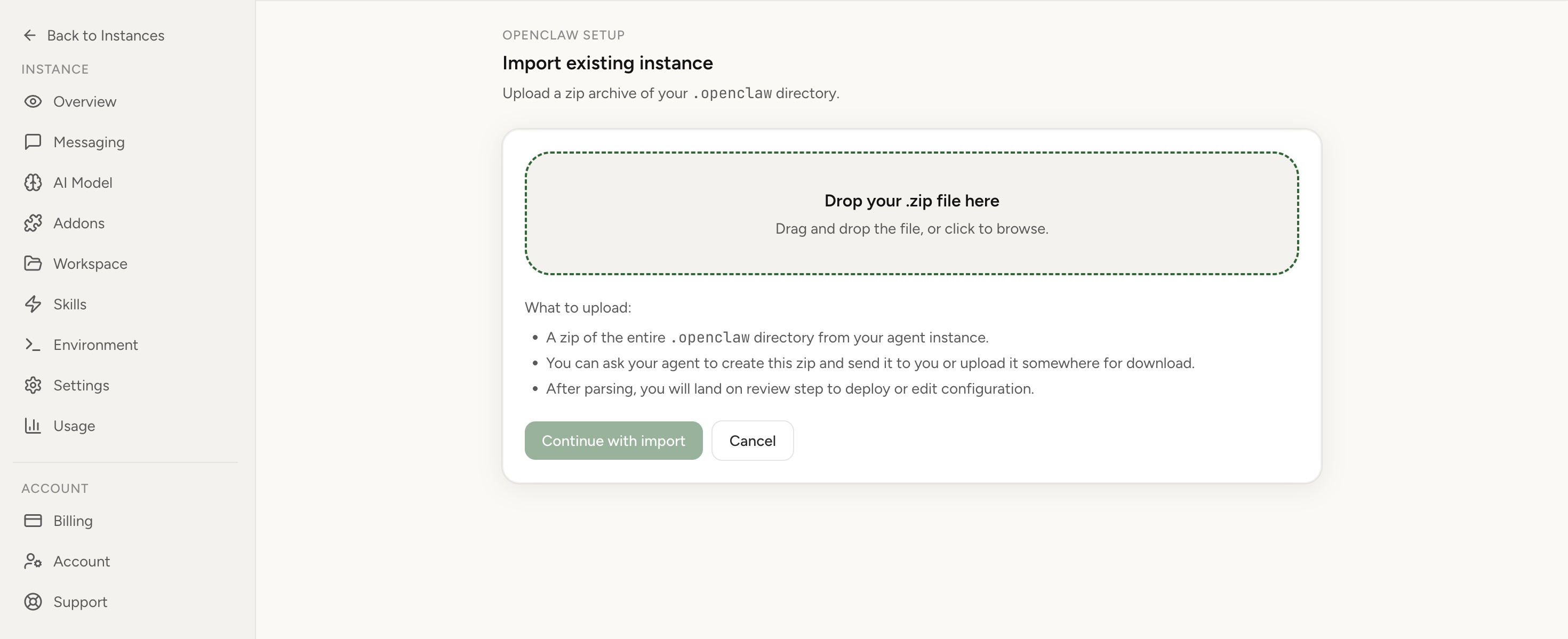
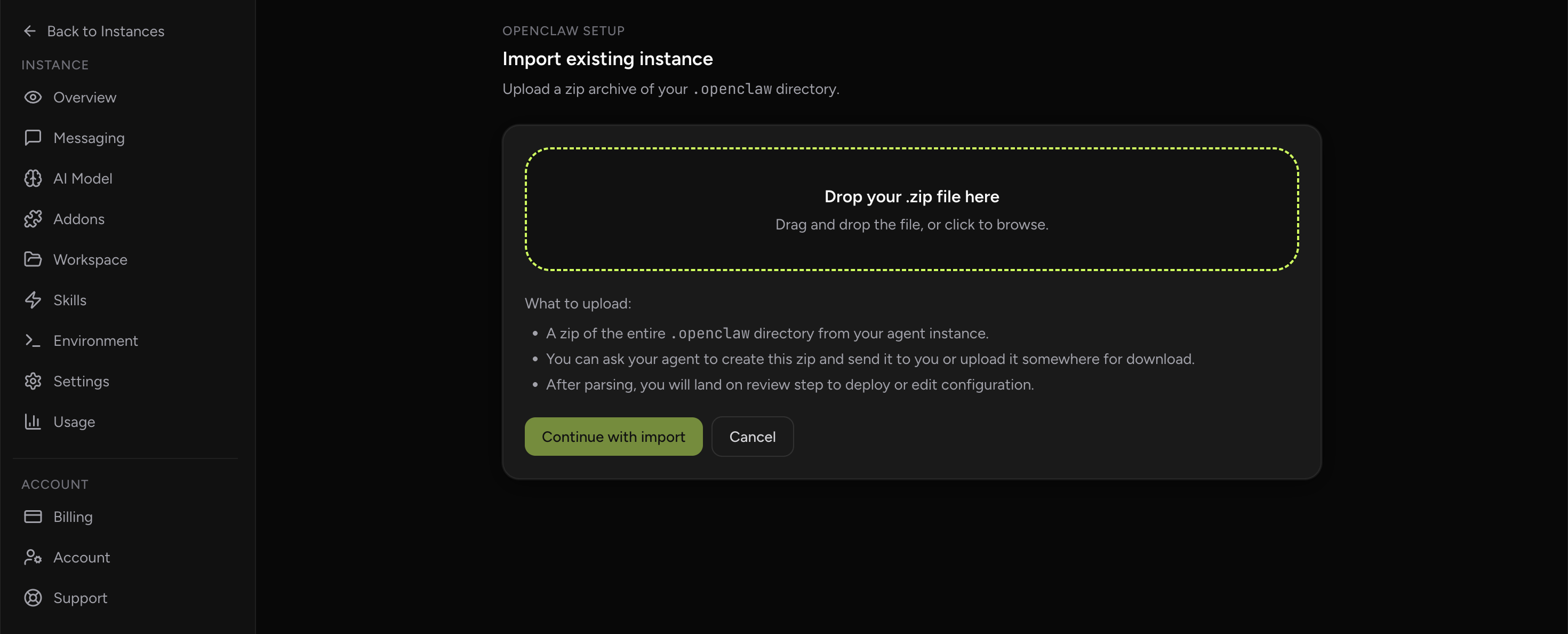
Apply the checklist above and keep self-hosting, or skip the maintenance entirely: run your OpenClaw on managed hosting from $6.90/mo, starting with a 7-day free trial. We handle the stale locks, gateway restarts, version upgrades, and uptime — and you can import your existing instance in a couple of minutes. Cancel anytime.
- Managed hosting handles stale
.jsonl.lockfiles, gateway restarts, and version upgrades for you - Import your existing OpenClaw setup in minutes — keep your channels and configuration
- The optional $199 setup is scoped: no custom development, enterprise/SRE support, or unsupported self-hosting repair
If you would rather compare options first, review OpenClaw cloud hosting or see the best OpenClaw hosting options before deciding.
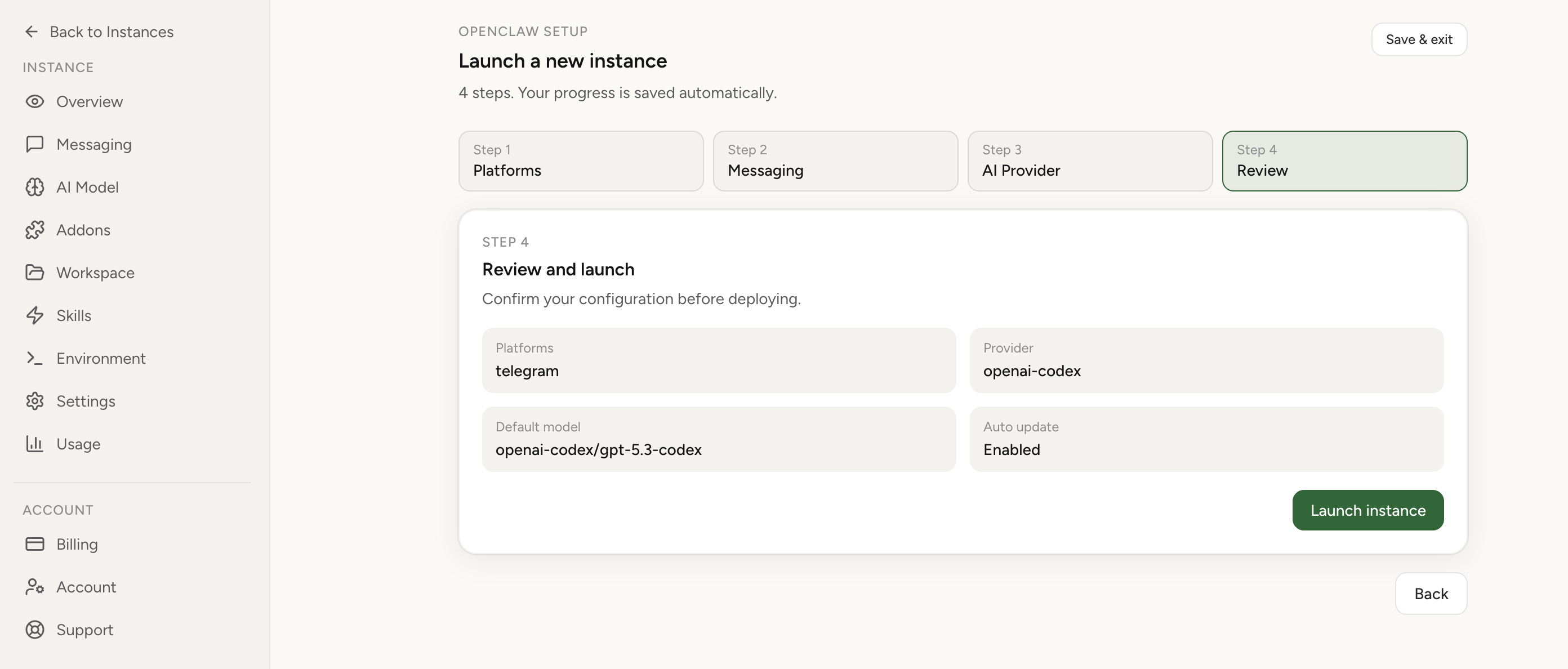
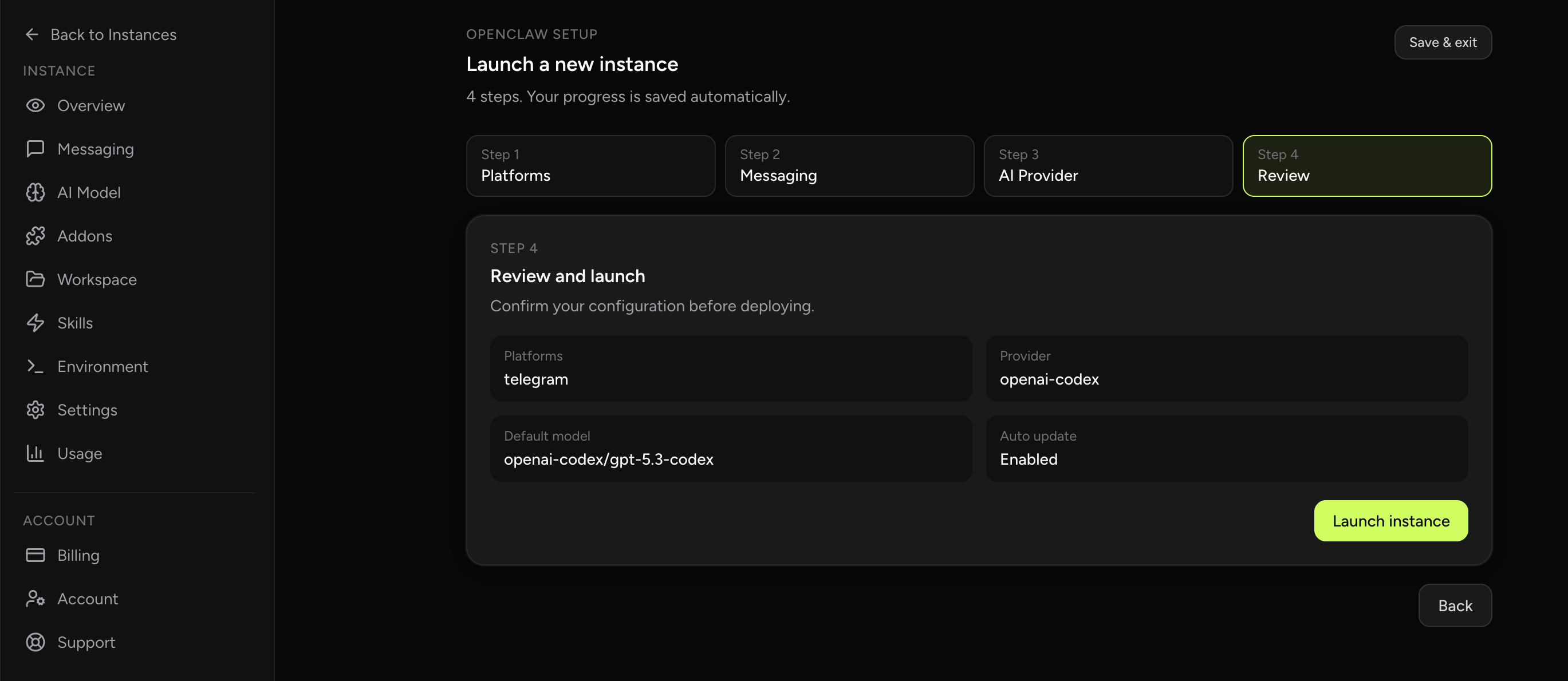
If you're already updating gateway and browser config, this is a good time to move to managed hosting: keep your instance updated and use Chrome Extension relay for real local browser tab control.
See OpenClaw cloud hostingSee Chrome Extension feature
For a broader decision view, compare managed hosting vs self-hosted VPS or review the best OpenClaw hosting options.
FAQ
What do I set gateway.controlUi.allowedOrigins to?
The exact origin your browser shows in the address bar — scheme, host, and port (for example https://agent.example.com). Behind a TLS-terminating reverse proxy, use the public https origin and the port the browser sees, not the gateway's internal http address or port.
Can I keep both IP and domain allowed?
Yes, but only if both are intentional. Keep the list explicit and minimal.
Why did it work locally but fail in cloud?
Cloud and proxy setups introduce browser-origin differences that local loopback deployments don’t have.