1
Sign in and connect
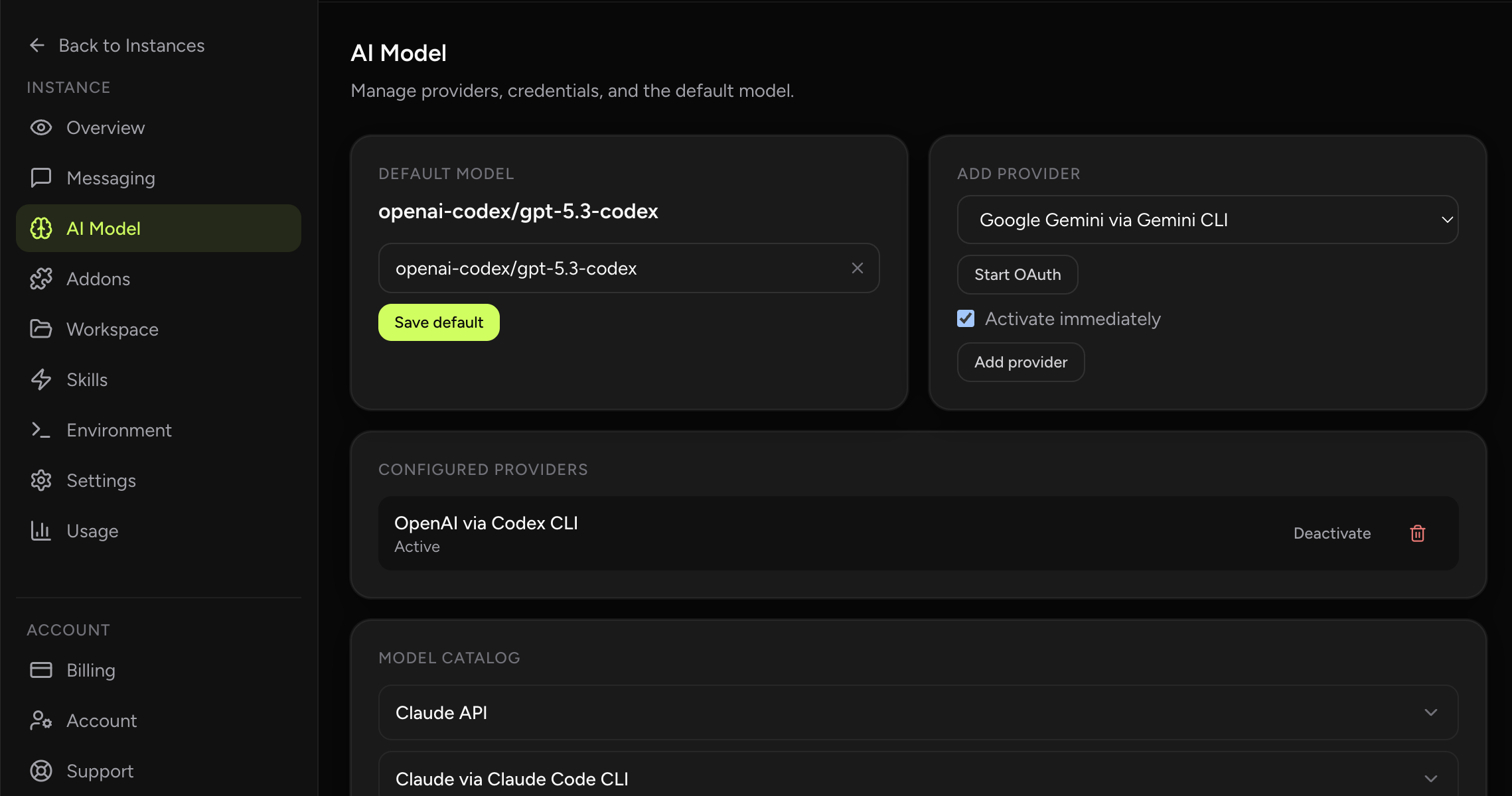
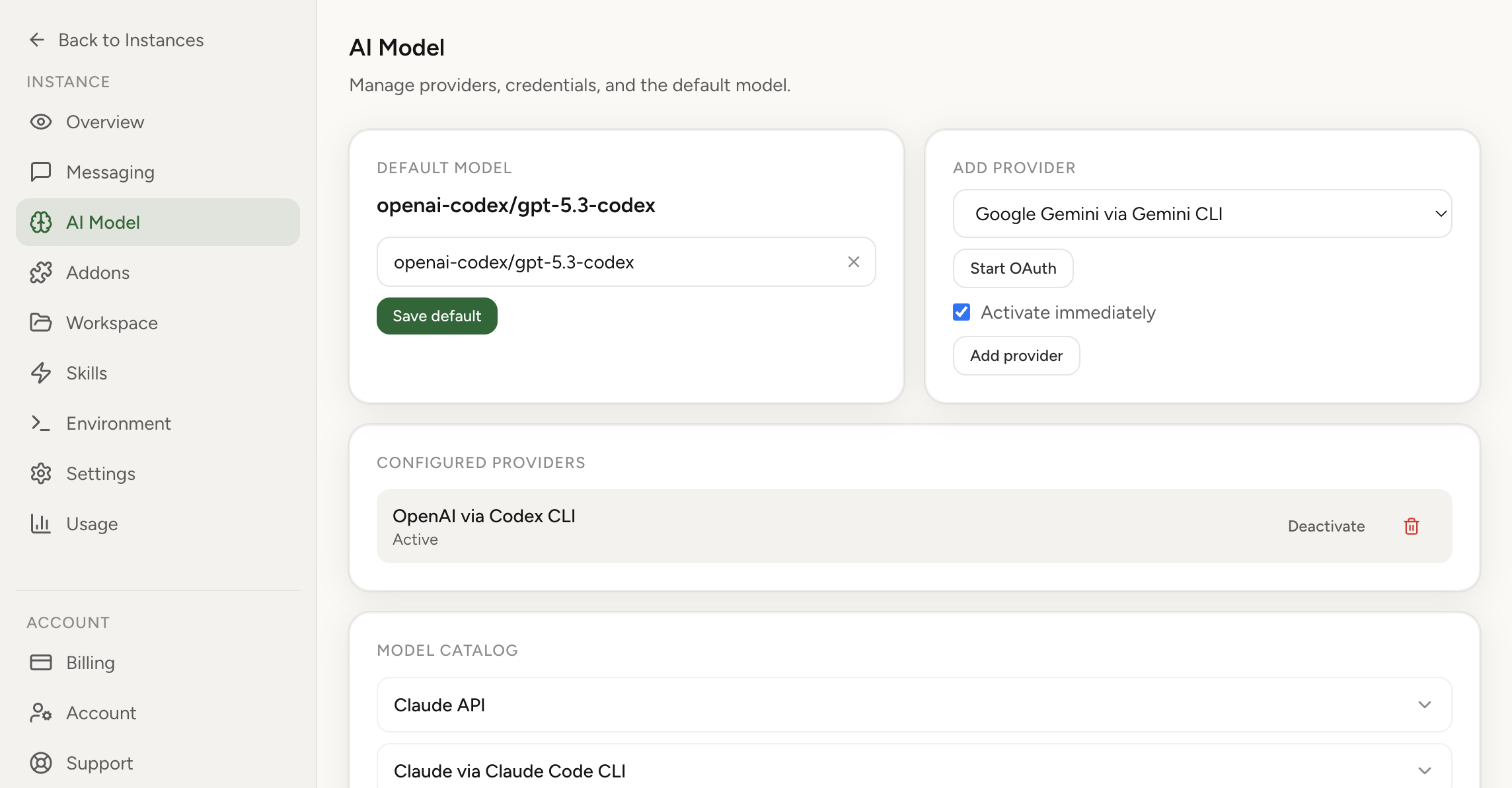
Sign in with Google, connect your LLM provider (OpenAI, Anthropic, Gemini, or others), and start with built-in chat, file uploads, and session management. Optionally connect Telegram or Slack bots.
Run OpenClaw without owning day-2 VPS maintenance. You get managed operations, security defaults, hosted browser access, and usage visibility while keeping control of model credentials and bot setup.
Best starting point: the managed OpenClaw hosting overview page covers plans, security defaults, and onboarding in one place. Use this page for the cloud-hosting-specific implementation details.
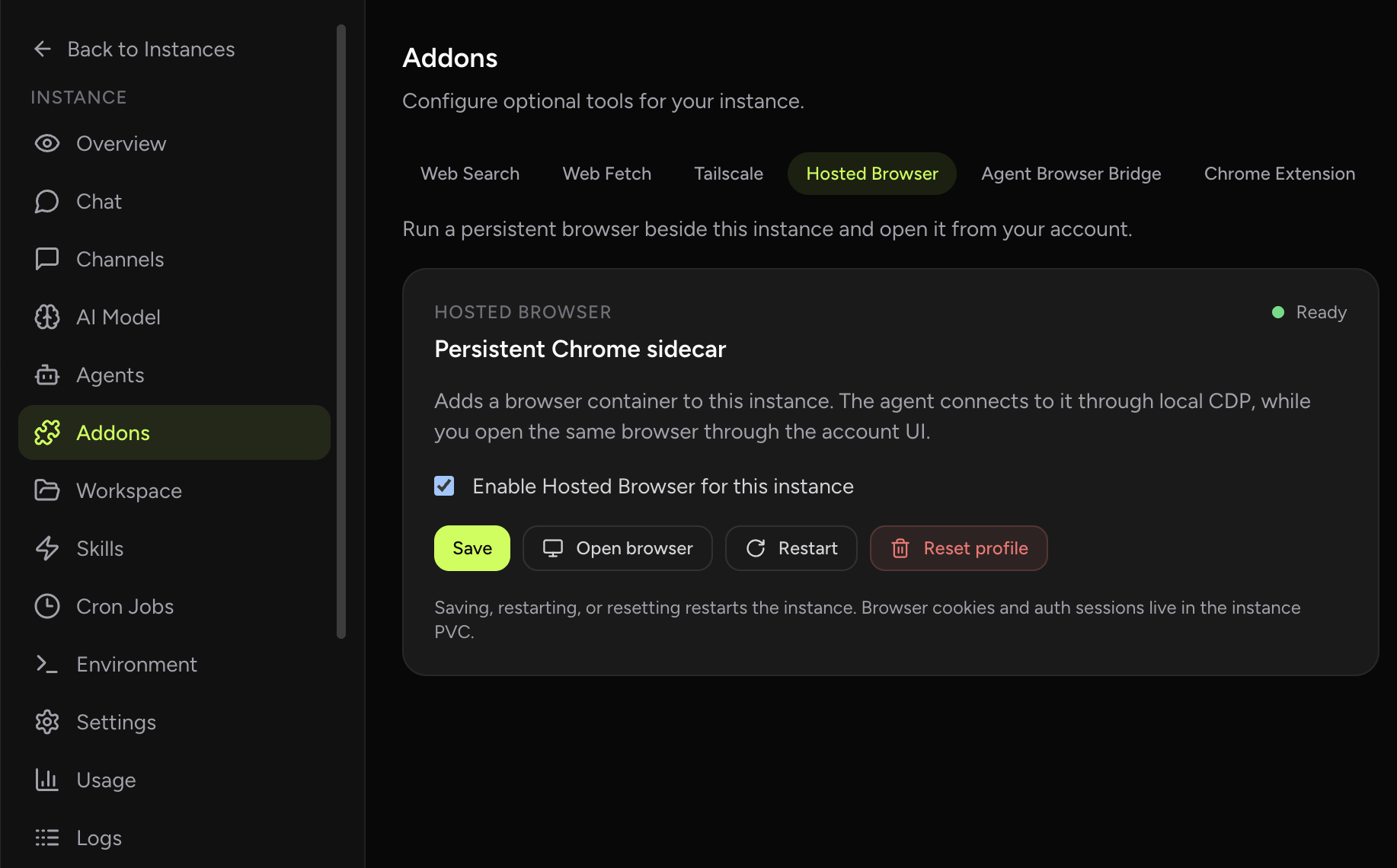
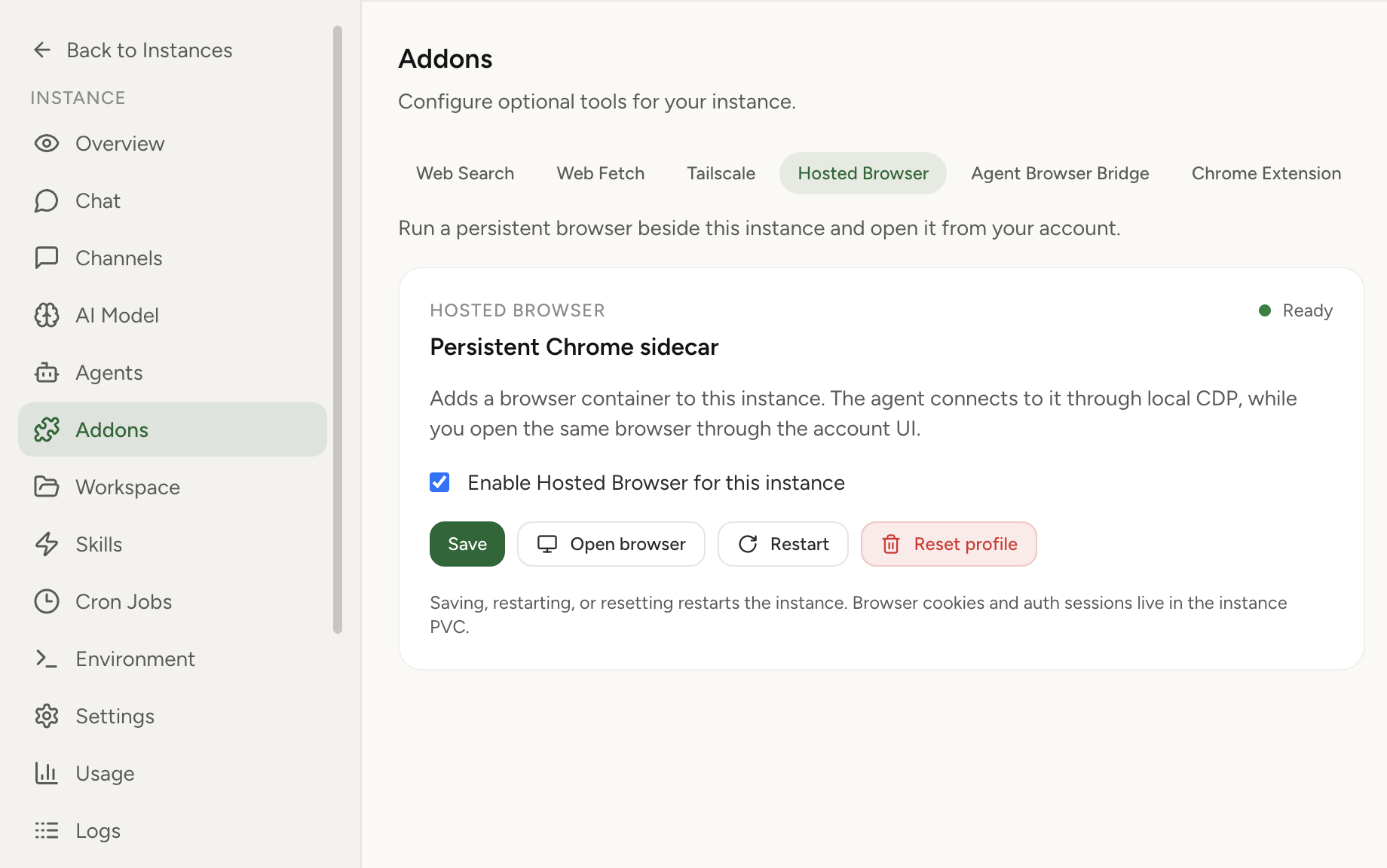
Cloud hosting for OpenClaw means your assistant runs on managed infrastructure with security-by-design defaults. You do not touch servers, networking, or update cycles. You bring your LLM provider credentials, chat directly in the dashboard by default with file uploads and session management, optionally enable a persistent hosted browser, and optionally connect messaging platform tokens.
Managed OpenClaw cloud hosting is usually the fastest path to production-grade AI agent operations.
OpenClaw Setup provides isolated runtime boundaries, no public IP exposure, encrypted credentials, allowlist controls, optional Hosted Browser, and per-model usage/cost analytics by default.
Teams requiring deep custom infrastructure control may still prefer self-hosting. For decision criteria, see managed vs self-hosted comparison.
This is a product-focused breakdown of runtime boundaries, security controls, and why managed cloud hosting is the main alternative to running OpenClaw on your own VPS. If you want Q&A style guidance first, start with Answer Hub. For provider comparisons, use the hosting provider guide. For the self-managed path, use the OpenClaw setup guide plus the troubleshooting checklist.
Time to first message with guided setup.
No servers to provision, patch, or monitor.
Bring your own LLM keys. View hosting plans.
| Factor | Self-hosted | Cloud hosting |
|---|---|---|
| Setup time | Hours to days | Minutes |
| Server management | You handle provisioning, OS, updates | Fully managed |
| Security hardening | You design and maintain | Built-in isolation, no public IP |
| Credential storage | You secure API keys in your runtime | Encrypted at rest (AES-256-GCM), keys separated from agent |
| Monitoring | You set up logging and alerts | Built-in usage and cost analytics |
| Access control | You implement allowlists | Allowlist-only messaging by default |
| Browser workflows | You maintain Chrome, VNC/CDP, certificates, and profile persistence | Optional Hosted Browser sidecar with dashboard access |
| Updates | You track and apply | Managed updates |
Sign in with Google, connect your LLM provider (OpenAI, Anthropic, Gemini, or others), and start with built-in chat, file uploads, and session management. Optionally connect Telegram or Slack bots.
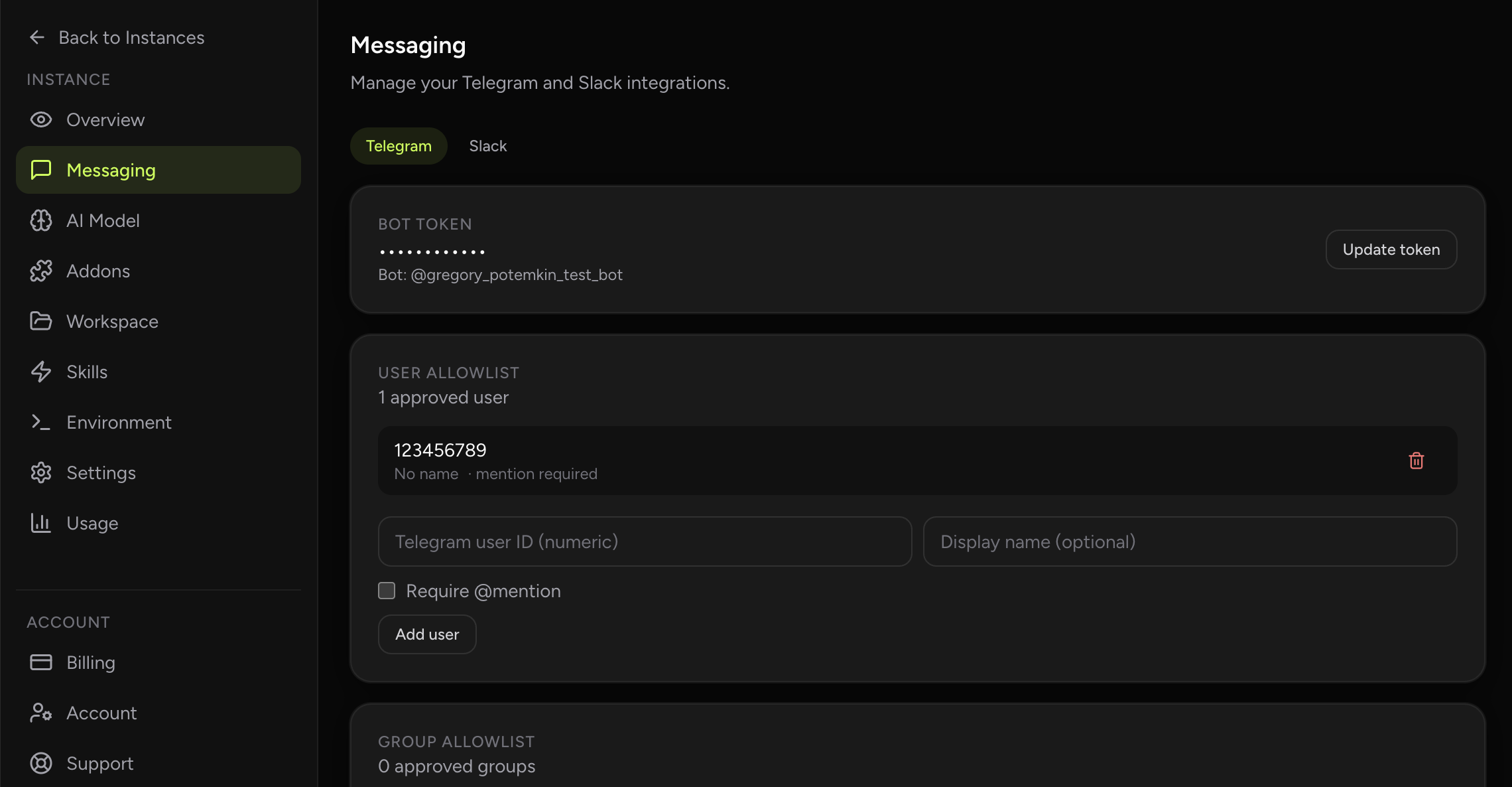
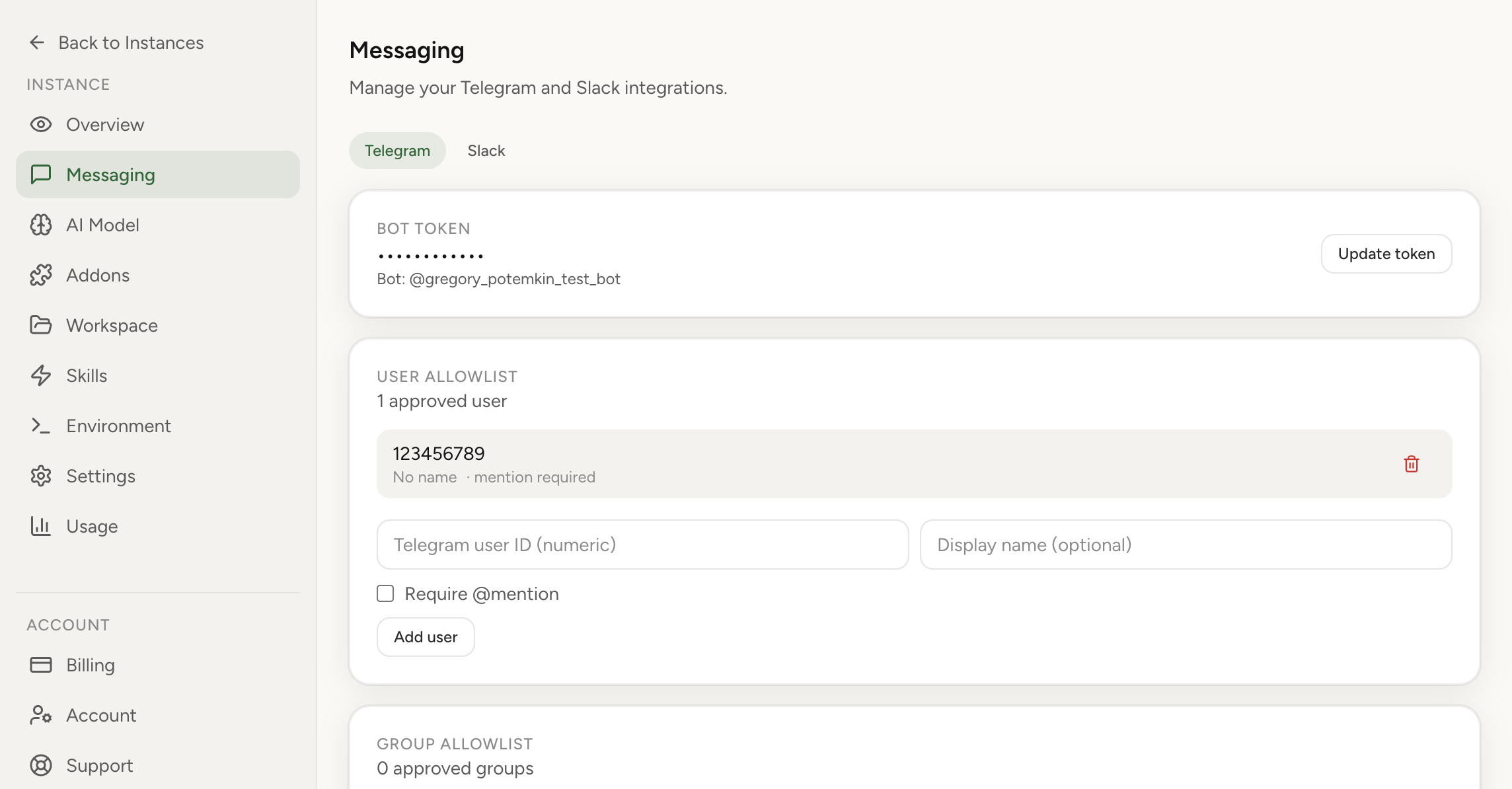
Set up your allowlist so only approved users can message your assistant. Credentials are encrypted and stored separately from your runtime.
Your instance deploys to an isolated environment with no public IP. Chat with reusable sessions, upload files, optionally enable Hosted Browser, and monitor usage and cost by model.
With BYOK (bring your own keys), you pay your provider directly for model usage. Hosting plan pricing is shown in our pricing section. The dashboard shows token burn by model so you can catch surprises early.
You get a managed OpenClaw runtime with deployment, patching, baseline security controls, built-in chat, optional Hosted Browser, and optional messaging channels handled by the platform team.
Self-hosting gives deeper low-level control but requires setup, hardening, patching, and monitoring. Managed runtime removes that recurring work.
Isolated runtime boundaries, no public IP exposure, encrypted credentials (AES-256-GCM), and allowlist-based messaging access.
Yes. You can export your workspace from a self-hosted instance and import it into the managed platform. Secrets and tokens are excluded from exports for security.
Pricing is itemized by instance size: Light is $6.90/month with 1 CPU, 3 GB RAM, and 20 GB storage, Medium is $14.90/month with 2 CPUs, 8 GB RAM, and 80 GB storage, and Large is $29.90/month with 4 CPUs, 16 GB RAM, and 160 GB storage. Paperclip is an optional $4.90/month add-on for new workspace deployments. See pricing.
Side-by-side breakdown of what you handle vs what we manage.
AI agent hosting guideWhere managed AI/LLM hosting wins and where self-hosted still makes sense.
Telegram setup guideStep-by-step instructions for connecting your Telegram bot.
Cost-effective OpenClawWhere subscription-based LLM auth beats raw API keys — and the one provider it no longer works for.
Managed Paperclip hosting$4.90/mo Paperclip workspace that auto-attaches to every present and future agent.
The core private hosted instance path without DevOps overhead.
Browser agent hostingPersistent hosted browser support for login-heavy workflows.
Telegram agent hostingManaged OpenClaw runtime with optional Telegram access.
Cron automation hostingAlways-on scheduled agent work without maintaining cron infrastructure.
Coming from self-hosting?The managed alternative to running OpenClaw on your own VPS.
No infrastructure work. Secure defaults. Clear cost visibility.