Logged-in workflows
Authenticate once from the dashboard and let the agent continue inside the same persistent profile.
Give your managed OpenClaw instance a persistent browser it can keep. The agent gets local CDP access, while you get dashboard viewer and takeover controls for authentication, MFA, CAPTCHA, uploads, and review.
Best starting point: the managed OpenClaw hosting overview covers plans, runtime boundaries, and onboarding. This page focuses on the persistent browser sidecar and dashboard takeover controls.
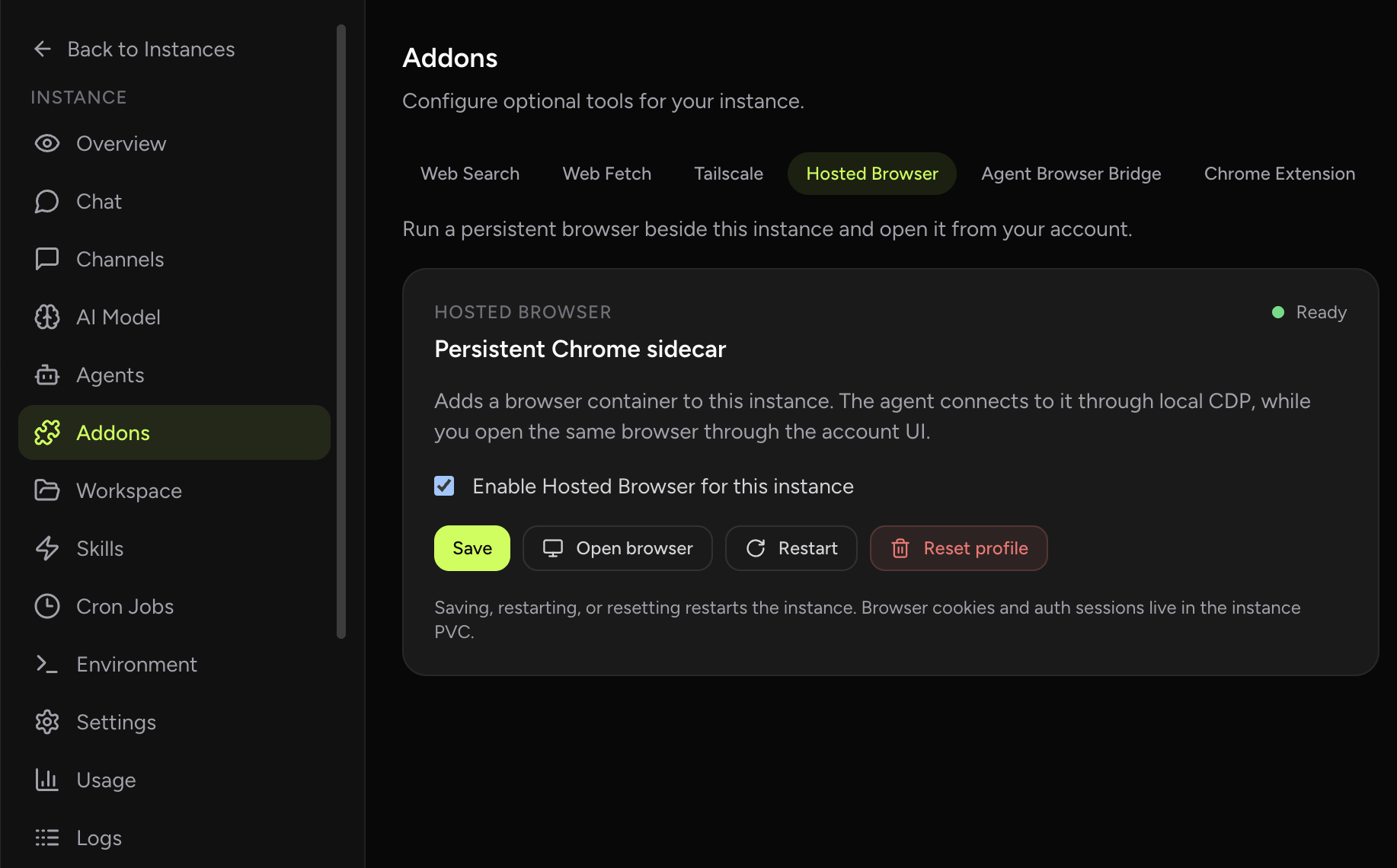
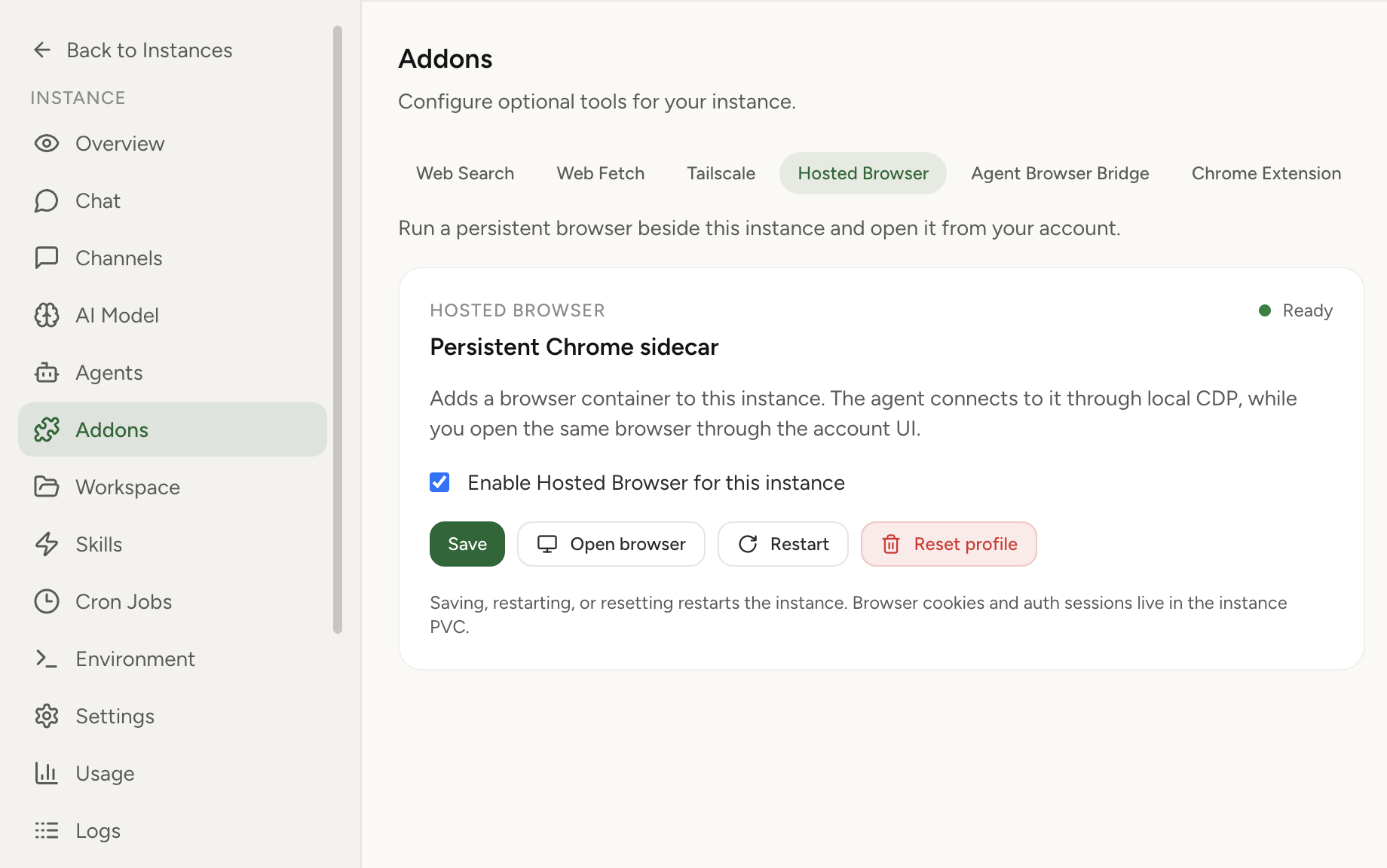
Authenticate once from the dashboard and let the agent continue inside the same persistent profile.
Keep browser files and state close to the managed instance instead of shuffling them across local machines.
Take over for MFA, CAPTCHA, sensitive confirmations, or final review without moving the workflow elsewhere.
| Need | Hosted Browser | Chrome relay | Web search/fetch |
|---|---|---|---|
| Cloud-side persistent browser state | Best fit | Local-machine dependent | Not a browser |
| User takeover from dashboard | Built in | Depends on local Chrome | Not applicable |
| Unauthenticated research pages | Useful but heavier | Usually unnecessary | Best fit |
Product overview for the persistent hosted browser.
Hosted Browser featureFeature details and operating model.
OpenClaw cloud hostingRuntime, security, and managed infrastructure.
Managed vs self-hostedTrade off VPS control against managed operations.
Browser sidecar designSecurity and architecture details for technical readers.
PricingStart with Light and add Hosted Browser when needed.