OpenClaw WebSocket 4008 “connect failed” fix
Problem statement: Control UI opens but stays Offline, and verbose logs show successful handshake followed by immediate disconnect code 4008. Teams lose time because network appears healthy while auth/connect path is broken.
Close code 4008 is an application-level policy close, not a transport error. The browser opened a real WebSocket to the gateway, exchanged its opening hello, and only then got disconnected. That ordering is the whole reason this is confusing: the network plainly works — a port block or TLS problem would have failed earlier — yet the Control UI still cannot start a session. The break is in the authenticated connectstep that runs after the socket is already open.
Practically, that narrows the suspects to three layers: the auth token the UI presents, the runtime that evaluates it, and any proxy or tunnel that rewrites the connection between the browser and the gateway. The diagnosis below walks those layers from the inside out so you confirm the local socket works before blaming the network in front of it.
- GitHub issue #30469 opened 2026-03-01 with 100% reproducible disconnect after hello-ok.
- Symptoms match a high-friction onboarding step: UI reachable, agent unusable.
Why Health stays Offline while HTTP looks healthy
It is tempting to trust a green HTTP check, but reaching the gateway over HTTP only proves the web server answers requests. The Control UI needs something stricter: a WebSocket that not only opens but also passes the authenticated connect handshake and stays open for streaming. A 4008 close fails that second requirement, so Health correctly reports Offline even thoughcurl against the same host returns 200.
This is also why a reload or a fresh deploy rarely fixes it on its own. If the underlying cause is a stale or mismatched token, a runtime regression, or a proxy that strips the upgrade headers, the connect step will keep failing the same way until you address that specific layer. Capturing the verbose connect lifecycle once is faster than restarting repeatedly and hoping it clears.
Actionable diagnosis sequence
- Verify runtime baseline:
openclaw status, version, Node version, OS. - Confirm token location: single source of truth in
~/.openclaw/openclaw.json. - Test local socket path directly (
ws://127.0.0.1:18789) before SSH tunnel/proxy layers. - Enable verbose gateway logs and capture full connect lifecycle.
- Reproduce with clean browser profile (no stale query tokens, extensions disabled).
- If tunneling, verify forward target uses the same host/protocol assumptions as UI origin.
Known high-leverage fixes
- Runtime parity: test on LTS Node version if running bleeding-edge builds.
- Auth consistency: avoid mixing CLI flags and config values that override token behavior.
- Proxy simplification: temporarily remove extra hops (FRP/Nginx/SSH) to identify the failing layer.
- Version pinning: if regression confirmed, pin to last known-good version and track upstream patch.
Stop babysitting your OpenClaw box
Fix it once — or stop fixing it for good.
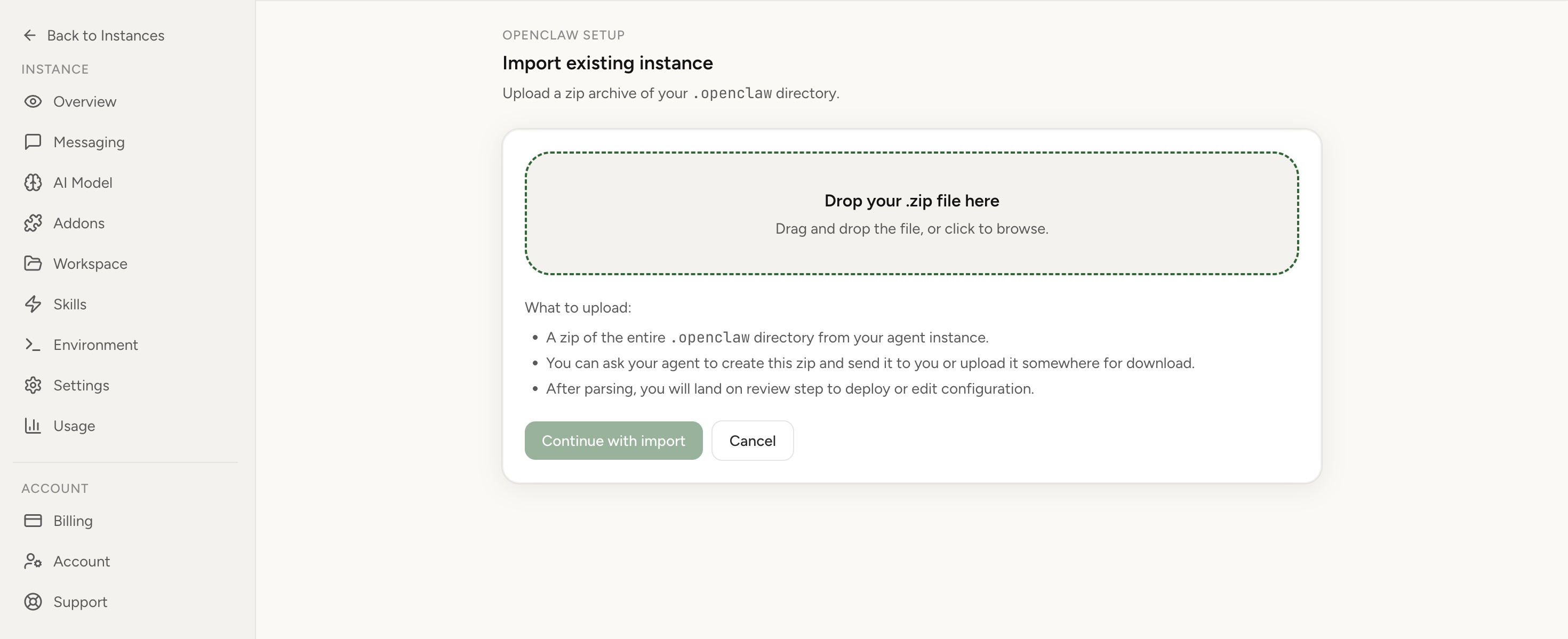
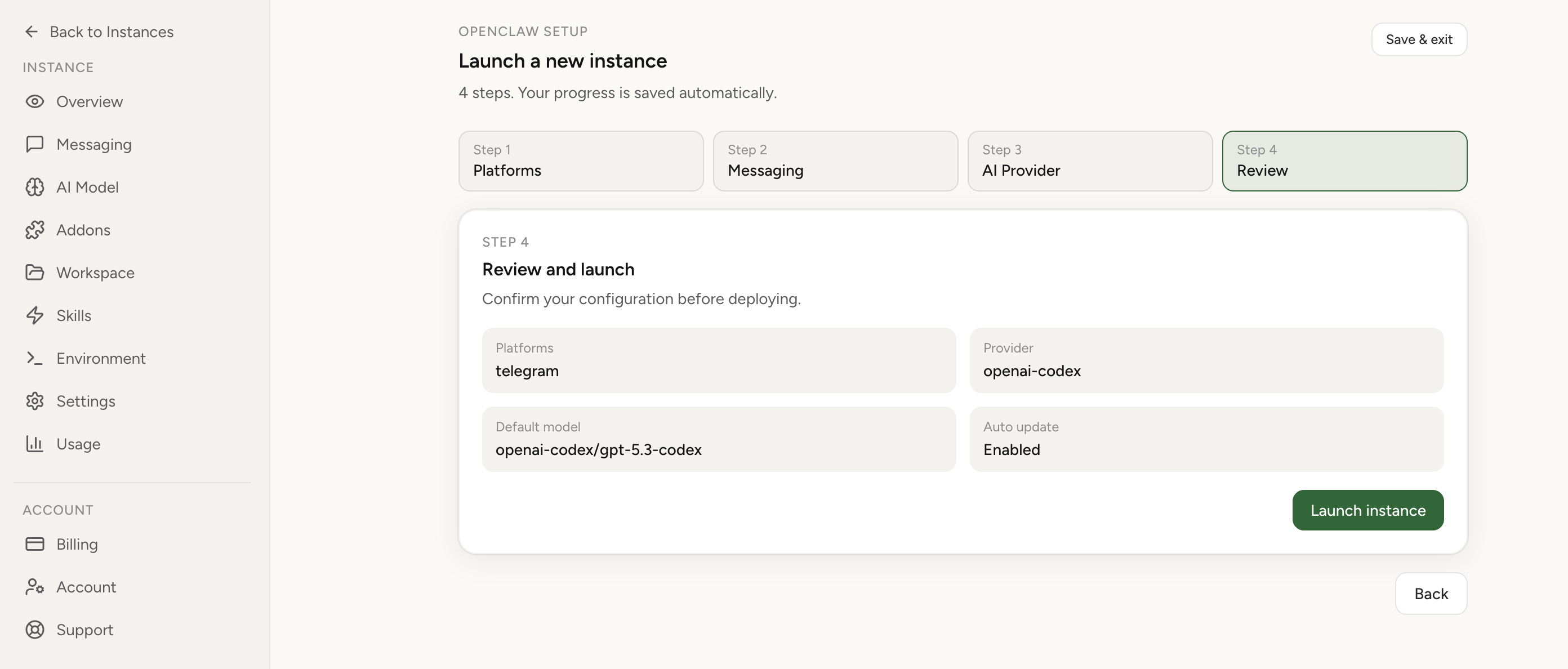
Apply the checklist above and keep self-hosting, or skip the maintenance entirely: run your OpenClaw on managed hosting from $6.90/mo, starting with a 7-day free trial. We handle the stale locks, gateway restarts, version upgrades, and uptime — and you can import your existing instance in a couple of minutes. Cancel anytime.
- Managed hosting handles stale
.jsonl.lockfiles, gateway restarts, and version upgrades for you - Import your existing OpenClaw setup in minutes — keep your channels and configuration
- The optional $199 setup is scoped: no custom development, enterprise/SRE support, or unsupported self-hosting repair
If you would rather compare options first, review OpenClaw cloud hosting or see the best OpenClaw hosting options before deciding.
Treat repeated 4008 incidents as an operating-model problem, not just a one-off fix. Review OpenClaw cloud hosting, hosting options, or go back to the homepage if you want the fastest managed path.
FAQ
Is this always a bad token?
No. It can also be a connect flow regression, tunnel mismatch, or proxy rewrite issue.
Should I immediately reinstall OpenClaw?
Not first. Capture logs and isolate layer failures so you don’t lose root-cause evidence.
Does 4008 mean my firewall is blocking the connection?
Usually not. 4008 is an application-level policy close sent after the socket is open, so the connection reached the gateway. A firewall or port block fails earlier, at the TCP or TLS handshake, not after a successful hello.
Why does it drop only after the hello-ok message?
The transport handshake and the authenticated connect step are separate. The socket opens and exchanges hello, then the gateway evaluates the token and connect policy. When that check fails it closes with 4008 — a successful handshake immediately followed by a disconnect.