OpenClaw "Assistant turn failed before producing content": which of the four causes you have
OpenClaw shows Assistant turn failed before producing content (bracketed as[assistant turn failed before producing content] in the transcript) when a model turn ends with no assistant content produced. It's one banner withfour different causes, so answer one question first: doesevery turn now fail, or just some? If every turn fails and retrying does nothing, your session transcript is corrupt — reset the session, a restart won't fix it (the poison is on disk). If only some turns fail, it's amodel or routing problem: an Ollama :cloud model OpenClaw can't drive, an Anthropic model sent through OpenRouter's OpenAI-completions path, or a bad upgrade.
# the banner (chat / UI), and its bracketed transcript form:
[assistant turn failed before producing content]

# the "stuck session" tell — every turn now 400s with the SAME fingerprint:
error: "LLM request rejected: messages: at least one message is required"
"failoverReason":"format","providerRuntimeFailureKind":"schema"

# ...retrying does nothing; a gateway restart re-reads the same corrupt session file.
Which of the four this is
The banner is identical across causes; the surrounding log line and the scope(one turn vs every turn) tell them apart. Read this before you touch anything:
- Every turn fails +
messages: at least one message is required= a corrupt session transcript. Reset the session — a restart won't help. (Cause 1 below.) - Only an Ollama
:cloudmodel fails, butcurlto Ollama works = a model OpenClaw can't drive; a fallback may be silently answering for you. Switch the model. (Cause 2.) - On OpenRouter +
This model does not support assistant message prefill= an Anthropic model on the wrong adapter. Route it natively. (Cause 3.) - It started right after an upgrade and previously-working chats broke broadly= a regression build. Roll back. (Cause 4.)
Cause 1 — a corrupted session transcript (the loop a restart won't fix)
This is the one that looks like OpenClaw is completely broken: every turn fails and retrying changes nothing. It happens when a turn abortsbetween "user message persisted" and "assistant reply written" — a crash, a kill, a network drop at the wrong moment. The session file is left with anorphan assistant entry ([assistant turn failed before producing content]) that has no preceding user message. On the next turn the whole messages array is sent to the provider, which rejects it with HTTP 400:
error: "LLM request rejected: messages: at least one message is required"
"failoverReason":"format","providerRuntimeFailureKind":"schema"
OpenClaw detects a schema error but does not auto-reset the session, so you see a generic failure and retry into the same wall. Crucially, the corruption ison disk in the session file — a gateway restart reloads it and 400s again. The fix is to reset the session, not restart the process. Start a fresh session (/new), or move the corrupt transcript aside:
# start a clean session (simplest):
/new

# or archive the poisoned transcript so the next turn starts fresh:
cd ~/.openclaw/agents/main/sessions
mv <session-id>.jsonl <session-id>.jsonl.reset.$(date +%s)
This is the same trap class as astale session file lockor awedged oauth-refresh lock: state persisted on the data volume that a restart faithfully re-reads. The fix is always to clear the specific bad state, not to bounce the gateway.
Cause 2 — an Ollama :cloud model OpenClaw can't drive
Here only some turns fail — the ones on a specific Ollama cloudmodel — and the model works fine when you call Ollama directly.ollama/gemini-3-flash-preview:cloud raises the banner outright;ollama/deepseek-v4-pro:cloud is sneakier — it silently cascades to the next fallback model (e.g. kimi-k2.6:cloud), so your agent quietly answers on a different model than you configured. The tell is that a direct call succeeds:
# same model, direct to Ollama — returns a response (~24s), so the model/quota is fine:
curl http://localhost:11434/api/generate -d '{"model":"gemini-3-flash-preview:cloud","prompt":"hi"}'

# ...but the same model fails "before producing content" inside OpenClaw.
If curl works and OpenClaw doesn't, the break is in OpenClaw's response handling for that :cloud model, not your setup. Switch the agent to a cloud model known to work in OpenClaw — qwen3.5:cloud or glm-5.1:cloud — and keep across-provider fallback configured so a bad primary fails overinstead of stranding the turn. (Watch out: a fallback whose model list comes back empty is dropped from the chain before it can catch anything — the same mechanism behind"Model login expired" with fallbacks that never fire.)
Cause 3 — Claude via OpenRouter's OpenAI-completions path
If you route an Anthropic model (say Claude Opus 4.6) through OpenRouter using theopenai-completions adapter, every turn on that model fails, and the provider error is specific:
This model does not support assistant message prefill.
The conversation must end with a user message.
OpenClaw strips assistant-message prefill for Anthropic on its native path, but that stripping isn't applied when the same model is proxied through OpenRouter's OpenAI-compatible shape — so the request ends on an assistant turn and Anthropic rejects it. Route Anthropic models through the native Anthropic provider (or an adapter that strips prefill), not OpenRouter's openai-completions path. If instead your OpenRouter replies come backempty rather than failing, that's a different problem —OpenClaw OpenRouter empty replies.
Cause 4 — a bad upgrade broke previously-working chats
If the banner appeared right after an upgrade and hit conversations that worked yesterday, suspect a regression build. Version bumps have broken the pre-reply path broadly (repeated active-memory timeouts before any content is produced); for example a 2026.4.14 build broke existing conversations and rolling back to 2026.4.12 restored them. Pin to the last known-good version and hold there until the fix lands:
# check what you're on, then pin back to a known-good build
openclaw --version
# (self-hosted: reinstall/redeploy the previous version tag; verify chats recover)
Fix it (self-hosted) — by cause
- Every turn 400s (
messages: at least one message is required):reset the session (/new) or archive the corrupt~/.openclaw/agents/main/sessions/<id>.jsonl. Don't restart. - One Ollama
:cloudmodel: confirm withcurl, then switch toqwen3.5:cloud/glm-5.1:cloudand keep a fallback. - OpenRouter + prefill error: route the Anthropic model natively.
- Post-upgrade regression: roll the version back and pin it.
Stop babysitting your OpenClaw box
Fix it once — or stop fixing it for good.
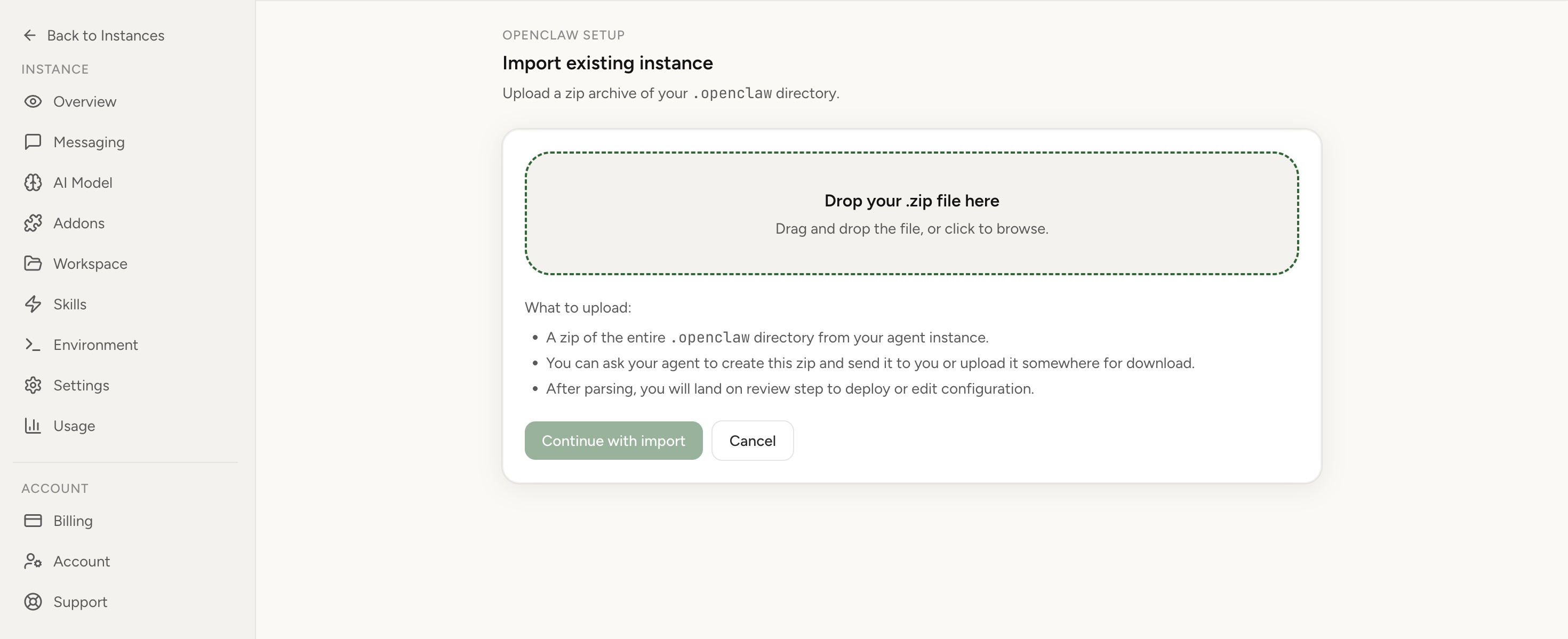
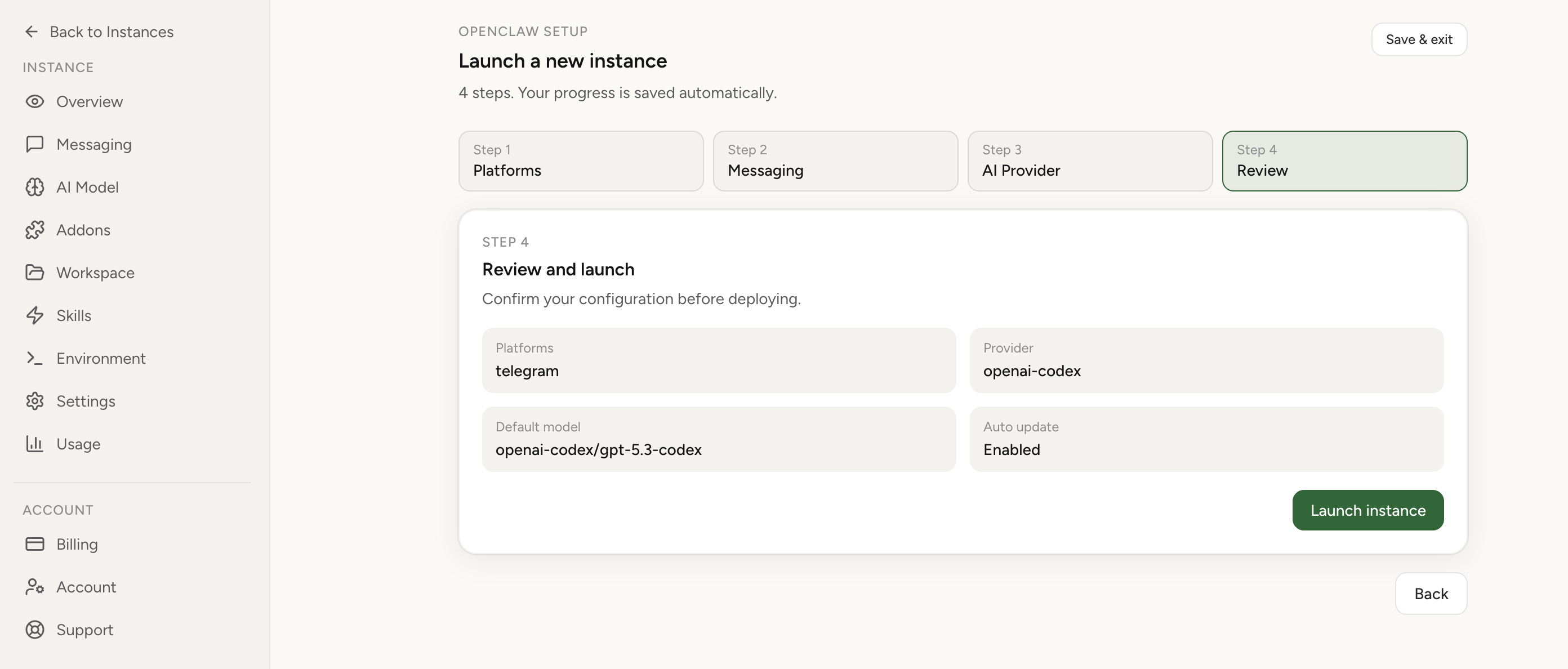
Apply the checklist above and keep self-hosting, or skip the maintenance entirely: run your OpenClaw on managed hosting from $6.90/mo, starting with a 7-day free trial. We handle the stale locks, gateway restarts, version upgrades, and uptime — and you can import your existing instance in a couple of minutes. Cancel anytime.
- Managed hosting handles stale
.jsonl.lockfiles, gateway restarts, and version upgrades for you - Import your existing OpenClaw setup in minutes — keep your channels and configuration
- The optional $199 setup is scoped: no custom development, enterprise/SRE support, or unsupported self-hosting repair
If you would rather compare options first, review OpenClaw cloud hosting or see the best OpenClaw hosting options before deciding.
Related, but not this
- "agent couldn't generate a response" / empty replies — the model returnedempty content (the turn ran), not a turn that failed before content: seeOpenClaw OpenRouter empty replies.
- Tool calls stop mid-run — a turn that starts and then stalls on a tool call, a different failure shape: seeOpenClaw tool calls stop mid-run.
- "Model login expired" and fallbacks that never fire — the cross-provider fallback mechanism behind cause 2's silent-fallback twin: seeOpenClaw "Model login expired" + fallbacks not used.
How managed hosting keeps turns from failing this way
Two of these four causes are things a platform should carry for you. Onmanaged OpenClaw hosting from Lobsterland, upgrades run on pinned, tested image versions — a regression build like the one that broke pre-reply turns doesn't get pushed under you unannounced (cause 4). And the runtime config is regenerated with your cross-provider fallback chain preserved, so a primary model OpenClaw can't drive fails over to a working one instead of stranding the turn or silently swapping models on you (cause 2). A corrupt session still needs a reset — that's a per-conversation fix on any host — but you're not the one babysitting the runtime to get there.
Import your current OpenClaw instance in 1 clickFrequently asked questions
What does "Assistant turn failed before producing content" mean in OpenClaw?
A model turn ended without any assistant content being generated, so OpenClaw wrote a placeholder assistant entry for the failed turn (bracketed as [assistant turn failed before producing content] in the transcript). It's a symptom, not one bug: the usual causes are a corrupted session transcript that loops, an Ollama :cloud model OpenClaw can't drive, an Anthropic model routed through OpenRouter's OpenAI-completions path, or a bad upgrade. Check first whether every turn now fails (a stuck session — reset it) or only some do (a model/routing problem).
Why does every turn keep failing with "messages: at least one message is required"?
Your session transcript is corrupted. When a turn aborts between the user message being persisted and the assistant reply being written, the session file is left with an orphan assistant entry that has no preceding user message. On the next turn the provider rejects the whole request with HTTP 400 LLM request rejected: messages: at least one message is required (log fingerprint failoverReason:format,providerRuntimeFailureKind:schema), and OpenClaw doesn't auto-reset — so you retry forever. The corruption lives on disk in the session file, so restarting the gateway re-reads the same poison. Start a fresh session (/new) instead of restarting.
Why does restarting the gateway not fix it?
For the corrupt-session case the broken transcript is stored in the session file on the instance's data volume, not in memory. A restart reloads the same file and hits the samemessages: at least one message is required rejection on the next turn. You have to reset the session (start a new one, or move the corrupt *.jsonl aside) — a restart alone can't help. Restarting only matters for the upgrade-regression case, and there you want to roll the version back, not just bounce it.
My Ollama cloud model fails but curl works — why?
Some Ollama :cloud models fail specifically under OpenClaw while working via the direct Ollama API. gemini-3-flash-preview:cloud raises the banner;deepseek-v4-pro:cloud silently cascades to the next fallback model instead of erroring. If curl http://localhost:11434/api/generate for the same model returns a response, the model and your quota are fine — it's OpenClaw's response handling for that:cloud model. Switch to a :cloud model known to work in OpenClaw (qwen3.5:cloud or glm-5.1:cloud), and keep a cross-provider fallback configured so a bad primary fails over instead of stranding the turn.
How is this different from "agent couldn't generate a response" / empty replies?
Empty replies mean the model returned an empty completion ("agent couldn't generate a response") — the turn ran, the content was blank. "Assistant turn failed before producing content" means the turn itself failed before any content streamed: a corrupt transcript, a model OpenClaw can't drive, a prefill rejection, or a regression. If you're on OpenRouter and see This model does not support assistant message prefill, that's the routing case here (route Anthropic natively). If replies just come back empty, see theOpenRouter empty-replies fixinstead.