OpenClaw: Agent couldn't generate a response — which cause is yours
⚠️ Agent couldn't generate a response. Please try again. is OpenClaw's generic fallback fora turn that ended with no renderable assistant content. It is a symptom, not a root cause — four different faults print the same line. Read the gateway log first: if it saysincomplete turn detected with payloads=0, the request reached OpenClaw and produced nothing you can see (causes 2–4 below). If instead you see a 404 against the provider endpoint and your provider dashboard shows no usage, the request never arrived — that is the base-URL bug (cause 1).
The four causes at a glance
| Cause | Log tell | Provider usage? | Fix |
|---|---|---|---|
| 1. Wrong OpenRouter base URL written at setup | 404 against the provider endpoint; no incomplete-turn line | None — nothing was billed | Set https://openrouter.ai/api/v1, restart the gateway |
| 2. Provider answered, OpenClaw never surfaced the turn | incomplete turn detected, payloads=0 | Yes — billed, no answer | Reset the session, then compare builds |
3. Isolated cron agentTurn mis-attributes a successful run | payloads=0 alongside non-zero output_tokens | Yes | Check the agent's real output before treating the run as failed |
| 4. Release regression in turn assembly | Completed turns, empty content, zero token usage | Often zero | Roll back to the last build that worked |
Cause 1: OpenClaw wrote an OpenRouter base URL that 404s
If this is a fresh install and the agent has never once replied, start here. OpenClaw issue #69104, opened 2026-04-19 on OpenClaw 2026.4.15, reports that onboarding writes"baseUrl": "https://openrouter.ai/v1" into~/.openclaw/agents/main/agent/models.json. OpenRouter's API path requires /api, so every request 404s and the first Telegram message comes back as the banner. Correct both theopenrouter and arcee provider entries tohttps://openrouter.ai/api/v1 and restart the gateway.
The distinguishing signal is your provider dashboard: cause 1 bills you nothing, because no request ever succeeded. For the full base-URL reference across providers, seethe OpenClaw wrong base URL fix guide.
Cause 3: an isolated cron run reports the banner even though it worked
Scheduled work has its own version of this failure. OpenClaw issue#69360, opened 2026-04-20 on OpenClaw 2026.4.15 (commit 041266a) with google/gemini-3-flash-preview, describes an isolated cron job with an agentTurn payload that logged output_tokens=694 on a run markederror, while the gateway logged incomplete turn detected: payloads=0. The script exited 0 and the agent produced output; only the attribution back to the run failed. It was closed as a duplicate of #40868. The practical rule: before you re-run a “failed” cron, check whether the agent already did the work. This is the same class of trap asOpenClaw cron runs that report false failures from tool warnings — a green task reported red.
- GitHub issue #67575 was opened on 2026-04-16 after OpenClaw sent requests to OpenRouter successfully, OpenRouter billed the calls, but the user saw no reply across CLI, TUI, and Telegram. Logs showed
incomplete turn detectedwithpayloads=0. - GitHub issue #66768 was opened on 2026-04-14 after operators running
ghcr.io/openclaw/openclaw:2026.4.14saw completed assistant turns with empty content and zero token usage, while a downgrade to2026.4.12restored expected behavior. - Across the fleet Lobsterland operates, the reliable lesson is simple: a successful probe is not enough. We treat real end-to-end reply delivery as the acceptance test, because auth, model reachability, and user-visible output can fail in different layers.
Causes 2 and 4: the provider answered but you never saw it
In a normal OpenClaw flow, several things have to work in sequence. The gateway must route the request to the right provider, the provider must return a valid completion, OpenClaw must parse that result into an assistant payload, and the payload must reach the final surface, such as Telegram, the CLI, or the built-in chat. Empty reply incidents often mean the break happened in the middle of that chain, not at the beginning.
That distinction matters. Many operators waste time rotating API keys or rebuilding provider configuration when the upstream request already succeeded. If OpenRouter shows usage and your direct API tests work, you are no longer debugging provider access. You are debugging reply handling, version behavior, transcript state, or a regression in how OpenClaw turns model output into a user-visible message.
How to recognize the empty-turn pattern fast
- OpenRouter usage appears normal, including request count or spend.
- OpenClaw probe commands pass, which creates false confidence.
- The user-facing result is blank or generic, usually “Agent couldn't generate a response.”
- Logs mention incomplete turn or payloads=0.
- The problem reproduces across multiple surfaces, such as CLI plus Telegram, not just one UI.
- A downgrade or older image behaves better, which strongly suggests a release-level regression.
What breaks inside a billed-but-empty turn
A release regression in turn assembly
The cleanest clue in the fresh reports is version sensitivity. Issue #66768 points to 2026.4.14behaving badly while 2026.4.12 works. That does not guarantee every empty reply is caused by the exact same bug, but it does tell you not to assume your local setup is uniquely broken. If a known-good build restores replies, you should treat that as meaningful evidence, not a coincidence.
Valid provider output that OpenClaw fails to surface
The 2026-04-16 report is especially useful because the operator validated the same OpenRouter credentials and model outside OpenClaw with a direct API call. That narrows the problem sharply. The model was not dead. The API key was not invalid. The failure happened after the provider call returned. In practice, that means your investigation should move toward runtime parsing, transcript generation, or response normalization.
Broken session or transcript state
Empty assistant turns often leave behind damaged session evidence: an assistant message with emptycontent, zero usage, or a misleading stop reason. Once that state exists, operators can start debugging the wrong layer. That is why the safest containment step is to test with a fresh session after each change instead of trusting one poisoned transcript to recover itself.
Surface-specific symptoms hiding a deeper routing failure
Telegram, TUI, and CLI can all look slightly different while still sharing the same root cause. One surface may show a generic error, another may appear idle, and another may display a blank turn. Do not assume these are separate incidents. If the same model and runtime produce no usable assistant payload anywhere, treat the issue as a shared execution-path failure until proven otherwise.
Step-by-step diagnostic flow
Step 1: prove whether OpenRouter is really the broken layer
Start with the fastest falsification test. Send a minimal direct request to OpenRouter using the same API key and model family. If that succeeds, stop spending time on auth theory. Your next task is proving where OpenClaw loses the reply.
- Check OpenRouter usage dashboard for matching timestamps.
- Use the same model ID that OpenClaw is configured to use.
- Save the exact provider response for comparison.
Step 2: inspect logs for incomplete-turn clues
Follow OpenClaw logs during a fresh reproduction. The signal you want is not just “an error happened.” You are looking for lines showing a completed stop reason but zero payloads, incomplete turns, or empty assistant content. Those clues separate this incident from ordinary timeout or auth failures.
Step 3: inspect the session transcript, not just the console
If a session transcript contains an assistant object with empty content and zero token usage, that is strong evidence that the model response never became a usable output. At that point the user-facing surface is only reporting the last stage of the failure. The transcript tells you where the execution really stopped.
Step 4: compare one fresh session on the current build and one on a known-good build
Version comparison is the fastest way to decide whether you are dealing with local misconfiguration or a fresh regression. If a downgraded image or earlier package release restores normal replies using the same provider and the same prompt, document that before you change anything else.
Step 5: isolate the surface
Reproduce in two places, not one. If CLI and Telegram both fail the same way, your problem is almost never a Telegram formatting issue. If one surface works and another fails, then you can narrow the incident to the delivery layer. This saves a lot of useless channel-level debugging.
Practical containment steps that actually help
Use a temporary known-good version
When a fresh release turns working prompts into empty replies, the business-safe move is containment, not stubbornness. Pin to the last version that passes a real end-to-end reply test. This is especially important if OpenClaw is driving customer-facing or operationally important workflows.
Reset the test session between changes
Do not keep reusing the same session transcript while you change versions, models, or provider settings. A fresh session gives you cleaner evidence and avoids misreading leftover broken state as a live failure.
Keep your test prompt boring
Use a minimal prompt like “say hello” during incident work. Complex tool-using prompts create more branches and make logs harder to compare. Your first goal is not to prove all capabilities. It is to prove that a plain assistant reply can survive the full execution path.
Document model, version, and surface together
Empty-turn bugs are easy to report badly. Always capture the exact OpenClaw version, install method, model ID, provider chain, and which surfaces failed. That level of detail made the fresh GitHub reports valuable. Vague “OpenRouter is broken” reports do not.
Stop babysitting your OpenClaw box
Fix it once — or stop fixing it for good.
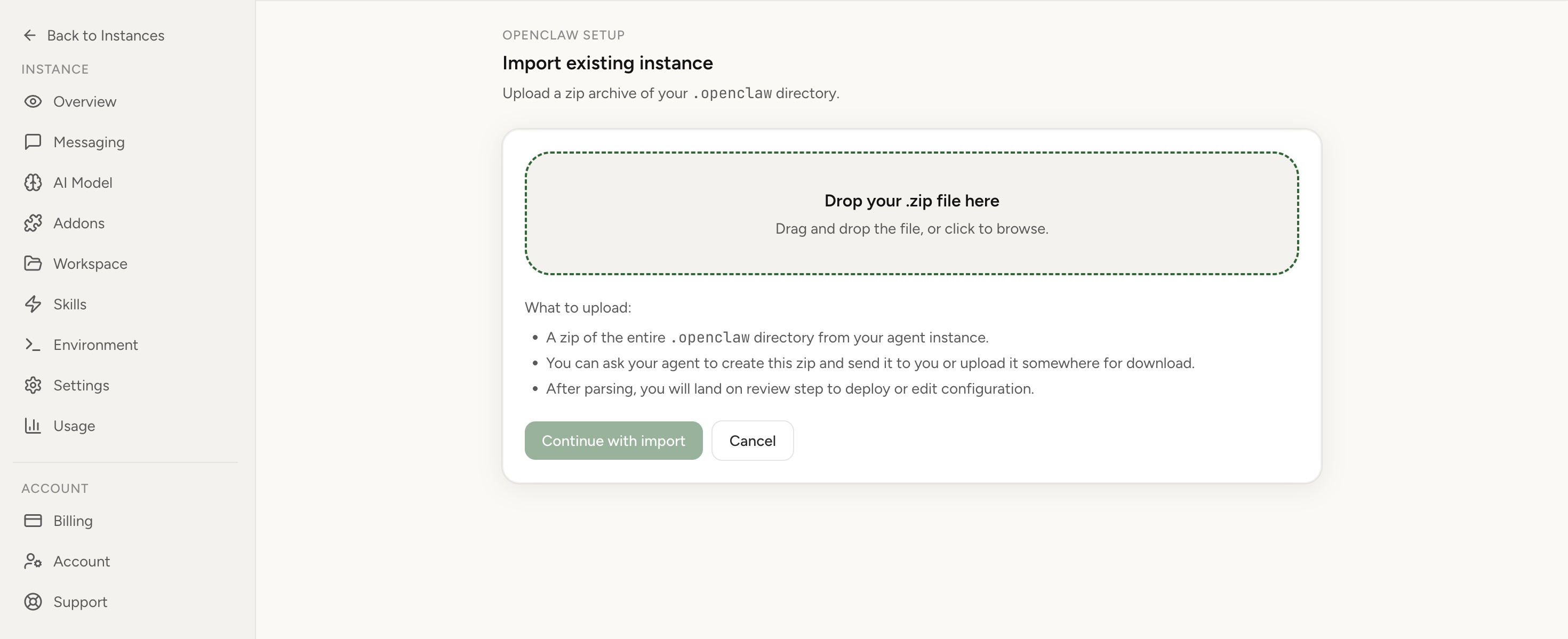
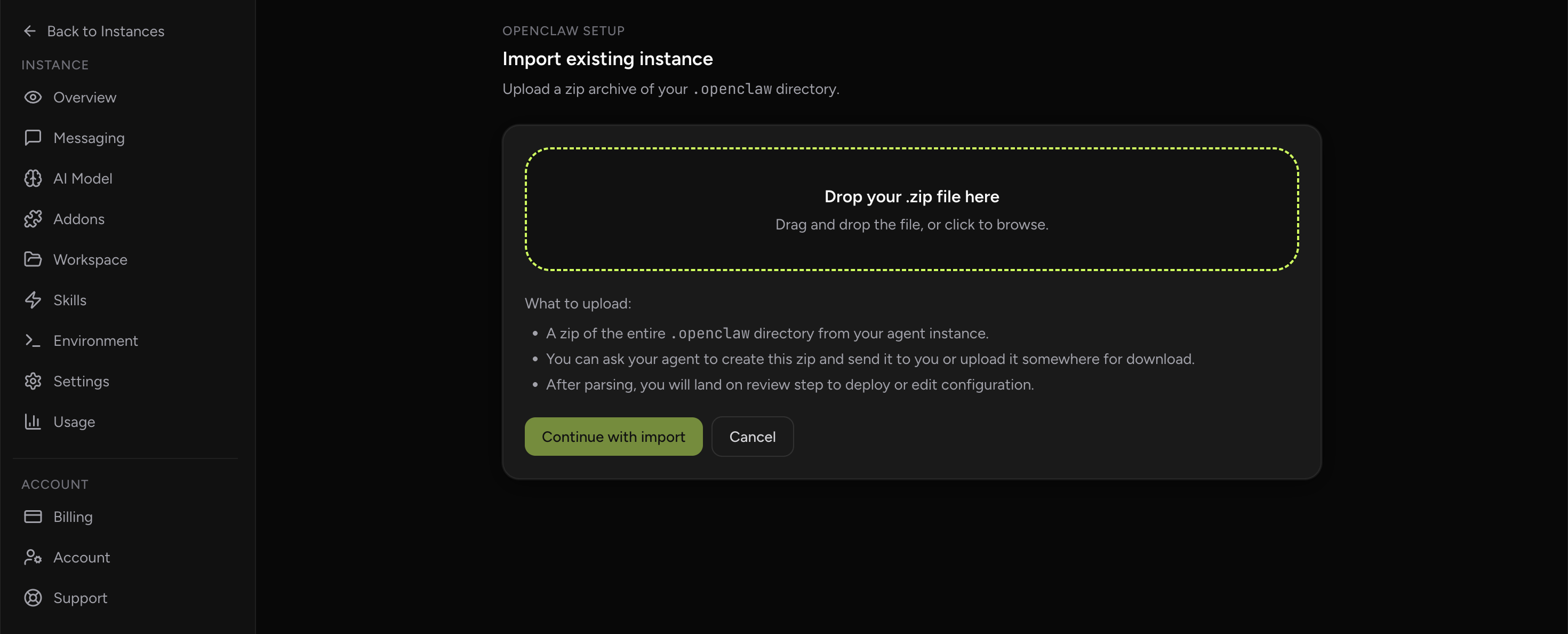
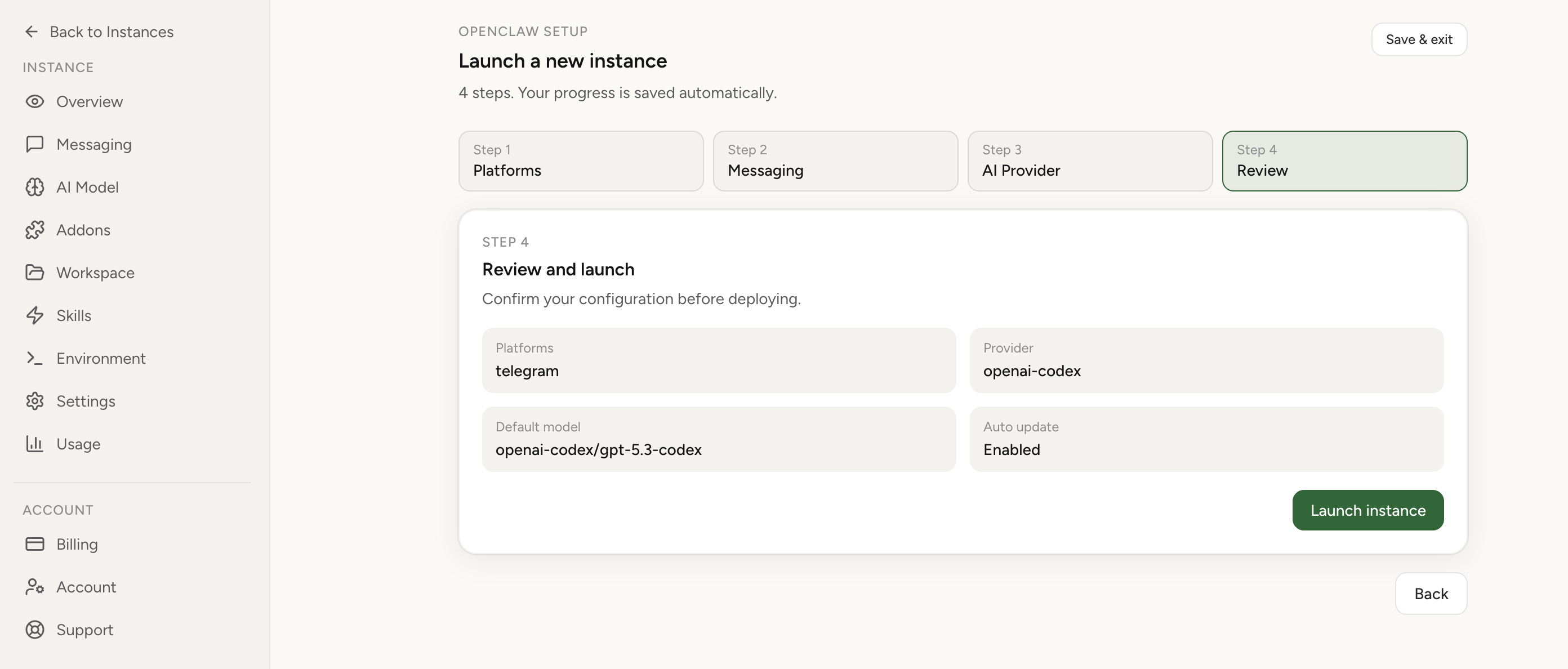
Apply the checklist above and keep self-hosting, or skip the maintenance entirely: run your OpenClaw on managed hosting from $6.90/mo, starting with a 7-day free trial. We handle the stale locks, gateway restarts, version upgrades, and uptime — and you can import your existing instance in a couple of minutes. Cancel anytime.
- Managed hosting handles stale
.jsonl.lockfiles, gateway restarts, and version upgrades for you - Import your existing OpenClaw setup in minutes — keep your channels and configuration
- The optional $199 setup is scoped: no custom development, enterprise/SRE support, or unsupported self-hosting repair
If you would rather compare options first, review OpenClaw cloud hosting or see the best OpenClaw hosting options before deciding.
How to verify the incident is actually closed
- Run the same short prompt in a fresh session on the target version.
- Confirm the visible reply contains real assistant text.
- Check the transcript for non-empty assistant content and non-zero usage where expected.
- Repeat on a second surface such as Telegram or built-in chat.
- Watch one production workflow long enough to ensure the fix survives real traffic, not just one test turn.
Typical mistakes that slow recovery
- Treating a successful probe as proof that the user-visible reply path is healthy.
- Rotating API keys before checking whether OpenRouter already processed the request.
- Reusing the same broken session transcript after every config change.
- Testing only Telegram and assuming the model itself is broken.
- Upgrading repeatedly during an active incident without documenting which build last worked.
When managed hosting becomes the rational next step
Not every OpenClaw deployment needs managed hosting. But this incident pattern is a good test of your current tolerance for runtime drift. If critical workflows can silently fail while still consuming model spend, and if your team keeps losing time to version archaeology, the real cost is no longer just infrastructure. It is the decision tax of constantly re-proving that the stack is trustworthy.
If that sounds familiar, compare your current setup againstmanaged versus self-hosted tradeoffs, reviewOpenClaw cloud hosting, or import the instance you already run instead of rebuilding the same fragile path again.
FAQ
What does “Agent couldn't generate a response” mean in OpenClaw?
It is OpenClaw's generic fallback when a turn ends with no renderable assistant content. It is a symptom, not a root cause: four different faults print it. The gateway log separates them — incomplete turn detected with payloads=0 means the request reached OpenClaw and produced nothing you can see, while a 404 against the provider endpoint means it never arrived.
Why does a fresh OpenClaw install with OpenRouter always say the agent couldn't generate a response?
Because onboarding can write an incomplete OpenRouter endpoint —https://openrouter.ai/v1 instead of https://openrouter.ai/api/v1 — so every request 404s (issue #69104, 2026-04-19, OpenClaw 2026.4.15). The tell is that OpenRouter shows no usage at all. Fix the base URL and restart the gateway.
Why does my OpenClaw cron job report the error when the run actually succeeded?
Isolated cron jobs with an agentTurn payload can report the banner despite a successful run — issue #69360 loggedoutput_tokens=694 on a run marked error. The work happened; only the attribution back to the run failed. Check the agent's own output before re-running it.
Can this happen only with OpenRouter?
No. Only cause 1 is OpenRouter-specific. The general pattern is “provider call succeeds, user-visible reply fails,” and it has been reported against Google Gemini routing too. If you are seeing a different banner —assistant turn failed before producing content — that is a separate failure with its own causes.
Should I switch models first or switch versions first?
Switch versions first if you already suspect a release regression. Model hopping without a version comparison creates noise and often hides the real fault line.
Does a fresh install guarantee a clean test?
No. One of the fresh reports came from a clean setup, which is exactly why version-level investigation mattered. A fresh install only removes some local drift. It does not protect you from a bad release.