OpenClaw cron false failures: when tool warnings hide a successful run
A scheduled OpenClaw job can do the right work, produce the right final answer, and still look failed if a trailing tool warning wins over the assistant's final output. That is not just a cosmetic problem. It can make operators rerun jobs that already completed, ignore useful reports, or distrust scheduled automation that is actually healthy.
This guide explains how to diagnose the difference between a real cron failure and a false failure caused by diagnostic warnings, how to verify the work before rerunning it, and how to harden scheduled jobs so warnings stay useful without replacing the result the user needed.
OpenClaw Setup's May Search Console exports showed recurring demand around cron setup, cron jobs, cron models, cron scheduling, and dashboard cron management. In managed operations, the risky pattern is consistent: the scheduler record is often the first thing users inspect, but the real truth is split across final output, diagnostics, target-side effects, and run metadata. OpenClaw's May 21 release also patched cron behavior so successful scheduled runs keep their preferred final assistant output when trailing tool warnings remain in diagnostics.
The symptom
The obvious symptom is a scheduled run that appears failed even though the requested work seems to have happened. A report may be written. A message may be delivered. A file may be updated. A deployment check may complete. But the cron UI, CLI, or log summary shows a failed state, often with a tool warning at the end of the transcript.
This differs from a normal failed run. In a normal failure, the task does not reach its intended result: the command errors, the provider times out, the browser action cannot attach, the webhook rejects the request, or the agent exits before producing useful work. In a false failure, the useful work is present, but the run summary is polluted by warning text that should have remained diagnostic.
Why it happens
OpenClaw cron runs have more than one layer of output. There is the assistant's final answer. There are tool results. There are diagnostics. There is scheduler metadata such as duration, status, next run time, and consecutive error count. There may also be a delivery layer, such as Telegram, Slack, WhatsApp, built-in chat, or a file written to the workspace.
When those layers are merged incorrectly, a warning emitted after useful work can be treated like the run's main result. The warning may be real and worth keeping. For example, a tool may report a non-critical cleanup issue or a post-processing warning after the main task is complete. The bug is not that the warning exists. The bug is letting that warning replace the final assistant output or force a failed job state when the scheduled work succeeded.
The May 21 OpenClaw release notes call out this class directly: cron now preserves successful final output while keeping recovered tool warnings diagnostic. That is the right boundary. Warnings should help you investigate. They should not erase the user's result.
First decision: did the job actually complete?
Before changing configuration or pressing rerun, answer one question: did the scheduled job complete the thing it was supposed to do? Do not infer that from the red status alone. Check the task's real target.
- For report jobs: open the generated report, check its timestamp, and confirm it contains current data.
- For message jobs: check whether the intended channel received one complete message, not a duplicate or partial warning.
- For repository jobs: inspect the git diff, commit, or file output the task was expected to create.
- For infrastructure jobs: verify the deployment, health endpoint, or runtime state the job was supposed to change.
- For browser jobs: confirm the final page state or exported artifact, not only the screenshot warning.
If the target-side result is missing, treat the run as a real failure. If the result is present and the only failure evidence is a trailing warning, continue with false-failure diagnostics.
Diagnostics checklist
- Find the final assistant output. Look for the last user-facing answer before diagnostics or tool cleanup text. A healthy run should have a clear result summary.
- Separate warnings from work output. Identify whether the warning came from the task itself or from post-task diagnostics.
- Check run metadata. Compare duration, last run status, consecutive error count, and next scheduled run time. A false failure often has a normal duration and a valid next schedule.
- Inspect delivery. If a channel received the warning instead of the final answer, you have a delivery-output selection problem, not necessarily a task execution problem.
- Review recent upgrades. If the behavior started after an OpenClaw upgrade, compare cron-related release notes and confirm the runtime actually restarted into the expected build.
- Test a safe job. Use a harmless cron job that writes a timestamped line or sends a private test message. This avoids duplicating real production work while you test the output path.
Step-by-step fix
Start with containment, then repair the runtime behavior. The goal is to avoid duplicate work while restoring trustworthy cron status.
- Pause risky reruns. If the job sends messages, changes production state, or writes to customer-visible systems, do not rerun it until you know whether it already completed.
- Capture the run record. Save the final answer, warning text, duration, status, and target-side evidence. You need this before logs rotate or the next run overwrites the state.
- Classify the warning. If it describes failed core work, fix the underlying task. If it appears after the final answer and the target result exists, classify it as diagnostic noise.
- Update OpenClaw. Move to a build that keeps successful final cron output while retaining tool warnings as diagnostics. After updating, restart the runtime so the scheduler path is actually using the new code.
- Run a low-risk verification job. Confirm that the final answer is delivered and the warning no longer replaces it.
- Resume the original job. Let the next scheduled run execute normally, then compare status, output, and target-side result.
Stop babysitting your OpenClaw box
Fix it once — or stop fixing it for good.
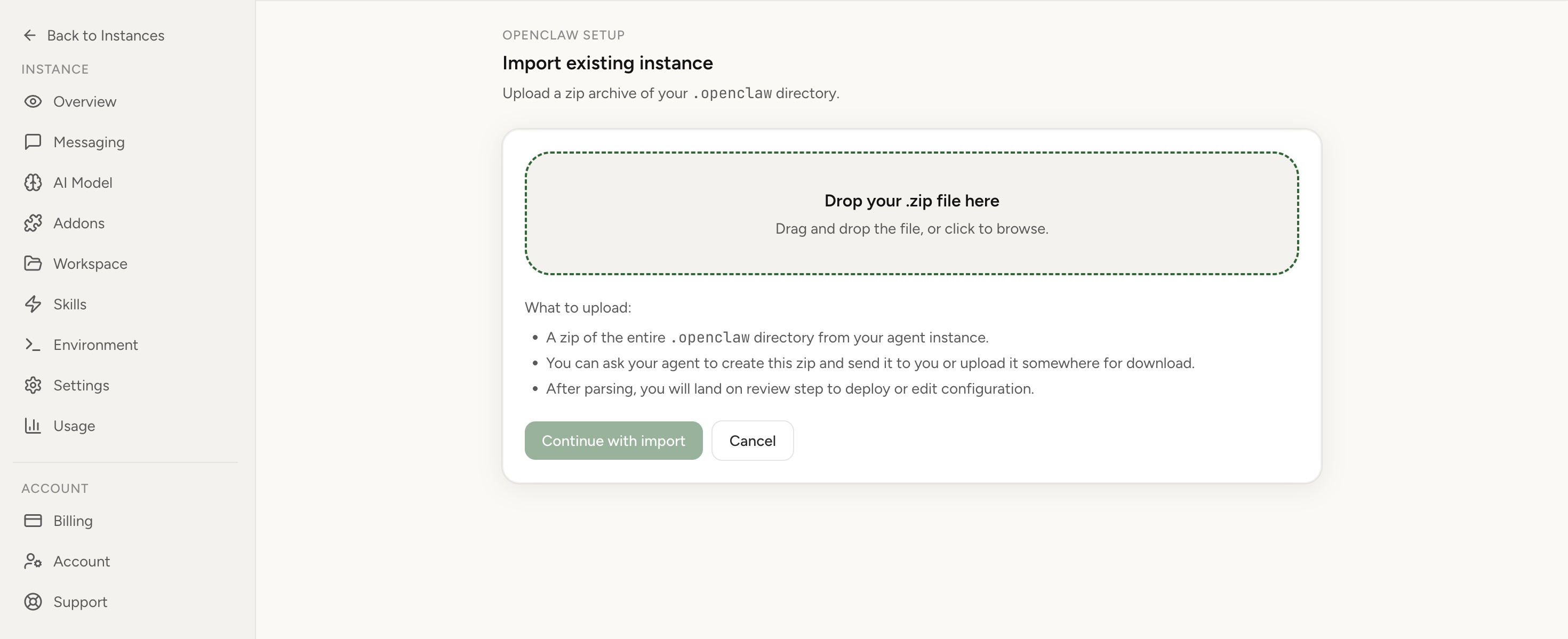
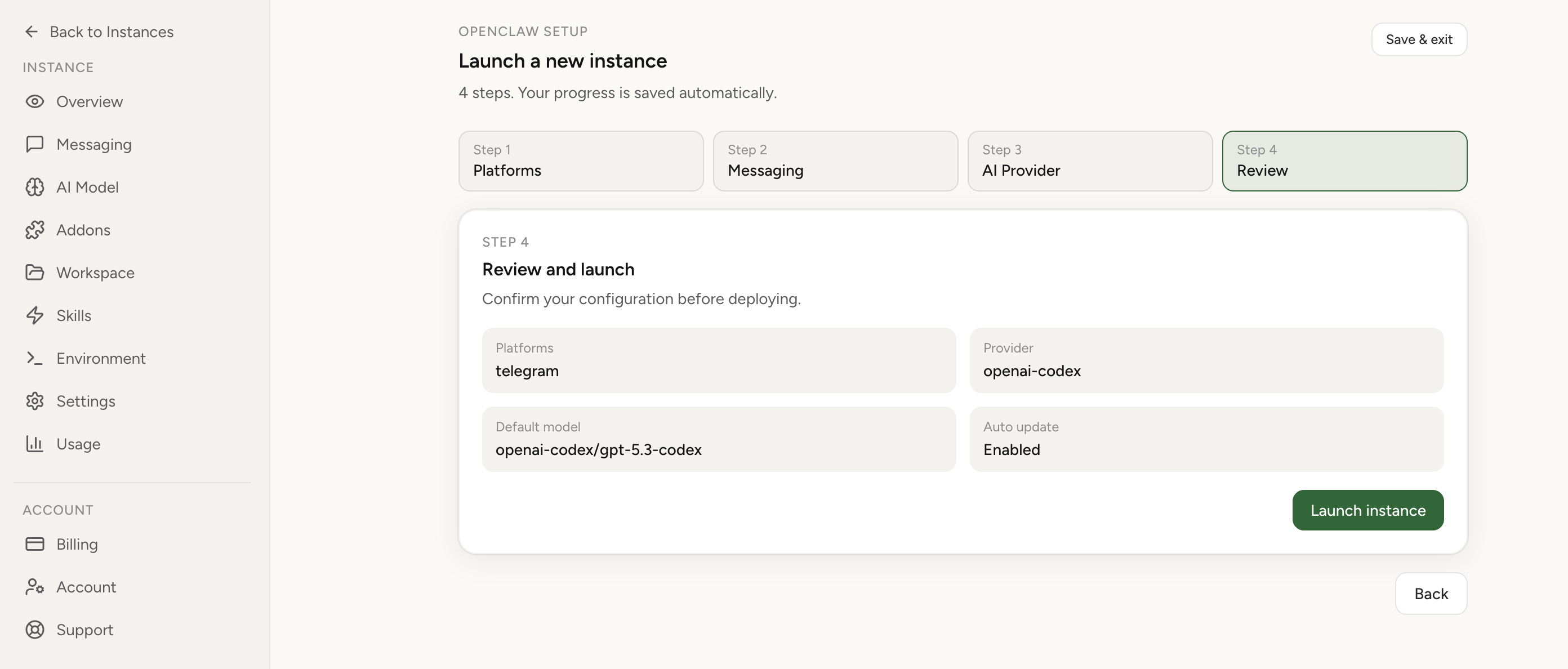
Apply the checklist above and keep self-hosting, or skip the maintenance entirely: run your OpenClaw on managed hosting from $6.90/mo, starting with a 7-day free trial. We handle the stale locks, gateway restarts, version upgrades, and uptime — and you can import your existing instance in a couple of minutes. Cancel anytime.
- Managed hosting handles stale
.jsonl.lockfiles, gateway restarts, and version upgrades for you - Import your existing OpenClaw setup in minutes — keep your channels and configuration
- The optional $199 setup is scoped: no custom development, enterprise/SRE support, or unsupported self-hosting repair
If you would rather compare options first, review OpenClaw cloud hosting or see the best OpenClaw hosting options before deciding.
How to make cron jobs safer against false failures
Some prevention is about the runtime. Some is about job design. A cron job that produces a clear, idempotent result is easier to diagnose when the scheduler summary is ambiguous.
- Make the expected result explicit. The prompt should say what output counts as success: a file path, a message, a report, a commit, or a health state.
- Write verification into the job. Ask the agent to verify the target-side result before it reports completion.
- Prefer idempotent actions. A rerun should update the same report or replace the same artifact, not create uncontrolled duplicates.
- Keep delivery separate from diagnostics. User-facing channels should receive the final answer. Logs and diagnostics can carry warnings.
- Use unique run markers. Include timestamps or run IDs in artifacts so you can tell which run produced which result.
- Track consecutive errors carefully. A false failure can inflate error counts and trigger unnecessary maintenance if you do not reset or verify state after repair.
Typical mistakes
- Rerunning before checking the target. This is how teams create duplicate notifications, duplicate tickets, and conflicting state.
- Deleting the cron job too early. If the scheduler record is your only evidence, deleting it removes the context needed to diagnose the output selection problem.
- Assuming every warning is harmless. Some warnings point to real partial failures. Confirm the actual result before ignoring them.
- Testing only with manual runs. Manual run and scheduled run paths can differ. Prove both when the bug involves cron delivery or status.
- Using chat history as the source of truth. For recurring work, durable artifacts, logs, and explicit run markers are more reliable than a long conversation transcript.
Edge cases
The final answer is correct, but the channel received only a warning
Treat this as a delivery selection failure. The job may be healthy, but the wrong output was sent to the user. Update the runtime, then run a private test job that intentionally emits a harmless warning after a final answer. The channel should receive the final answer, while the warning remains available in diagnostics.
The job status is ok, but the result is missing
That is the inverse problem. Do not accept the green status. Check whether the prompt asked for verification and whether the target system actually changed. A status can only be trusted when it agrees with the artifact or side effect the job was supposed to produce.
The job is old and uses a legacy cron store
The same release window included cron fixes around legacy job stores and cron lookup pagination. If older jobs disappear, show as empty, or hang when inspected, handle that separately before judging false failures. First prove the scheduler can load the job correctly. Then test output behavior.
Verification after the fix
Use a short acceptance test before trusting production schedules again:
- A safe forced cron run completes and returns a clear final assistant output.
- Any trailing tool warning appears only as diagnostic information.
- The intended channel receives the final answer, not the warning text.
- The target artifact or side effect exists and includes a current run marker.
- The job metadata shows a healthy last run and a valid next run time.
- The next scheduled run completes through the scheduler path without duplicate work.
Where managed hosting helps
Cron bugs are easier to handle when the runtime, dashboard, logs, and import path are designed for operations instead of ad hoc server maintenance. With OpenClaw cloud hosting, you can keep scheduled agents available without turning every cron incident into a server debugging session. If you are comparing self-hosting with a managed runtime, start with the managed vs self-hosted comparison. If you already have a working local instance, use OpenClaw Setup to move the runtime without rebuilding from scratch.
FAQ
Is a cron false failure safe to ignore?
Not until you verify the target result. If the final report, message, file, or deployment state is correct, you can treat the warning as diagnostic while you repair status and delivery behavior. If the target result is missing, it is a real failure.
Should I disable warnings?
No. Warnings are useful. The fix is to keep warnings in diagnostics while preserving the successful final output. Removing warnings entirely makes future incidents harder to debug.
What is the safest test job?
Use a private job that writes a timestamped line to a test file or sends a private message to the owner. It should be harmless to rerun and easy to verify without touching production workflows.
Can this happen with Telegram, Slack, or WhatsApp delivery?
Yes. Any delivery path can expose the problem if it selects diagnostic text instead of the final answer. Verify both the run record and the channel output after the fix.
When should I import the instance instead of patching it locally?
Import the instance when cron reliability problems keep returning, when you do not have a clean upgrade path, or when server maintenance is taking more time than the scheduled work is worth. The import flow lets you keep useful context while moving the runtime into managed hosting.