OpenClaw cron sessions: fix context-window failures before they break scheduled work
A reliable OpenClaw cron job should wake up, read the current state, do the work, verify the result, and exit cleanly. If the job fails before the first meaningful command runs, the problem is often not the schedule itself. The cron run may be carrying too much session history, too many tool descriptions, or a giant embedded runbook into every scheduled turn.
The practical fix is to move recurring jobs away from long-lived chat history and toward short, isolated launchers. Put durable instructions in repository files, logs, or state documents. Keep the cron payload small. Then verify the next scheduled run against the previous failure mode instead of assuming the scheduler is healthy because the job exists.
In one production-style OpenClaw operation, an hourly scheduled job had an enabled schedule and a valid task, but the last 10 scheduled attempts failed before strategy execution because the run reused a persistent session with accumulated history and a very large embedded prompt. The repair changed the job to an isolated session target and replaced the oversized prompt with a short launcher that told the agent to read the repository runbooks. A forced verification run completed successfully in about six minutes, reset consecutive errors to zero, and the following scheduled run completed normally.
The symptom: cron is enabled but nothing useful happens
Context-window failures are frustrating because they do not look like normal application bugs. The schedule can be enabled. The next run time can be valid. The model provider can be reachable. The workspace can be healthy. Yet the run collapses before it reads the files, checks the system, or applies the decision it was scheduled to make.
The common smell is a sequence of failed scheduled runs with very short useful output. You may see compacting failures, remote context errors, silent early exits, or a run that never reaches the first diagnostic command. If you inspect the job definition and find a long pasted operating manual, or a persistent session key that has been reused for days, you have a strong lead.
Why long-lived cron sessions fail
Interactive chat and scheduled automation have different constraints. A human conversation benefits from prior context because you may be refining an idea over many turns. A recurring operational job usually benefits from a clean start because it should recompute the truth from durable sources. When a cron job reuses a persistent session, every new run inherits more transcript weight. When the prompt also embeds a long protocol, the job starts with a heavy context load before it has done any work.
That design eventually fails in three ways. First, old conversation history competes with current state. Second, the prompt becomes expensive and brittle because every policy update requires editing the cron payload. Third, the model can hit context limits before it reaches the actual task. The result is a job that looks configured but cannot reliably execute.
The safer pattern: short launcher, durable runbook
A recurring OpenClaw cron job should be shaped like a launcher, not a full operating manual. The launcher can say what role to assume, which repository or workspace to enter, which runbook files to read, which checks are mandatory, and what final state is allowed. The detailed procedure belongs in files that version control, tests, and future reviews can inspect.
For example, a strong launcher can be only a few lines: enter the target repo, read the operational guide, run the required health checks, make only bounded changes, verify the final state, and report the result. That is enough if the repository contains the real instructions. It is also easier to audit than a huge pasted prompt hidden inside a scheduler record.
Step-by-step fix
- Inspect the job definition. Check whether the cron job uses a persistent session key, a long prompt, or both. If the prompt contains pages of policy, treat that as a reliability risk.
- Move durable procedure into files. Put runbooks, invariants, and verification requirements in the repository or workspace where the job operates. Keep them versioned.
- Switch recurring runs to isolated sessions. For recurring operational jobs, prefer an isolated session target so each run starts clean and reads current evidence from files instead of inherited chat history.
- Replace the large prompt with a launcher. The launcher should name the task, the files to read, the allowed action boundary, and the required verification gate.
- Force one run immediately. Do not wait for the next schedule. Run it once and watch whether it passes the old failure point.
- Verify the next scheduled run. A forced run proves the new shape can start. The next real scheduled run proves the cron path is healthy.
Diagnostics to run before changing anything
- Confirm the cron job is enabled and has a valid next run time.
- Check the last successful run time and compare it with the first failing run.
- Review consecutive error counts and failure durations.
- Inspect whether the job targets a persistent session or a fresh isolated session.
- Measure the size of the cron prompt and look for pasted runbooks or repeated examples.
- Check whether the job reaches the first workspace command. If it fails before that, context or model startup is more likely than application logic.
What to keep in the cron prompt
Keep only the parts that must be visible before the agent reads files. A good cron prompt names the goal, the working directory, the evidence sources, the allowed risk boundary, and the final reporting requirement. It should not carry every troubleshooting branch. It should not paste entire docs. It should not duplicate code comments or long policy documents already available in the repo.
A useful rule: if a sentence is stable enough to reuse next week, it probably belongs in a runbook. If it is specific to this scheduled run, it can live in the cron launcher. This split makes the job easier to update and keeps every run from paying the context cost of old instructions.
Common mistakes
- Restarting the scheduler without shrinking the payload. A restart may clear a single stuck run, but it does not fix an oversized cron design.
- Keeping a persistent session for operational continuity. Continuity should live in files and logs when the task is recurring and stateful.
- Pasting the full protocol into every job. This makes the cron record hard to review and eventually pushes the job toward context failure.
- Trusting one forced run only. Verify the next scheduled run too, because scheduler timing and manual run paths can differ.
- Skipping final clean-state checks. A cron job that fixes one issue but leaves the workspace dirty can create tomorrow's failure.
Stop babysitting your OpenClaw box
Fix it once — or stop fixing it for good.
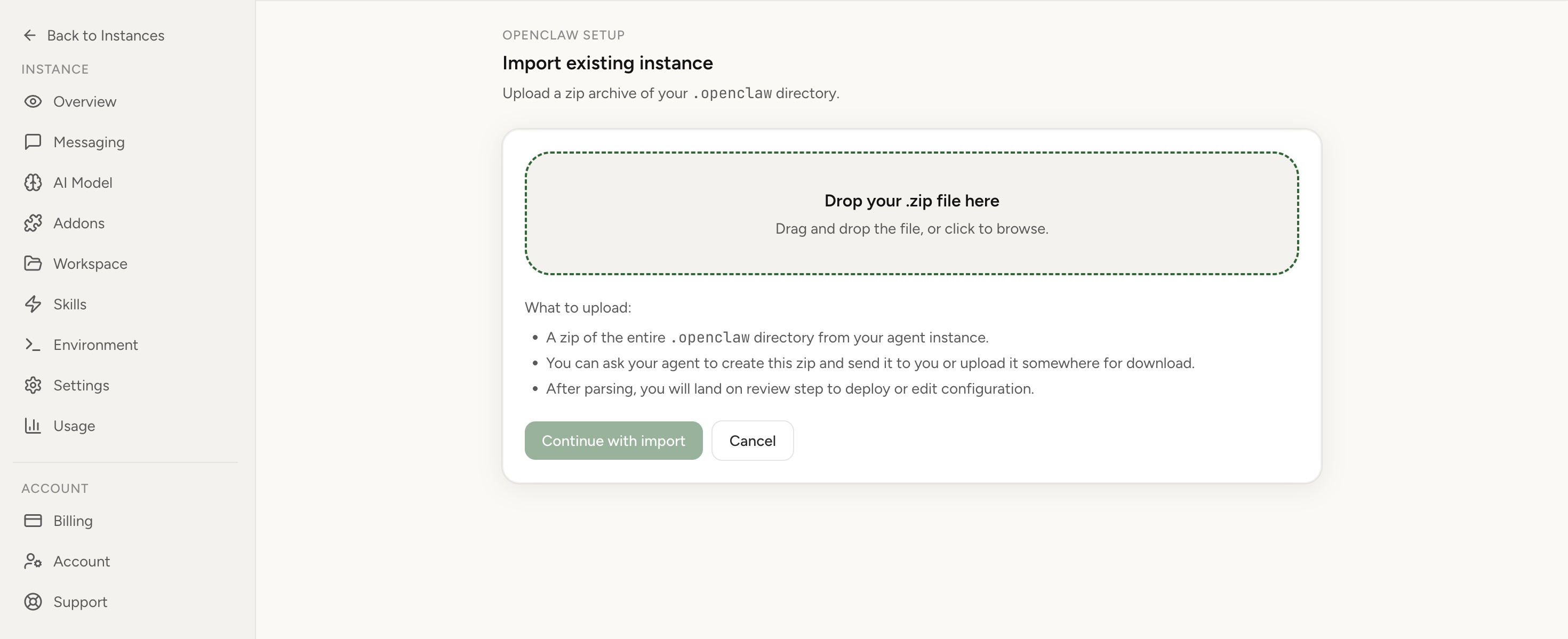
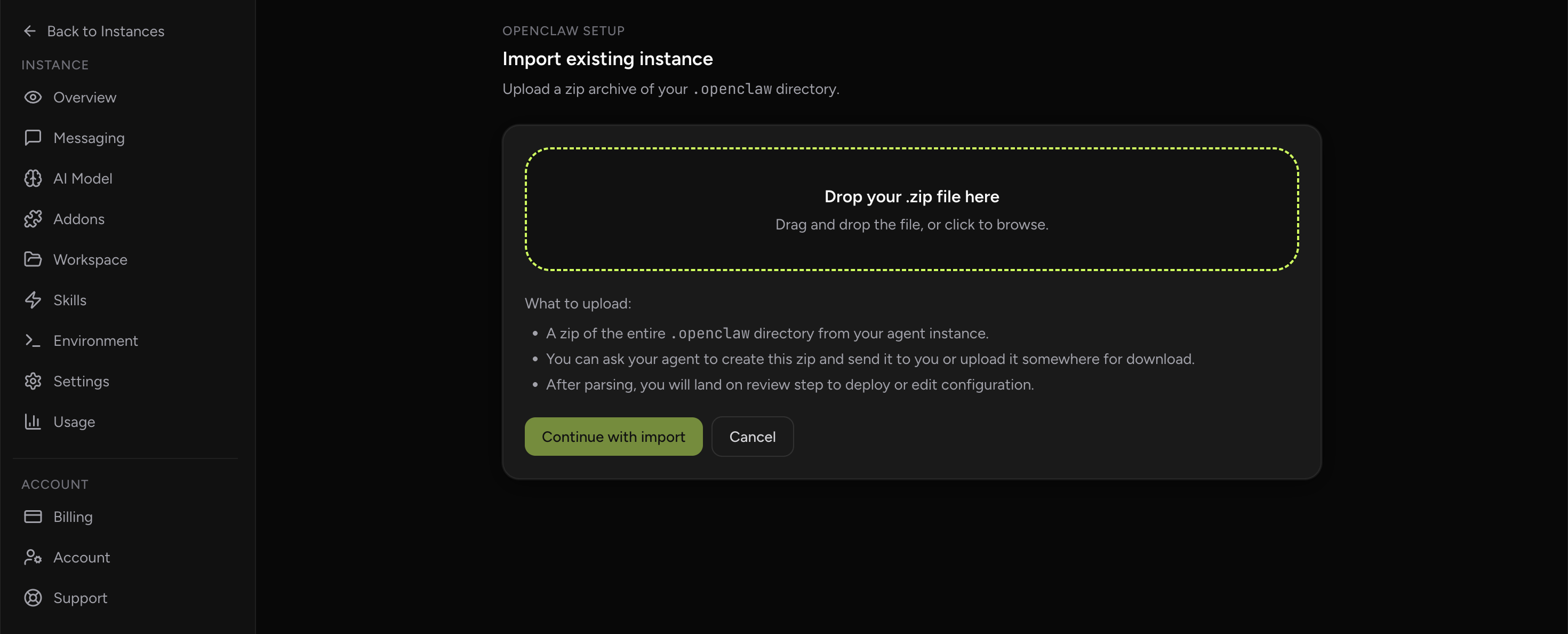
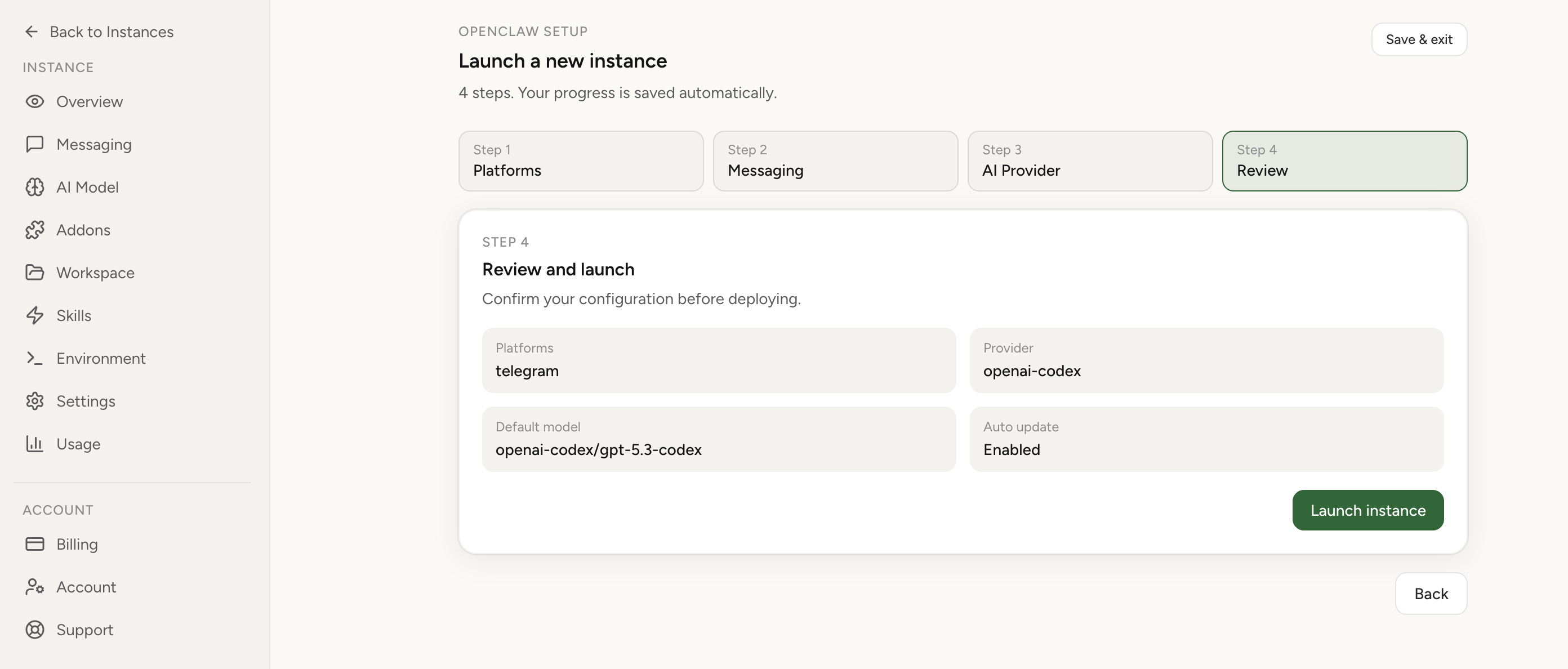
Apply the checklist above and keep self-hosting, or skip the maintenance entirely: run your OpenClaw on managed hosting from $6.90/mo, starting with a 7-day free trial. We handle the stale locks, gateway restarts, version upgrades, and uptime — and you can import your existing instance in a couple of minutes. Cancel anytime.
- Managed hosting handles stale
.jsonl.lockfiles, gateway restarts, and version upgrades for you - Import your existing OpenClaw setup in minutes — keep your channels and configuration
- The optional $199 setup is scoped: no custom development, enterprise/SRE support, or unsupported self-hosting repair
If you would rather compare options first, review OpenClaw cloud hosting or see the best OpenClaw hosting options before deciding.
How this differs from token-waste problems
Context-window failures and token waste are related, but they are not the same bug. A token-waste problem means the job runs but uses more context than necessary, often because workspace bootstrap files or tool descriptions are injected when they are not needed. A context-window failure means the job may not run at all because it starts too heavy. If your run completes and costs too much, see the light-context guidance. If your run fails before useful work starts, fix the session and launcher shape first.
Verification checklist
- The cron prompt is short enough to review in one screen.
- The detailed procedure lives in versioned files.
- The job uses an isolated session unless persistent conversation is truly required.
- A forced run completes past the previous context failure point.
- The next scheduled run completes successfully.
- Consecutive errors return to zero.
- The final workspace status is clean or contains only intended committed changes.
FAQ
Should every OpenClaw cron job be isolated?
No. Some jobs intentionally continue a conversation. But most recurring production jobs should recompute state from durable sources. If the job is a report, audit, sync, backup, crawler, or operational repair loop, isolation is usually the more reliable default.
What if the job needs memory?
Use explicit memory files, logs, databases, or repository state. That gives you continuity without making the scheduler depend on a growing chat transcript.
Can OpenClaw Setup help if my self-hosted cron keeps failing?
Yes, especially when failures are tied to runtime availability, opaque scheduler state, or repeated recovery work. You can compare managed and self-hosted operations on the comparison page, review OpenClaw cloud hosting, or start from OpenClaw Setup when you are ready to move the operational burden out of your laptop or VPS.
What is the most relevant next step?
For this issue, the most relevant next step is OpenClaw cloud hosting. The problem is operational reliability: keeping scheduled agents online, observable, and recoverable. When you are ready to move, open the OpenClaw Setup dashboard and import the current instance instead of rebuilding it by hand.