Google Remy vs OpenClaw: what to compare before you pick an always-on assistant
Fast answer: Remy is reported as an internal Google assistant project, while OpenClaw and Lobsterland are available operating paths now. If you need a persistent assistant this week, compare concrete runtime needs instead of waiting for a product whose public launch, pricing, controls, and availability are not yet settled.
Business Insider and ITPro have reported on Remy as a Google effort to move Gemini toward a more action-taking, personal assistant model. That is important market evidence, but it should not be read as a public product checklist. The practical question is whether you need a Google-native assistant later or an inspectable hosted OpenClaw workspace now.
The comparison that matters
| Dimension | Remy-style assistant | Hosted OpenClaw |
|---|---|---|
| Availability | Reported internal testing, with public details still uncertain. | Available now through a managed Lobsterland instance. |
| Ecosystem | Likely strongest in Google account and Gemini-native workflows. | Useful across chat channels, browser work, files, providers, skills, and cron. |
| Workspace state | Expected to be vendor-managed inside Google's product boundary. | A persistent OpenClaw workspace you can inspect, import, back up, and operate. |
| Provider choice | Likely tied to Google's model and account stack. | Designed for model-provider configuration around the OpenClaw runtime. |
When waiting for Remy makes sense
Waiting can be rational if your assistant strategy is explicitly Google-native. If your team lives in Gmail, Calendar, Drive, Docs, Sheets, and Gemini, a future Google assistant may eventually have better native context and policy alignment than an outside runtime. The tradeoff is timing: until Google publishes availability, admin controls, pricing, data-handling terms, and integration scope, you cannot build a production operating cadence on Remy.
When hosted OpenClaw makes sense
Hosted OpenClaw is the more concrete choice when you need an assistant to run now, stay online, work from channels outside a single vendor suite, use browser tools, keep a persistent workspace, and run scheduled jobs. Lobsterland exists because many useful assistants fail for boring operational reasons: sleeping laptops, broken updates, missing browser state, weak restart discipline, scattered provider secrets, and no clear owner for recovery.
- Use hosted OpenClaw when the assistant must run from Telegram, Slack, browser workflows, or a product dashboard.
- Use hosted OpenClaw when you need cron, files, workspace memory, skills, and provider configuration in one managed environment.
- Use hosted OpenClaw when the team wants to prove assistant workflows now, then later decide whether a suite-native assistant replaces part of the workload.
Always-on assistant checklist
- Availability: can the product be used by your team today, or is it still reported or preview-only?
- Channels: does the assistant meet users where work actually happens?
- Memory and state: can you inspect, recover, and move the workspace if needed?
- Tools: can it use browser, files, scheduled tasks, and custom integrations safely?
- Admin controls: can you limit secrets, high-risk actions, users, and external sharing?
- Cost visibility: can you see provider usage before a routine runs every day?
- Exit path: can you migrate if the vendor roadmap, pricing, or policy changes?
A practical recommendation
Do not frame this as a permanent either-or decision. Use hosted OpenClaw as a proving ground when you need concrete workflows now. If a future Google assistant becomes available and fits your governance model, move the Google-native portion of the work there. Keep cross-tool operations, custom workflows, and portable state in a runtime you can inspect.
Useful next steps
- Always-on AI agent for Telegram and Slack
- Managed OpenClaw hosting
- Lobsterland features
- No-install OpenClaw alternatives
- OpenClaw mobile control checklist
- Resume AI agent sessions across devices
Stop babysitting your OpenClaw box
Fix it once — or stop fixing it for good.
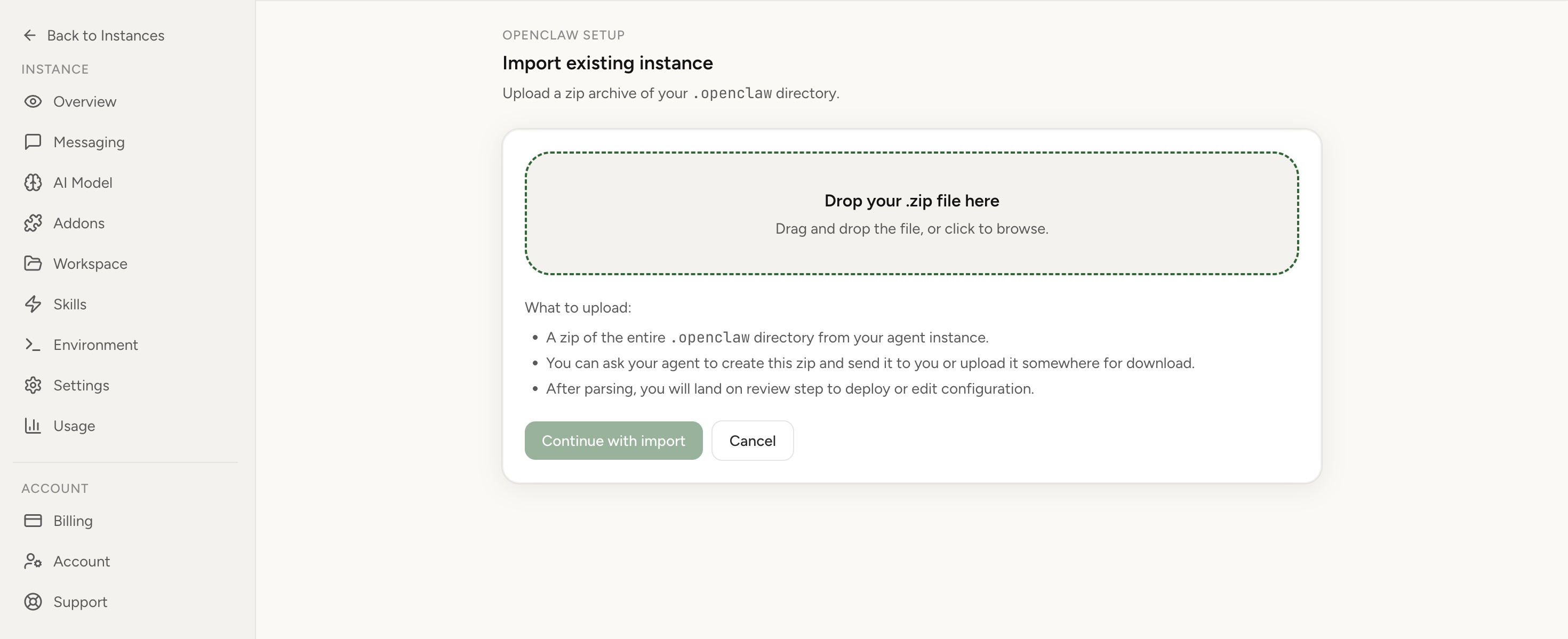
Apply the checklist above and keep self-hosting, or skip the maintenance entirely: run your OpenClaw on managed hosting from $6.90/mo, starting with a 7-day free trial. We handle the stale locks, gateway restarts, version upgrades, and uptime — and you can import your existing instance in a couple of minutes. Cancel anytime.
- Managed hosting handles stale
.jsonl.lockfiles, gateway restarts, and version upgrades for you - Import your existing OpenClaw setup in minutes — keep your channels and configuration
- The optional $199 setup is scoped: no custom development, enterprise/SRE support, or unsupported self-hosting repair
If you would rather compare options first, review OpenClaw cloud hosting or see the best OpenClaw hosting options before deciding.