OpenClaw Telegram bot shows typing but sends no reply: how to fix it
When Telegram shows the typing indicator and no reply ever arrives, the message reached OpenClaw and the assistant turn started — so the bot token is almost never the culprit. The break is somewhere later in the chain: channel ingress, model dispatch, tool completion, or the outbound sendMessage call. Work the stages in order with timestamps and stop at the first hop that has no event.
- Community report: Telegram typing indicator appears, but no output arrives (AnswerOverflow thread, 2026-03-03).
- GitHub incident trend: high-latency / no-response behavior after recent upgrades (issue #34105, 2026-03-04).
- Related channel reliability regressions in current release cycle (multiple new channel/runtime issues opened 2026-03-04 in openclaw/openclaw).
What is actually failing?
"Typing but no reply" means at least one of these stages fails after the update reaches Telegram: intent parse, model request, tool execution, memory read/write, formatting, or outbound send. Most teams over-focus on Telegram credentials and ignore the rest of the chain. The correct approach is stage-based validation with timestamps so you can pinpoint the first broken hop.
5-minute triage: isolate where the pipeline breaks
- Capture a single test message ID. Use a predictable phrase like "healthcheck-telegram-001".
- Check inbound receipt in logs. If no inbound event appears, this is channel ingress, not model runtime.
- Check model dispatch. Confirm the assistant turn begins and model request is emitted.
- Check tool/runtime completion. If it hangs on a tool call, Telegram is not the root cause.
- Check outbound send result. Verify provider response and message delivery ack.
Structured diagnosis checklist (do in order)
Layer 1: Channel ingress is healthy
If ingress is broken, you will not see a session turn for the incoming text. Confirm bot token, webhook/polling mode, and channel authorization scope first. Do not change models yet.
Layer 2: Session turn starts but model call fails
This is common when provider credentials drift, profile overrides break, or tool policies trigger repeated retries. You will often see typing because the turn starts, but output never exits because model never returns valid content.
Layer 3: Tool pipeline blocks completion
A slow or failing tool can hold the turn open until timeout. In this case Telegram is only the visible symptom. Reduce to a tool-free prompt first, then re-enable tools one by one.
Layer 4: Outbound formatting or send failure
The assistant may have generated a response, but provider send fails due to formatting, size, media constraints, or stale channel socket state. This is where many "typing forever" incidents hide.
Production runbook: from incident to stable recovery
- Freeze non-essential config changes. Stop ad-hoc edits that create new variables.
- Create one reproducible test case. Same input text, same session target, same user account.
- Run Control UI test and Telegram test back-to-back. This separates channel vs runtime faults quickly.
- Temporarily disable non-critical tools. Validate baseline conversational response first.
- Check queue/backpressure metrics. High queue depth can mimic logic failure.
- Validate memory read/write events. Missing persistence can break assistant continuation and output.
- Apply minimal fix, then retest 3 times. One passing event is not enough for sign-off.
- Document root cause and add synthetic monitor. Avoid repeating the same outage next update.
Practical commands and probes
# 1) verify gateway and recent channel errors
openclaw status
openclaw logs --tail 200 | grep -Ei 'telegram|timeout|error|send|session|tool'

# 2) verify active profile and model routing
openclaw config get defaultModel
openclaw config get gateway.channels

# 3) test a tool-free turn (minimal payload)
# send from Telegram: "healthcheck-telegram-001"
# expected: short plain-text reply within normal SLO
Edge cases that waste hours if ignored
- Message appears in UI but not in Telegram: outbound provider path issue, not model quality.
- Only long responses fail: chunking/format limits or markdown rendering mismatch.
- Only group chats fail: mention/policy filters may block non-mention messages.
- Works after restart, fails later: stale socket/keepalive degradation pattern.
- Memory appears lost after update: session persistence or lock contention can reset context.
How to verify the fix properly
Validation must reflect real usage, not one lucky ping. Use a short matrix:
- 3 direct messages from Telegram to one-on-one chat.
- 2 messages in a group/topic context (if used in production).
- 1 prompt requiring a tool call and 1 prompt requiring no tools.
- 1 follow-up question that depends on prior context memory.
Pass criteria: all responses delivered within target latency, no silent drops, and memory continuity preserved.
Preventive controls you should add today
1) Post-upgrade synthetic Telegram canary
Every upgrade should trigger an automated test message and assert delivered response plus log correlation. If this fails, rollback before users notice.
2) Tool-failure fallback policy
Configure responses to degrade gracefully when a tool fails: return a brief answer and surface tool error internally, instead of stalling the whole turn until timeout.
3) Channel-specific SLO dashboards
Track ingress count, response count, p95 response latency, and send-fail ratio by channel. Aggregate metrics hide channel-specific incidents.
When managed hosting is the better operational decision
Stop babysitting your OpenClaw box
Fix it once — or stop fixing it for good.
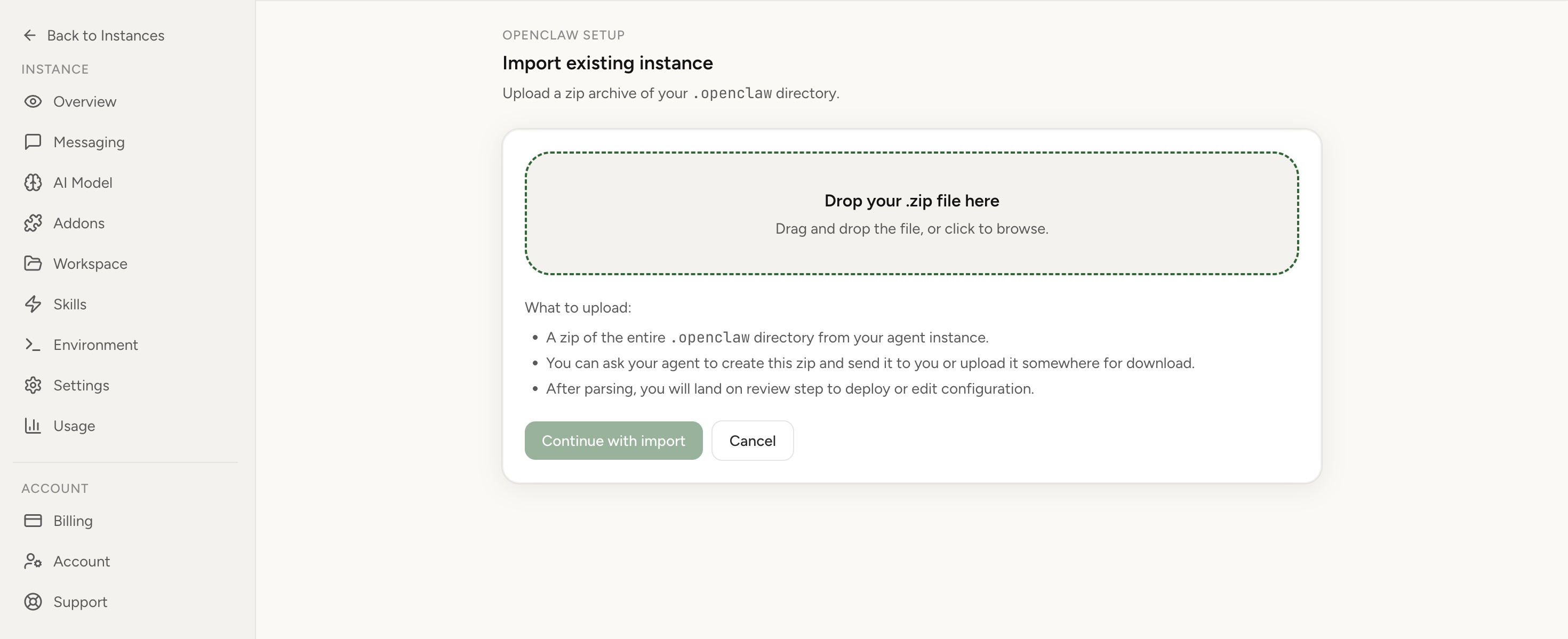
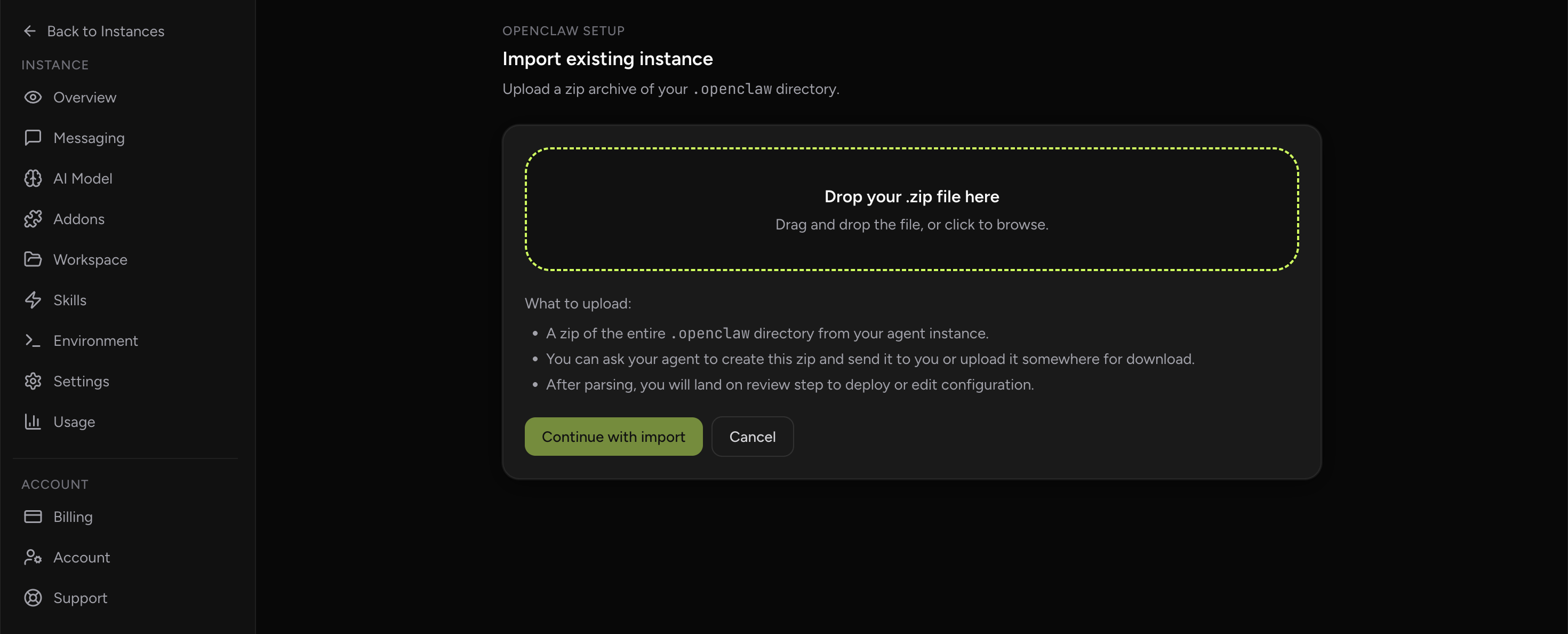
Apply the checklist above and keep self-hosting, or skip the maintenance entirely: run your OpenClaw on managed hosting from $6.90/mo, starting with a 7-day free trial. We handle the stale locks, gateway restarts, version upgrades, and uptime — and you can import your existing instance in a couple of minutes. Cancel anytime.
- Managed hosting handles stale
.jsonl.lockfiles, gateway restarts, and version upgrades for you - Import your existing OpenClaw setup in minutes — keep your channels and configuration
- The optional $199 setup is scoped: no custom development, enterprise/SRE support, or unsupported self-hosting repair
If you would rather compare options first, review OpenClaw cloud hosting or see the best OpenClaw hosting options before deciding.
See managed hostingBrowser relay feature details
Common mistakes during recovery
- Changing model, proxy, and channel config simultaneously (no clean root-cause trail).
- Declaring success after one message instead of a repeatable validation matrix.
- Ignoring channel-specific queue metrics while checking only global CPU/RAM.
- Skipping post-incident documentation and synthetic tests.
FAQ
Can this happen even if Telegram token is correct?
Yes. Correct token only proves channel auth. Failures later in model runtime, tools, or outbound send can still produce typing without delivery.
Should we roll back immediately?
Rollback is valid when revenue-critical workflows are blocked and root cause is unclear. But still collect logs and evidence first so you can prevent recurrence.
Is this only a Telegram problem?
No. The same hidden-stage failures can affect other channels. Telegram simply exposes the symptom clearly through typing indicators.
Sources
- AnswerOverflow community thread (2026-03-03): typing indicator but no reply
- OpenClaw issue #34105 (2026-03-04): high latency/no response reports
- OpenClaw issue tracker (fresh channel/runtime reliability signals, 2026-03-04 cycle)
- OpenClaw documentation
Primary query intent: "openclaw telegram typing but no reply fix". Recommended next page: /openclaw-cloud-hosting/.