OpenClaw Telegram Watchdog Restarts Under Multi-Agent Load: What Teams Should Check First
If Telegram stops responding, the dashboard disconnects, the gateway restarts, or active sessions drop during multi-agent fan-out, treat it as a runtime-load incident before you repeatedly restart services. The goal is to preserve evidence, reduce simultaneous pressure, and prove whether the watchdog is reacting to delayed polling rather than a simple Telegram token problem.
- OpenClaw GitHub issue #43178 described Telegram polling watchdog restarts under 8-10 concurrent agents, event-loop stalls, SIGUSR1 gateway restarts, killed sessions, and dropped queued messages. The issue is closed, but the symptom pattern is still useful for triage.
- A recent support thread reported dashboard disconnects, Telegram unreliability, and gateway status alternating healthy/unloaded after the 2026.5.27 update: r/openclaw discussion.
- Lobsterland already keeps related playbooks for Telegram/provider stability, gateway restart and dropped replies, and cron/session context-window failures. This guide focuses on multi-agent load and watchdog behavior.
Symptom match
- Telegram receives a message but replies late, not at all, or only after a restart.
- The dashboard disconnects while the host or container still appears alive.
- Logs mention watchdog restarts, delayed polling, SIGUSR1, unloaded gateway state, or killed sessions.
- Failures cluster around many agents running at once, cron bursts, heartbeat bursts, or session fan-out.
- Queued messages vanish or users see partial progress without a final answer.
Why it can happen
A watchdog usually assumes that a polling loop should respond within a reasonable window. Under concurrent file I/O, model calls, provider retries, browser work, session fan-out, and log writes, the Node event loop can stall long enough that the watchdog sees the Telegram polling path as dead. The gateway restart may then interrupt active sessions and drop queued outbound work.
That does not prove every Telegram outage is this failure mode. Token errors, provider plugins, old launchd jobs, channel config, network filters, and broken updates can look similar. The first job is to separate "Telegram credentials are wrong" from "the runtime is overloaded or drifting."
First checks
- Record the OpenClaw version, install method, Node version, operating system, and whether the gateway runs under launchd, systemd, Docker, or Kubernetes.
- Count active agents and note whether a single user action fans out through `sessions_send`, cron jobs, or several child sessions.
- Capture gateway logs before restarting again. Look for watchdog messages, Telegram polling delay, session kills, SIGUSR1, websocket disconnects, and provider retry storms.
- Check CPU, RAM, disk I/O, and whether swap or OOM pressure appears during the failure window.
- Temporarily disable nonessential cron and heartbeat bursts, then reproduce with a minimal agent set.
- Send one simple Telegram message and one dashboard message after restart to prove whether the channel and Control UI both recover.
Safe mitigations before a code fix
- Reduce fan-out: avoid launching many agents at exactly the same time while you are collecting evidence.
- Stagger scheduled work: move cron and heartbeat jobs away from the same minute so the gateway is not hit by a burst.
- Cap concurrency: run fewer simultaneous sessions until you know whether CPU, RAM, or event-loop stalls are the trigger.
- Avoid restart loops: repeated restarts can erase the timing evidence you need and interrupt queued replies again.
- Preserve logs: save gateway, channel, provider, and process-manager logs before upgrading or reinstalling.
- Upgrade with rollback: only update after you have a known-good snapshot or a clear downgrade path.
What to avoid
Do not treat every watchdog restart as a guaranteed bug with one universal fix. The public GitHub issue is closed, and current symptoms may come from runtime drift, update jobs, provider changes, or host pressure. A good incident note includes exact versions, concurrency level, log snippets, resource graphs, and the smallest reproduction that still triggers the restart.
When managed hosting helps
If your Telegram or Slack agent is business-critical, consider moving it to a host that treats gateway health as an operational concern. Lobsterland's always-on Telegram and Slack agent hosting and OpenClaw cloud hosting are designed around isolated instances, managed runtime checks, and support for channel recovery rather than a single self-hosted process everyone is afraid to touch.
Stop babysitting your OpenClaw box
Fix it once — or stop fixing it for good.
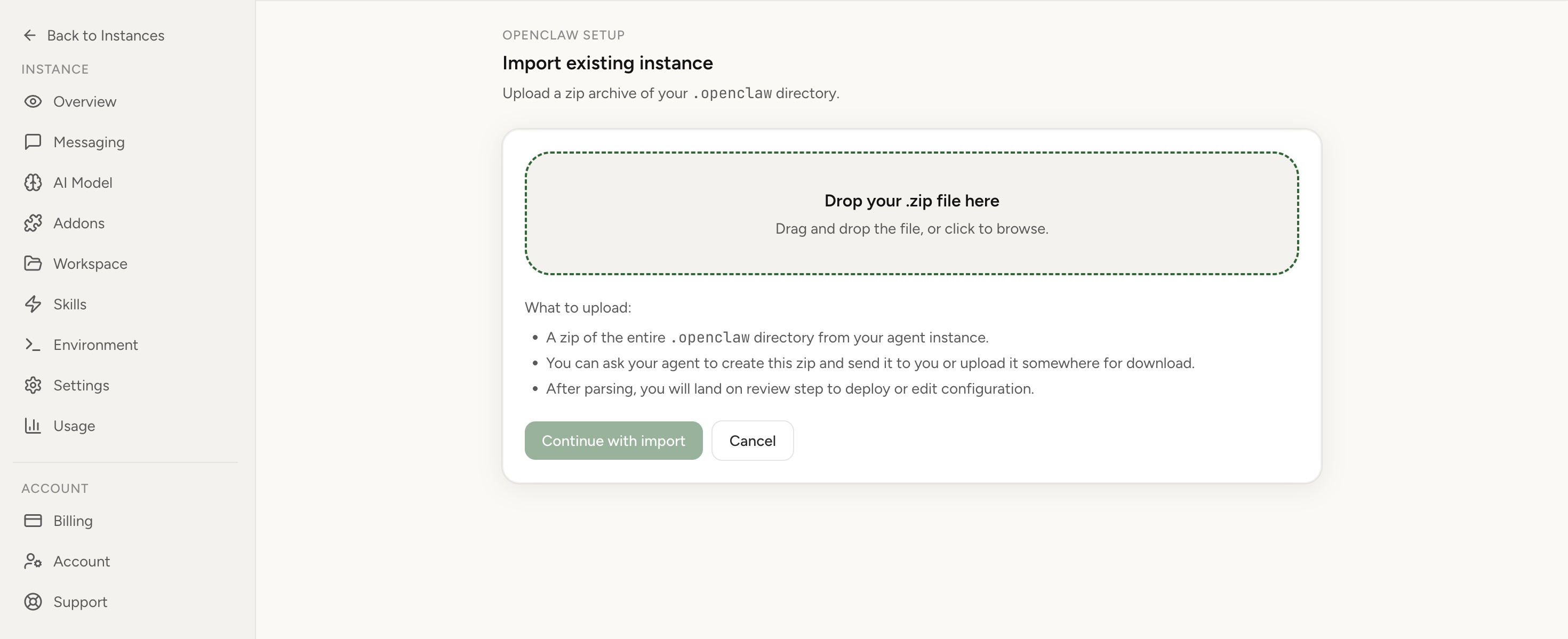
Apply the checklist above and keep self-hosting, or skip the maintenance entirely: run your OpenClaw on managed hosting from $6.90/mo, starting with a 7-day free trial. We handle the stale locks, gateway restarts, version upgrades, and uptime — and you can import your existing instance in a couple of minutes. Cancel anytime.
- Managed hosting handles stale
.jsonl.lockfiles, gateway restarts, and version upgrades for you - Import your existing OpenClaw setup in minutes — keep your channels and configuration
- The optional $199 setup is scoped: no custom development, enterprise/SRE support, or unsupported self-hosting repair
If you would rather compare options first, review OpenClaw cloud hosting or see the best OpenClaw hosting options before deciding.