OpenClaw hardware requirements: what the box actually needs
OpenClaw's idle floor is about 0.5 GB of RAM. Its working size for an always-on agent is 2 vCPU, 8 GB of RAM and 80 GB of disk; a text-only agent is comfortable on 1 vCPU, 3 GB and 20 GB. Those are the numbers Lobsterland provisions per instance, not estimates. But the minimum spec is almost never what kills a self-hosted box — the heap cap, the browser and the log directory are, and no amount of extra RAM fixes a misconfigured one.
- Floor ≈ 0.5 GB. A 512 MB box cannot start the gateway.
- Text-only agent: 1 vCPU / 3 GB / 20 GB.
- Always-on agent with browser work: 2 vCPU / 8 GB / 80 GB.
- Multi-agent or heavy browser use: 4 vCPU / 16 GB / 160 GB.
- Set
--max-old-space-sizeto roughly half the box's RAM — not near the ceiling. - Budget the browser as a separate 2–4 GB, not a share of the above.
OpenClaw hardware requirements at a glance
The table below is the resource envelope Lobsterland applies to every managed OpenClaw instance, taken from the tier specification in our own control plane. It is published here because it is measured rather than estimated: these are limits that survive contact with real always-on agents, and the figures are what our scheduler actually enforces.
| Tier | vCPU | RAM ceiling | Disk | Node heap cap | Browser RAM (separate) |
|---|---|---|---|---|---|
| Light — text-only agent | 1 | 3 GB | 20 GB | 1536 MB | 2 GB |
| Medium — always-on with browser | 2 | 8 GB | 80 GB | 4096 MB | 3 GB |
| Large — multi-agent | 4 | 16 GB | 160 GB | 8192 MB | 4 GB |
Read the last two columns together with the third. In every tier the Node heap cap is set to roughly half the RAM ceiling, and the browser's memory is aseparate allocation on top. Both of those are deliberate, and both are the part that requirements guides leave out. The pricing for each tier is on theLobsterland pricing page; the specs are the same whether you rent them or reproduce them on your own VPS.
How much RAM does OpenClaw actually need?
There is one number in this ecosystem that two independent sources agree on, and it is the floor.
Lobsterland reserves 200m of CPU and 500Mi of memory per agent container — a reservation, not a cap, chosen because that is what an idle instance holds. Separately, OpenClaw issue#5966, opened 2026-02-01, worked the same number out from the other direction after a 512 MB container kept dying: “450MB for V8 heap + ~80-100MB for V8 internals/Node.js runtime/OS = ~530-550MB total, exceeding the 512MB Starter plan.” A production fleet's reservation and a user's OOM arithmetic land within about ten percent of each other.
That is the floor and nothing more. It is what the gateway holds when it is doing nothing, which is a useful number for deciding that a 512 MB box is not viable and a 1 GB box has no headroom. It is not the number you buy against. What you buy against is the spread between that floor and the peak, and the peak is set by three things: how much conversation and memory state the agent holds, whether a browser is running, and how large the log directory has grown.
Why does OpenClaw run out of memory on a server that meets the minimum?
Because the Node heap cap is not the memory ceiling, and most sizing advice treats them as the same thing.
--max-old-space-size bounds V8's old space. It does not bound the process. Above it sit V8's own internals, the Node runtime and the OS allocations — the 80 to 100 MB that issue #5966 measured. The kernel, or your platform's cgroup, counts the total. So if you set the heap cap at or near the box's RAM, garbage collection never experiences pressure, V8 happily grows toward its permitted limit, and the OOM-killer arrives first. The process is killed mid-turn and the user gets no reply.
The instinctive correction — lower the cap — does not work either. OpenClaw issue#41778, opened 2026-03-10, records openclaw message send crashing with “JavaScript heap out of memory” on a 4 GB server from v2026.3.7 onward, consuming “500MB+ before crashing, even with NODE_OPTIONS="--max-old-space-size=512"set”, where v2026.3.2 had been fine on identical hardware. Both issues are closed as not planned, so treat them as behaviour to design around rather than a fix to wait for.
Size the container first, then set the heap under it — at roughly half. That is exactly what the tier table above does: 1536 MB of heap inside a 3 GB ceiling, 4096 MB inside 8 GB, 8192 MB inside 16 GB. The remaining half is not waste. It is the runtime overhead, the page cache, the spawned subprocesses, and the room garbage collection needs in order to be able to reclaim anything at all.
# On a 8 GB VPS, run the gateway with a heap cap of half the box:
NODE_OPTIONS="--max-old-space-size=4096" openclaw gateway

# Check what the process is actually holding, not what you hoped:
ps -o pid,rss,comm -p $(pgrep -f "openclaw gateway")
If you are already past this point and the instance is dying on a small board rather than a VPS, the device-specific version of this failure is covered in ourOpenClaw Raspberry Pi OOM fix guide, which walks the same heap-versus-ceiling arithmetic on a 2 GB board.
Does the browser count against the same memory?
No — and this is the single largest sizing mistake we see. Browser automation is not a feature of the agent process; it is a second long-lived program with an appetite of its own. On managed instances it runs as its own container with its own limit: 2 GB on Light, 3 GB on Medium, 4 GB on Large, reserved in addition to the agent's RAM ceiling.
A single VPS gives you no such separation. Chromium and the agent draw from one pool, so a browser session that grows during a long task and an agent holding a large conversation can kill each other, and the crash will look like an agent bug. If browser work is part of the job, add the browser's budget to the agent's rather than hoping they take turns: that is the difference between the 3 GB and the 8 GB row in the table.
How much disk does OpenClaw need, and why does disk cause OOM?
Size disk for growth, not for the install. The runtime itself is small; what grows is conversation history, memory state, installed skills, media the agent has handled, and — the one that surprises people — logs.
Here is a failure mode we hit on our own fleet and now defend against explicitly. The Codex agent backend writes verbose OTEL and trace logs tocodex-home/logs_*.sqlite. Left unbounded it grows to multiple gigabytes, andthe page cache backing that file is charged to the container's memory cgroup, causing OOM and liveness-probe kills mid-turn. The instance looks like it has a memory leak. It has a log rotation problem. On managed instances we prune rows older than one day for any such database above 500 MB and then VACUUM to reclaim the space — with retries, because VACUUM needs an exclusive lock and loses the race against a hot-looping agent on the first attempt.
Two practical consequences for a self-hosted box. First, "I sized the disk correctly and it still OOMs" is usually this, not a memory bug. Second, disk pressure deserves an alarm rather than a discovery: we warn the operator by e-mail at 80% used, which is early enough to prune before anything fails. Set the same threshold on your own monitoring.
How many vCPUs does OpenClaw need?
Fewer than people expect. We reserve 200m — a fifth of a core — per agent container and cap it at 1, 2 or 4 vCPU by tier. An always-on agent spends most of its wall-clock time waiting on a model provider's API, not computing locally, so response latency is dominated by upstream inference time and network, and adding cores does not move it.
CPU matters where work is genuinely local: browser rendering, media transcoding, building or installing packages, and running several agents at once. Those are the reasons to go from 1 vCPU to 2 or 4 — not a hope that the assistant will reply faster. If you are running a model locally rather than calling a hosted provider, this article does not cover your sizing at all; local inference is dominated by model weights and is a different question.
Which Node version should OpenClaw run on?
This belongs in a hardware discussion because it is the cheapest memory saving available. OpenClaw's installation documentation is explicit: it requiresNode 22.22.3+, Node 24.15+, or Node 25.9+ (which includes Node 26), andNode 23 is unsupported. Node 26 is the default and recommended runtime, in the project's words because “it starts the Gateway noticeably faster and uses less memory than Node 24”. CI and release workflows still pin Node 24, and Node 22 remains supported via its LTS line.
So before you pay for a bigger box, check what runtime the box is on. A version upgrade that reduces baseline memory costs nothing per month.
An OpenClaw sizing checklist
- Decide the workload: text-only, browser-using, or multi-agent.
- Pick the RAM ceiling from the table — 3, 8 or 16 GB — and treat the floor (~0.5 GB) only as proof that a 512 MB or 1 GB box is not a candidate.
- Add the browser's 2–4 GB separately if browser automation is in scope, rather than assuming it fits inside the agent's allowance.
- Set
--max-old-space-sizeto about half the ceiling. Never near it. - Run a supported Node version, preferably Node 26.
- Size disk for growth — 20, 80 or 160 GB — and alarm at 80% used rather than at failure.
- Rotate agent and trace logs on a schedule. Treat an unbounded log database as a memory risk, not just a storage one.
- Re-check after two weeks of real traffic. Steady-state after a fortnight of actual use is the only sizing number that means anything.
Stop babysitting your OpenClaw box
Fix it once — or stop fixing it for good.
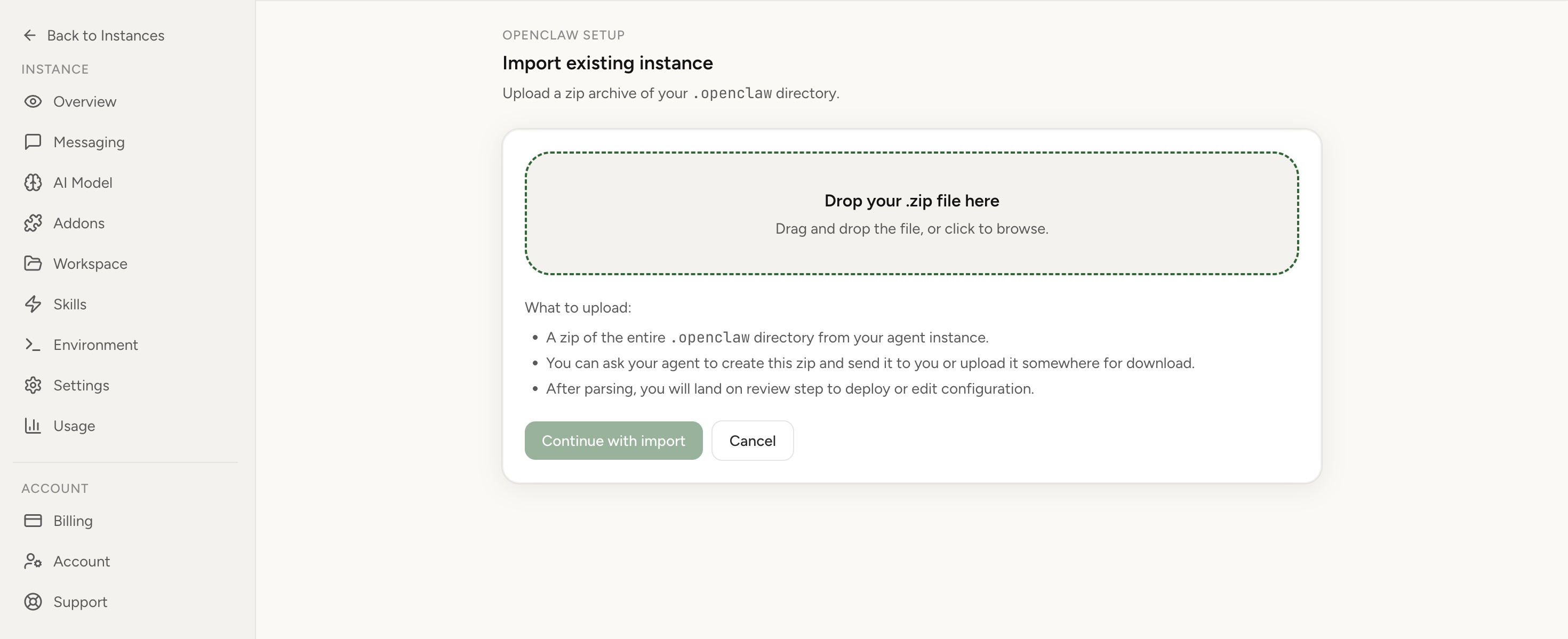
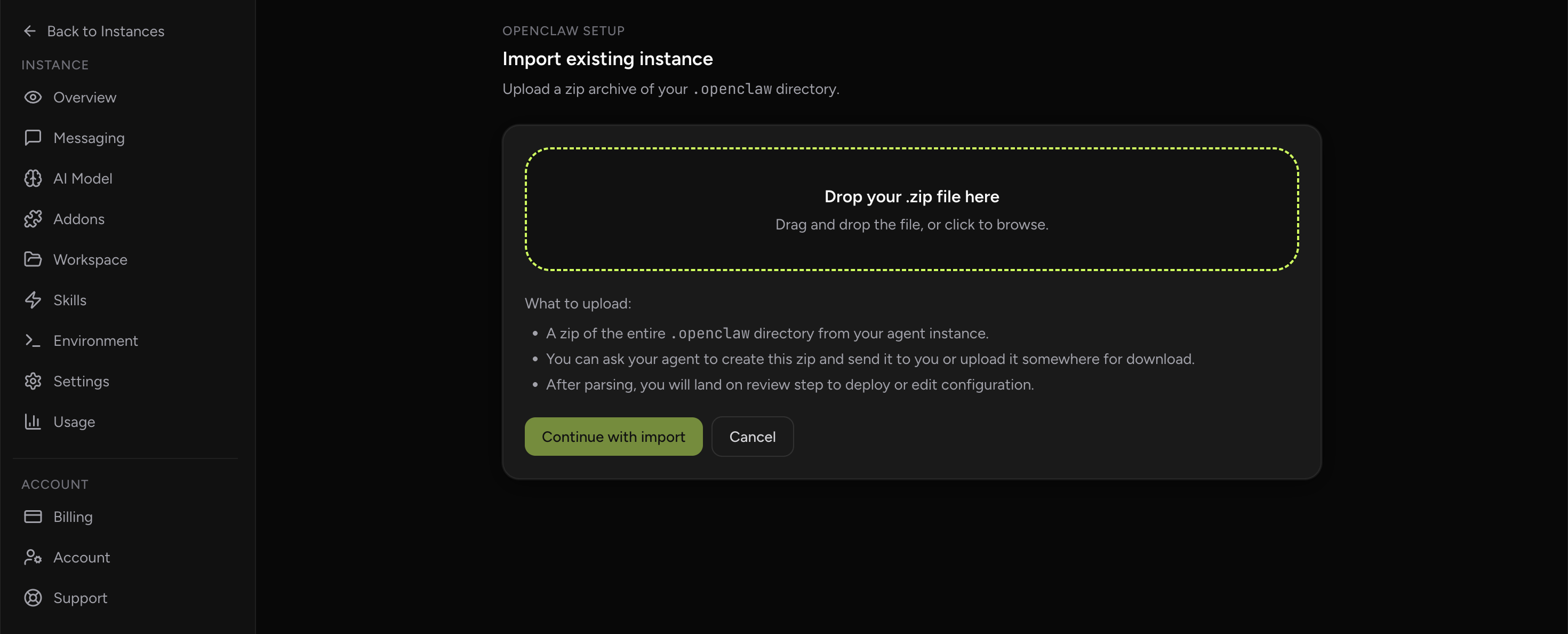
Apply the checklist above and keep self-hosting, or skip the maintenance entirely: run your OpenClaw on managed hosting from $6.90/mo, starting with a 7-day free trial. We handle the stale locks, gateway restarts, version upgrades, and uptime — and you can import your existing instance in a couple of minutes. Cancel anytime.
- Managed hosting handles stale
.jsonl.lockfiles, gateway restarts, and version upgrades for you - Import your existing OpenClaw setup in minutes — keep your channels and configuration
- The optional $199 setup is scoped: no custom development, enterprise/SRE support, or unsupported self-hosting repair
If you would rather compare options first, review OpenClaw cloud hosting or see the best OpenClaw hosting options before deciding.
Being precise, because half of this is upstream and stays upstream.Managed hosting does not change OpenClaw's memory behaviour. The V8 heap still needs headroom, the OOM-killer still wins, and both issues cited above reproduce on a hosted instance exactly as they do on a VPS. We even write the instance's resource envelope into each agent's TOOLS.md so the agent can moderate its own behaviour — and that note is advisory, not a guardrail; the OOM-killer remains the real limit.
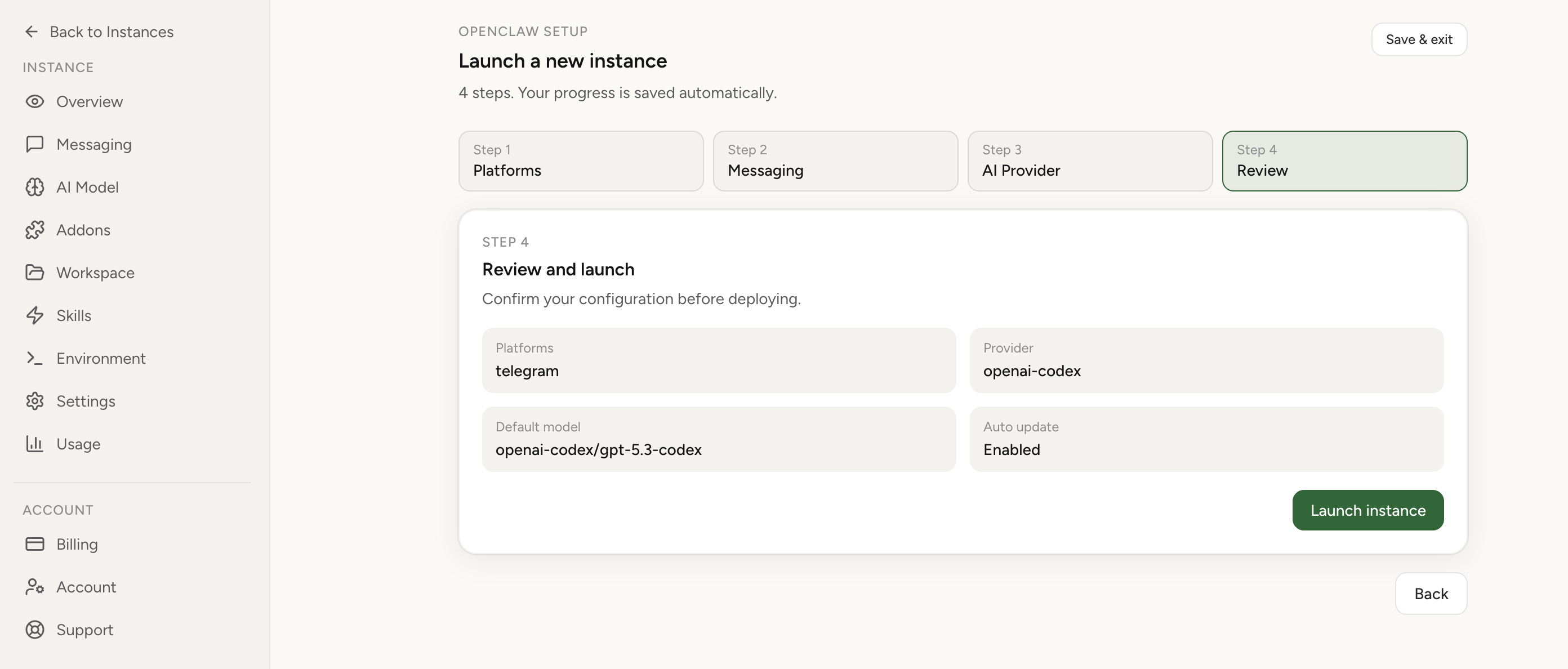
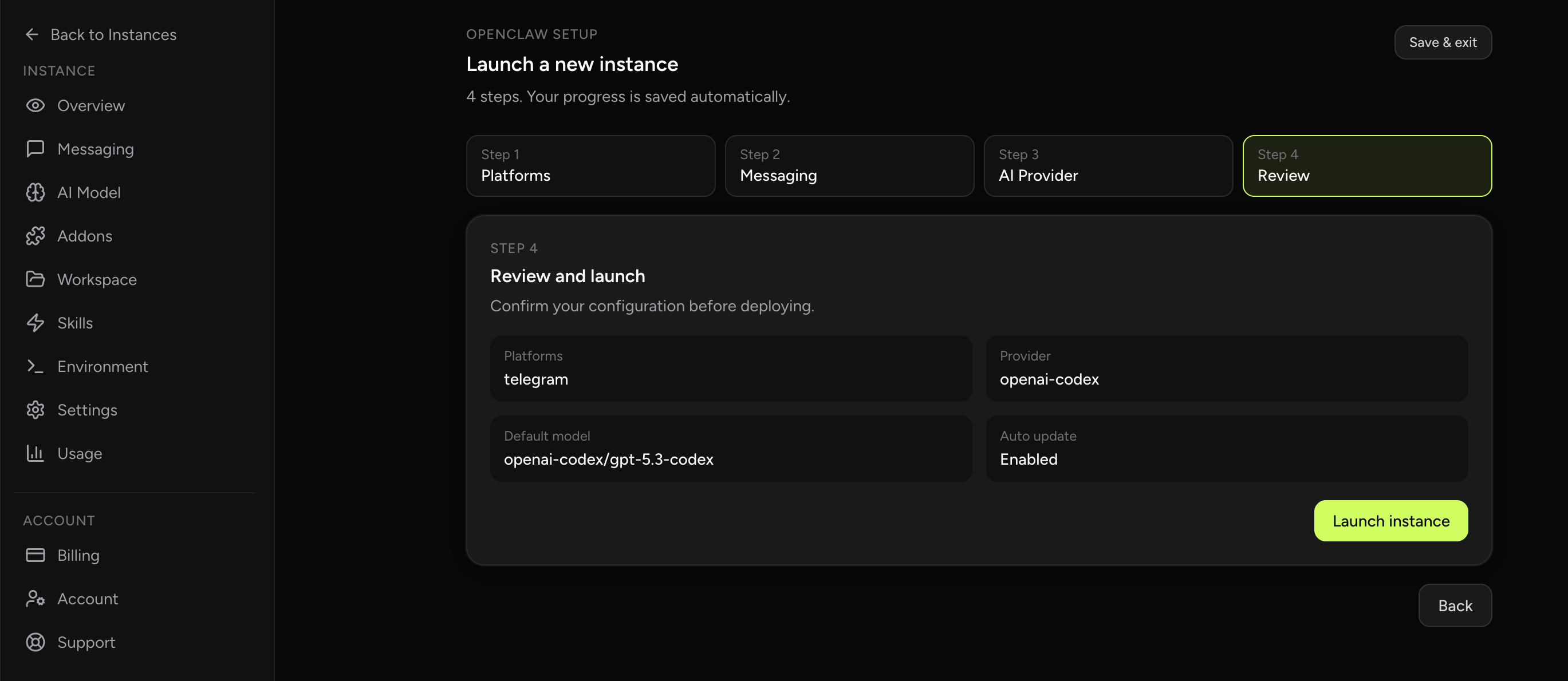
What changes is who owns the envelope. Onmanaged OpenClaw hosting from Lobsterland the heap cap is set correctly against the container limit for you, the browser gets its own container and its own budget instead of competing with the agent, trace-log growth is pruned before its page cache becomes a memory problem, and disk pressure raises an e-mail at 80% rather than an outage at 100%. Changing tier is a plan change rather than a server migration. If you are still deciding between renting the box and renting the outcome, ourmanaged versus self-hosted OpenClaw comparison argues both sides, and if you have already decided to self-host, theOpenClaw hosting provider comparison is the right next page.
Frequently asked questions
How much RAM does OpenClaw need?
The idle floor is about 0.5 GB. Lobsterland reserves 500Mi of memory per agent container, and OpenClaw issue #5966 (opened 2026-02-01) independently arrived at roughly 530-550 MB for the gateway: about 450 MB of V8 heap plus 80-100 MB of V8 internals, Node runtime and OS. That is the floor, not the working size. For an always-on agent doing real work, 8 GB is the honest answer, and 3 GB is the smallest tier that behaves for a text-only agent. A 512 MB box cannot run the gateway at all.
Why does OpenClaw run out of memory on a server that meets the minimum spec?
Because the Node heap cap is not the memory ceiling. Node needs 80-100 MB of non-heap overhead above whatever --max-old-space-size allows, and the kernel counts the total, so a heap cap set close to the box's RAM guarantees the OOM-killer arrives before garbage collection ever feels pressure. Lowering the cap does not fix it either: OpenClaw issue #41778 (opened 2026-03-10) records openclaw message send consuming 500MB+ and crashing on a 4 GB server with --max-old-space-size=512 already set. Size the container first, then set the heap to roughly half of it.
Does the OpenClaw hosted browser count against the same memory budget?
No. On Lobsterland the hosted browser runs as its own container with its own memory limit of 2 GB, 3 GB or 4 GB depending on tier, reserved separately from the agent's RAM. Self-hosted on a single VPS there is no such separation: Chromium and the agent draw on one pool, so a browser session and a busy agent can OOM each other. Budget the browser as a second allocation rather than a share of the first.
How much disk does OpenClaw need?
Size disk for growth, not for the install. Lobsterland provisions 20 GB, 80 GB or 160 GB per tier and warns the operator by e-mail at 80% used. Disk also causes memory failures: the Codex agent backend writes OTEL and trace logs to codex-home/logs_*.sqlite, and left unbounded it grows to multiple GB whose page cache counts against the container memory cgroup, causing OOM and liveness-probe kills mid-turn. Prune those logs on a schedule.
Which Node version should OpenClaw run on?
OpenClaw's install documentation requires Node 22.22.3+, Node 24.15+, or Node 25.9+ (which includes Node 26), and states that Node 23 is unsupported. Node 26 is the default and recommended runtime because, in the project's own words, it starts the Gateway noticeably faster and uses less memory than Node 24. CI and release workflows still pin Node 24. Upgrading the runtime is the cheapest memory saving available before you pay for a larger box.