Can I edit AGENTS.md here?
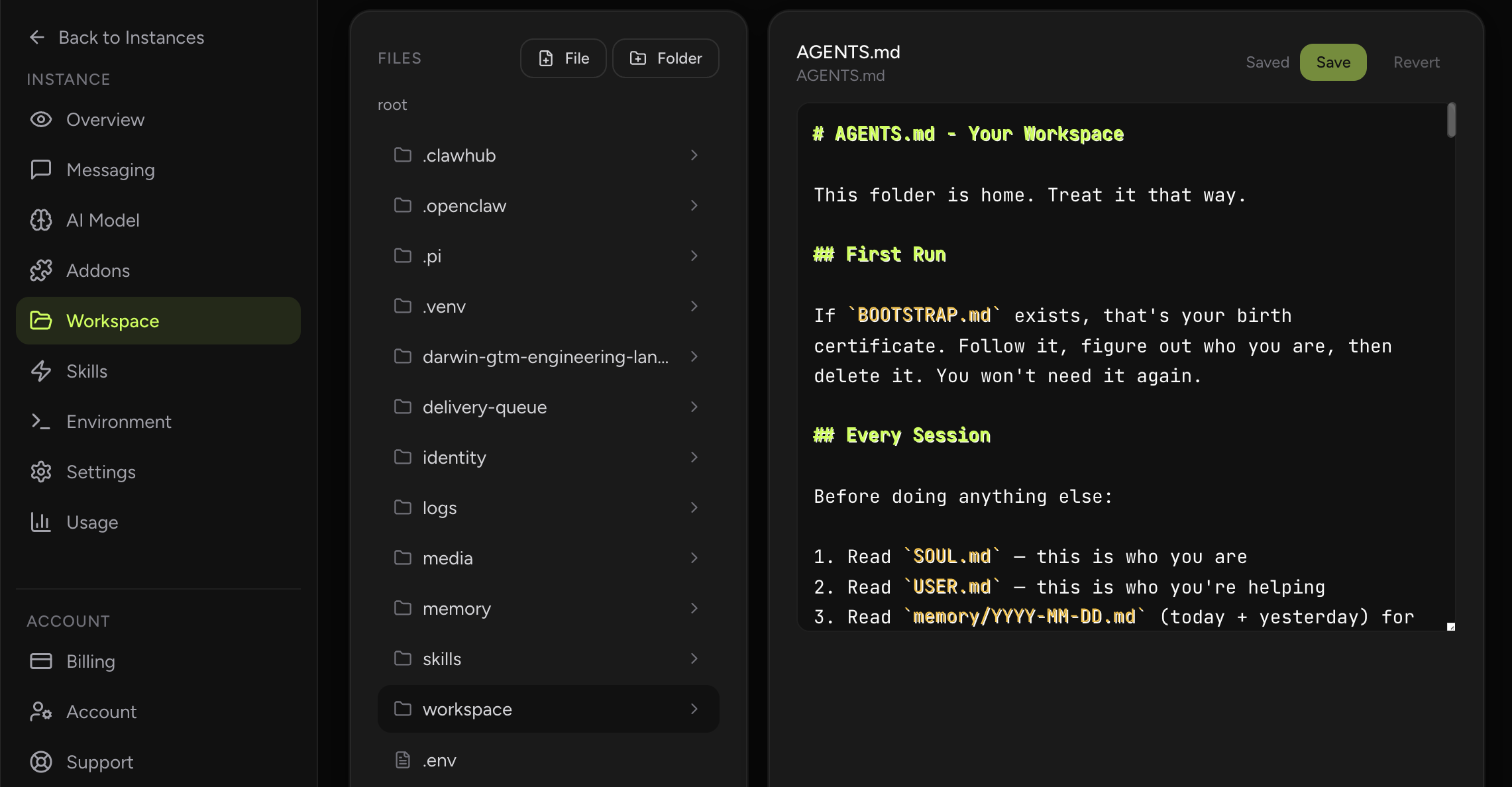
Yes. AGENTS.md, MEMORY.md, memory notes, runbooks, and related Markdown files can all be edited from the workspace view.
Browse and edit AGENTS.md, MEMORY.md, memory notes, runbooks, and other OpenClaw workspace files directly from the dashboard.
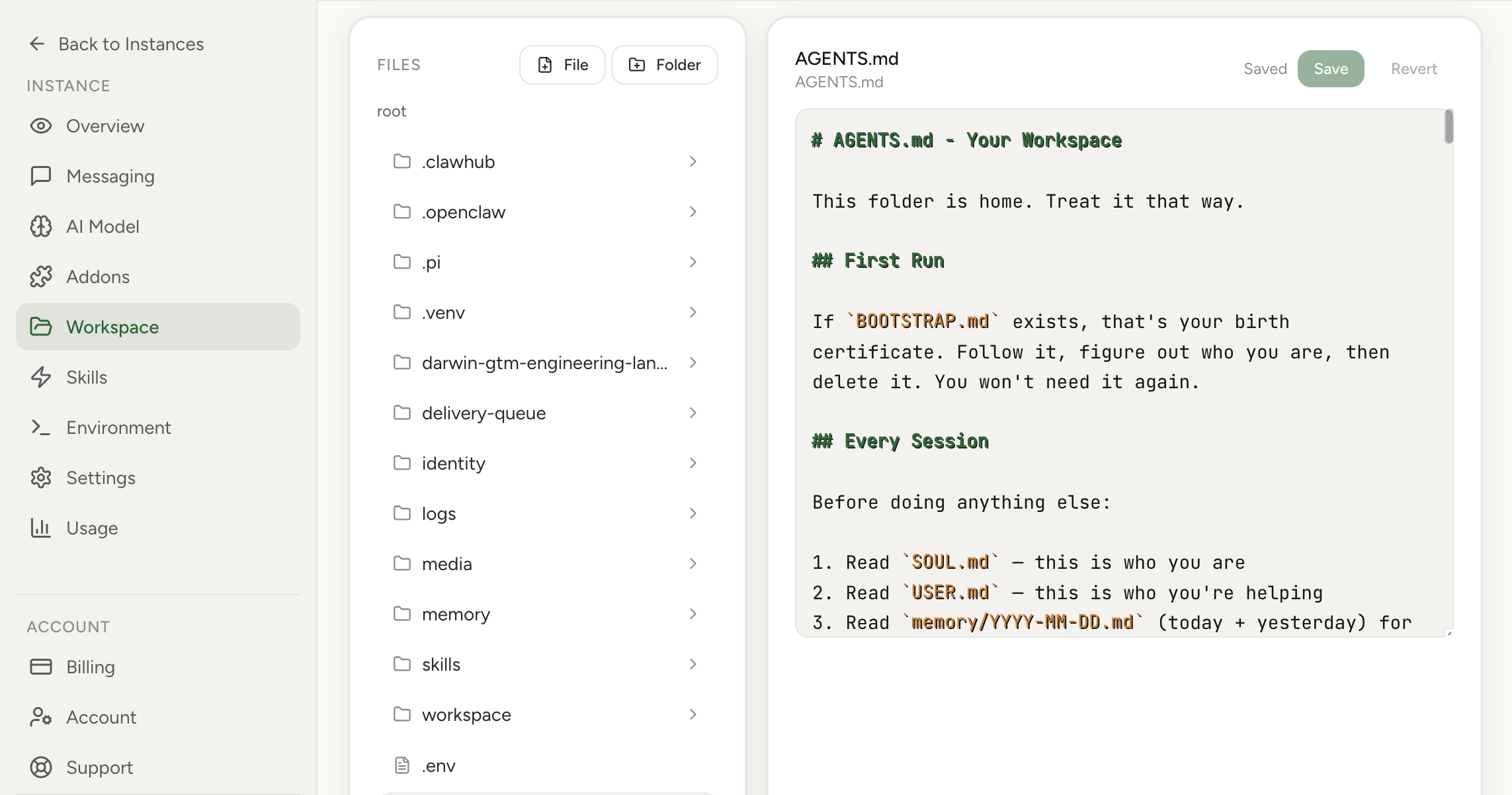
The Workspace section is both documentation and an editor for the file operations that shape your assistant: Markdown knowledge, AGENTS.md instructions, MEMORY.md, memory folder notes, and runbooks. You can browse files, edit content, and push updates directly to your instance workspace without opening a shell for routine changes.
Real product screenshot
The workspace holds the Markdown files that shape how your agent behaves day to day: AGENTS.md, MEMORY.md, memory notes, runbooks, and related instructions.
With the dashboard editor you can browse those files, make changes quickly, and keep the operational context attached to the instance that actually uses it. This is the safer path for routine workspace file operations when you do not need direct terminal access.
Not every file does the same job. AGENTS.md carries the standing instructions your assistant reads on each turn, so edits there change how it behaves right away. MEMORY.md and the notes in the memory folder hold durable facts the assistant should remember between conversations. Runbooks and other Markdown docs capture the procedures you want it to follow.
Knowing which file controls which behavior is half the work. The workspace view keeps them side by side so you can open the right one, make a focused change, and leave the rest untouched instead of guessing where a behavior comes from.
When you save, the change is written to the workspace files on your instance, so the next time the assistant reads that file it sees the updated content. There is no separate deploy step for routine edits and no need to open a shell to move a file into place.
Save and revert controls give you a clear before-and-after on each change, so you can adjust an instruction, watch how the assistant responds, and roll back cleanly if a wording change did not land the way you wanted.
Use the editor when you already know what file you want to change and need a fast way to update it. Use the supporting guides when you want a deeper explanation of how memory files, workspace Markdown, or AGENTS.md are structured.
That split keeps the product workflow simple while still giving operators a place to learn the underlying concepts.
Yes. AGENTS.md, MEMORY.md, memory notes, runbooks, and related Markdown files can all be edited from the workspace view.
It keeps important instruction and memory files editable from the dashboard so operators do not need terminal access for routine changes.
AGENTS.md holds standing instructions the assistant reads on each turn, so it changes behavior directly. MEMORY.md and the memory notes hold durable facts you want the assistant to remember across conversations.
No. For routine edits you can browse and update workspace files from the dashboard, which is the safer path when you do not need a terminal. Shell access remains available for deeper work.
Yes. The editor includes save and revert controls so you can roll back an edit cleanly if a change did not behave the way you expected.