What is the main benefit of a business account?
It lets one owner manage billing and invitations while multiple people deploy against the same shared instance capacity from their own accounts.
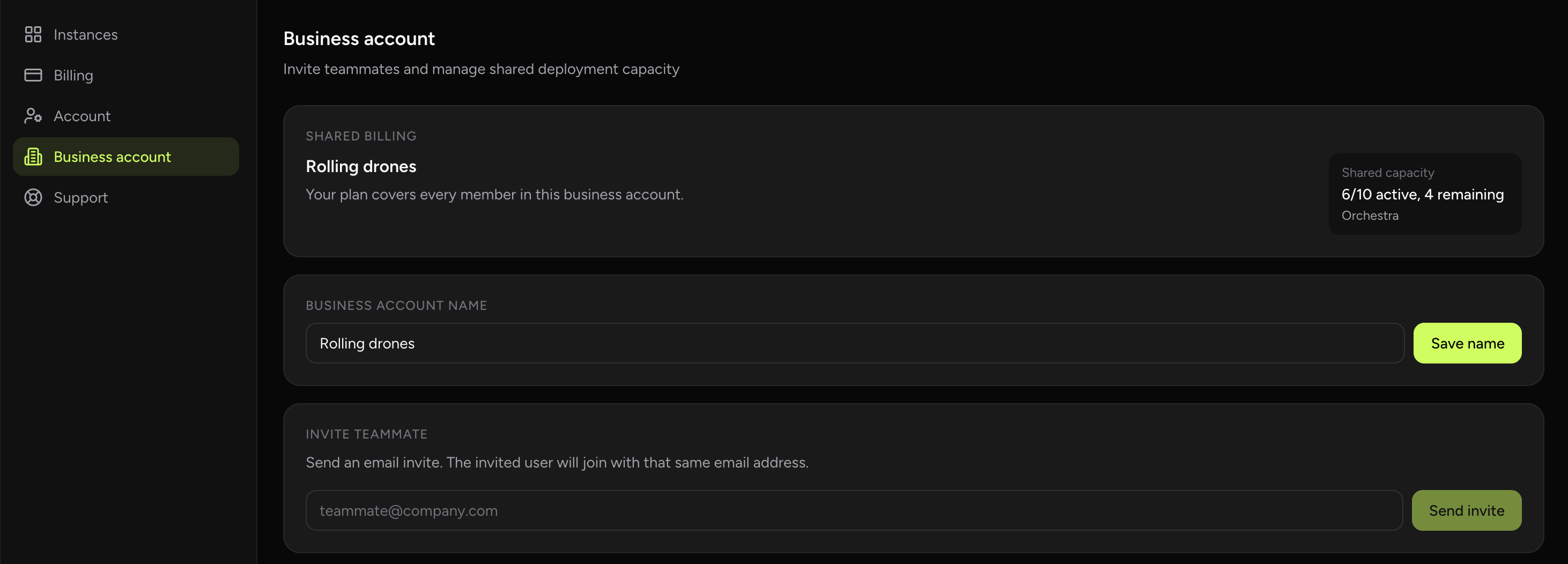
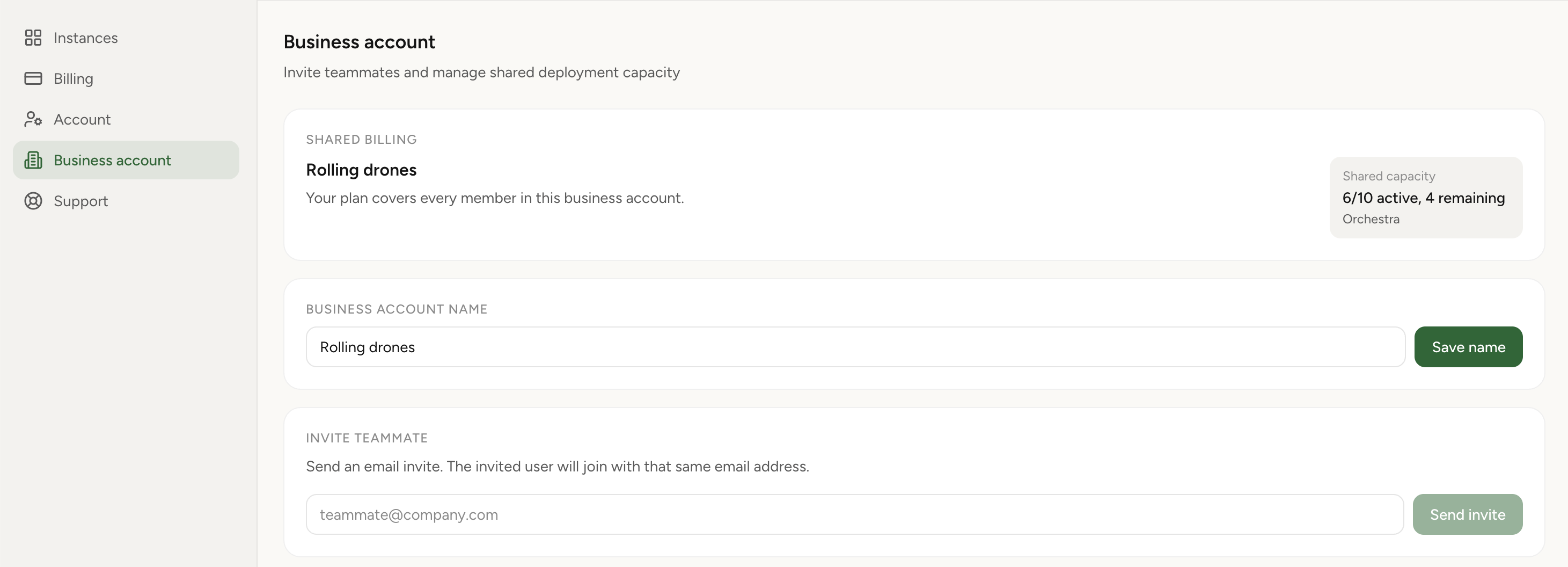
Invite teammates by email, keep billing under one owner, and let members deploy from their own accounts against shared purchased instance capacity.
Business accounts turn personal billing into a shared team billing scope. One owner manages purchased capacity and invitations, members join from their own Google accounts, and active-instance capacity is counted across the whole business account instead of staying siloed per person.
Real product screenshot
Business accounts are built for teams that want one person to own billing while others still operate from their own accounts. The owner enables the business account, invites members by email, and keeps purchased capacity management centralized.
After a member accepts the invitation, both the owner and the member consume the same purchased instance capacity. That makes billing act like a shared capacity pool instead of separate personal quotas.
An owner turns a personal account into a business account, then invites teammates by email address. Each invited person receives a link, signs in with their own Google account, and accepts the invitation to join the shared scope. There is no shared password and no need to hand out the owner's credentials.
Because every member authenticates as themselves, you keep a clean record of who created which instance. Onboarding a new teammate is a single invite, and removing someone does not require rotating a shared login.
When you purchase instance capacity, that capacity belongs to the business account rather than to one person. Active instances are counted across everyone in the account, so two teammates running one instance each draw from the same pool as one person running two.
This is the practical difference from personal billing: instead of each teammate buying their own quota and leaving paid capacity idle, the team buys capacity once and uses it wherever the work is happening that week.
Team members do not see one another's instances. Each person manages the instances they created, but those instances count against the same business-account purchased capacity.
That keeps a clear ownership boundary: billing and capacity are shared, while day-to-day instance access and visibility stay scoped to the creator. Owners manage the account-level concerns, and members manage their own work.
Business accounts fit agencies running assistants for several clients, teams that want one finance owner instead of scattered personal cards, and small companies that need a few people deploying agents without sharing a single login. If more than one person touches OpenClaw and one person should hold the bill, this is the model.
It lets one owner manage billing and invitations while multiple people deploy against the same shared instance capacity from their own accounts.
No. Members join through an invitation link and use their own accounts, while billing stays tied to the owner.
No. Instance visibility stays creator-based even though billing and purchased instance capacity are shared.
From the business-account view, the owner adds a member by email address. The teammate receives an invitation link, signs in with their own Google account, and accepts to join the shared capacity scope.
No. Stripe billing and purchased-capacity management stay with the business-account owner. Members can deploy and run instances, but billing controls remain centralized with the owner.
Each member authenticates as themselves rather than reusing the owner's credentials, so instance ownership stays attributable per person and you can add or remove teammates without rotating a shared password.