OpenClaw cron jobs enqueue, but nothing executes: full diagnosis and permanent fix
If openclaw cron run returns enqueued, the job was accepted; it has not necessarily started or completed. Check the returned runId and logs first. If no execution starts, inspect lane capacity and running state before restarting. OpenClaw 2026.10.2 has lane task timeouts, but a long run budget can still hold up later jobs. Capture evidence before a restart so you can distinguish a backlog from stale state or a stalled task.
Reviewed October 18, 2026 against OpenClaw 2026.10.2.
- Issue #42997 (2026-03-11): manual run enqueues but never executes.
- Issue #42960 (2026-03-11): stale lane marker loop prevents dispatch.
- Issue #42883 (2026-03-11): cron flows break after update.
Why this incident costs more than it looks
Silent cron failure is one of the most expensive OpenClaw failure modes for growing teams. You usually depend on cron for monitoring summaries, lead routing, customer follow-ups, scheduled reporting, and daily housekeeping. When queueing works but execution is blocked, alerts can stay green while business actions never happen.
In practice, teams lose hours because they debug the wrong layer: model provider, API keys, channel permissions, or webhook routing. The bottleneck is often local scheduler state and lane ownership. This page gives you a deterministic, low-risk sequence to recover service and prevent repeat outages.
Typical failure pattern you can recognize fast
- Manual trigger returns accepted or enqueued response.
- No worker startup log for the expected job ID.
- runningAt-like markers stay set much longer than one run window.
- Next schedule appears to queue behind stale state.
- Restart temporarily helps, then the issue returns after load spikes.
Root causes behind “enqueued but idle”
The checks below distinguish capacity waits, stale state and dispatch failures. If you want the model behind the words — which lanes exist, how wide each one is, what order work starts in, and what actually reclaims a slot in the version you run — readhow the OpenClaw scheduler and lane concurrency model works first, then come back to the runbook.
1) Stale running marker loop
If runtime state marks a lane as active before execution actually begins, new runs can be permanently blocked behind a state that never clears. This is especially common after abrupt restarts or regressions in queue state handling.
2) A hung task holds capacity until recovery releases it
A task can still own a lane while later work waits. The historicalhung-promise report in issue #48488described missing task-level timeouts. That is not the behavior in the version reviewed here:OpenClaw 2026.10.2's queuecan release timed-out work through task-budget, owner-deadline, progress-idle, abort-grace and release-signal paths. Releasing capacity does not mean the underlying task has already finished unwinding.
As checked on October 18, 2026, theupstream default agent timeoutin 2026.10.2 is 48 hours. Lobsterland generates a 30-minute agent default. Per-run overrides can change the effective budget; neither figure promises how long every cron job will run. Thefinite lane backstopadds 30 seconds, while runtime deadline and abort handling can release work differently. Inspect the active run's timeout and progress before treating a long wait as proof that no recovery exists.
3) Cron-lane backlog and scheduler starvation
When one run sticks, later jobs queue behind it rather than failing fast, and the scheduler starves. The tell is a growing queueAhead value with wait times measured in tens of minutes — jobs reported withqueueAhead=5 and 60-minute-plus waits inissue #42097. If you see the next schedule apparently queueing behind stale state, check the backlog depth before you conclude the scheduler itself is broken: the first stuck run is the fault, and everything behind it is a consequence.
4) Isolated-session jobs never start — lane wait exceeded
Cron jobs configured to run in an isolated session use a separate dispatch path with its own failure mode, and it appeared in March 2026 reports. One reported symptom was a lane-wait timeout rather than silence (issue #43185), and isolated-session jobs were still reported as enqueued-but-never-executed in 2026.3.11 (issue #44257). If your failing jobs are the isolated ones and your main-session jobs are fine, stop debugging the shared scheduler and compare a harmless diagnostic job across session modes; do not replay a job with external side effects just to test dispatch.
5) Multiple runtime processes on one cron store
Two gateway processes competing for one state directory can produce non-deterministic dispatch behavior. One instance records queue transitions while the other tries to read stale snapshots. That race can look exactly like a scheduler bug.
6) Upgrade handoff race conditions
During rapid upgrade/restart cycles, job metadata can survive while lane worker ownership does not. The result is a queue that appears valid but has no active worker path to consume it.
7) Heavy host pressure
On saturated VPS hosts, event-loop delays can make scheduler transitions miss expected timing. Queue writes succeed, but handoff to execution can starve under CPU or I/O contention.
15-minute recovery runbook
- Capture evidence first.
Save logs around enqueue event, job ID, lane identifier, and runtime timestamp. You need this for postmortem and to verify that your fix changed behavior. - Check for duplicate gateway processes.
Confirm only one active OpenClaw gateway instance is attached to your cron state directory. - Inspect run history and logs.
Correlate the job ID, returned run ID and lane diagnostics. OpenClaw 2026.10.2 stores automation state in SQLite; do not apply old jobs.json edits to a current installation. - Perform a clean gateway restart.
Avoid force killing first. Use graceful restart to let in-memory state flush and lock ownership reset. - Run exactly one manual trigger.
Observe full lifecycle: enqueue, dispatch, execution start, completion, state clear. - Watch one scheduled cycle end-to-end.
Manual success alone is not enough. Confirm timer-driven run behavior too.
Reference commands
# Check active gateway processes
ps aux | grep -i openclaw | grep -v grep

# Check container duplication (if Docker)
docker ps --format "table {{.Names}}	{{.Status}}" | grep -i openclaw

# Verify runtime health
openclaw status
openclaw gateway status

# Restart cleanly
openclaw gateway restart
# or docker compose restart openclaw-gateway

# Inspect a run already accepted by the gateway (OpenClaw 2026.10.2)
openclaw cron runs <job-id> --run-id <run-id>

# Trigger a harmless test job and wait for that run
openclaw cron run <job-id> --wait --wait-timeout 10m
How to diagnose edge cases before they burn another day
Edge case: manual run works, scheduled run still fails
This usually indicates timer path state, not tool path state. Verify timezone alignment, scheduler clock drift, and whether job metadata was edited outside expected schema.
Edge case: only one job fails while others succeed
Focus on that job’s payload complexity. Very long context, blocked tool execution, or provider retries can make it look like dispatch failure when execution is actually hanging at first step.
Edge case: failures after every deployment
Add graceful drain to your deploy script. Do not replace runtime while jobs are mid-flight. Deployment safety is often the hidden fix for “random” cron instability.
Verification checklist
- At least 3 consecutive manual runs completed with expected output.
- At least 2 scheduled runs completed on time.
- No stale running markers remain after completion.
- No duplicate runtime process found during 30-minute watch window.
- Runbook updated in your team docs with exact restart and validation steps.
Preventive controls for stable cron automation
- Enforce single-writer runtime policy in deployment scripts.
- Add scheduled health checks that validate dispatch latency, not only queue acceptance.
- Track queue-to-start time as an SLO and alert on sustained drift.
- Apply upgrade windows with rollback criteria before business-critical schedule windows.
- Document recovery ownership and escalation policy so incidents are not handled ad hoc.
When self-hosted cron overhead is no longer worth it
If your team repeatedly spends engineering time on queue state, restarts, and scheduler drift, the real issue is not one bug. It is operational load. Compare the true cost of recurring maintenance against a managed runtime that keeps scheduling, patching, and reliability guardrails consistent by default.
Stop babysitting your OpenClaw box
Fix it once — or stop fixing it for good.
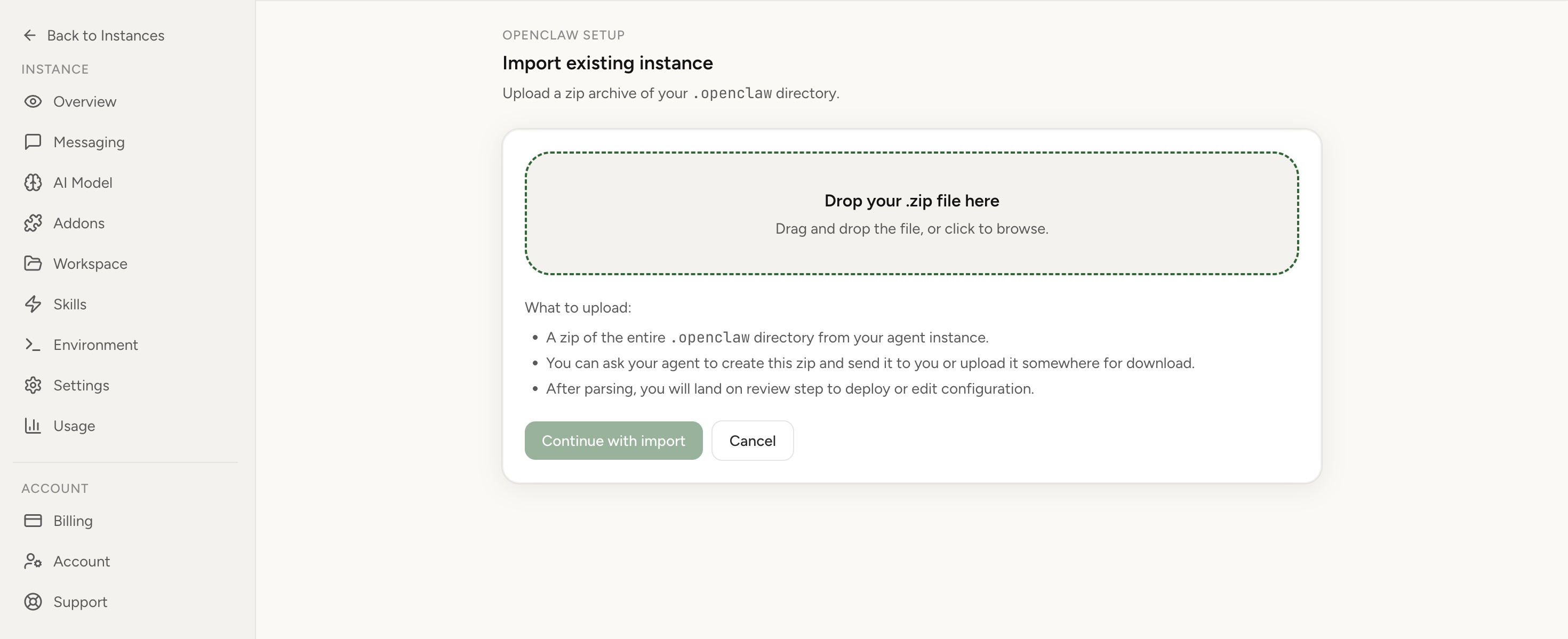
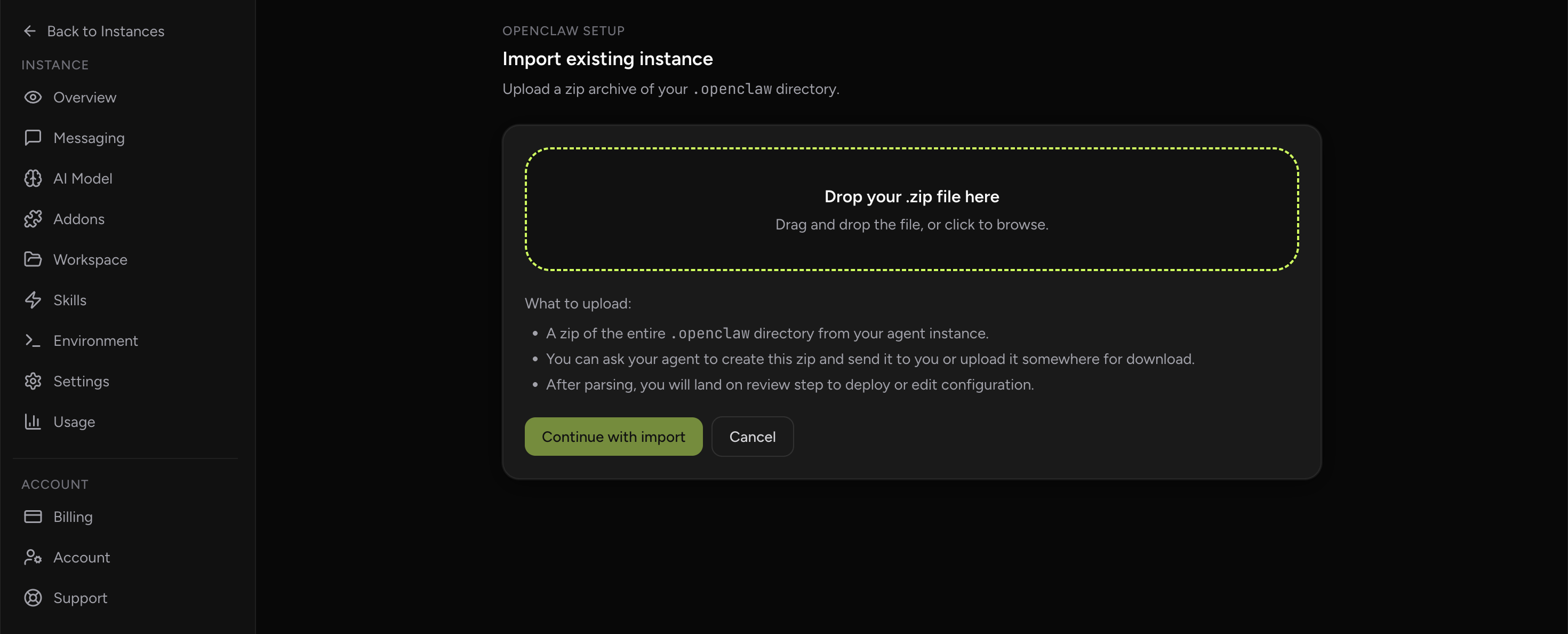
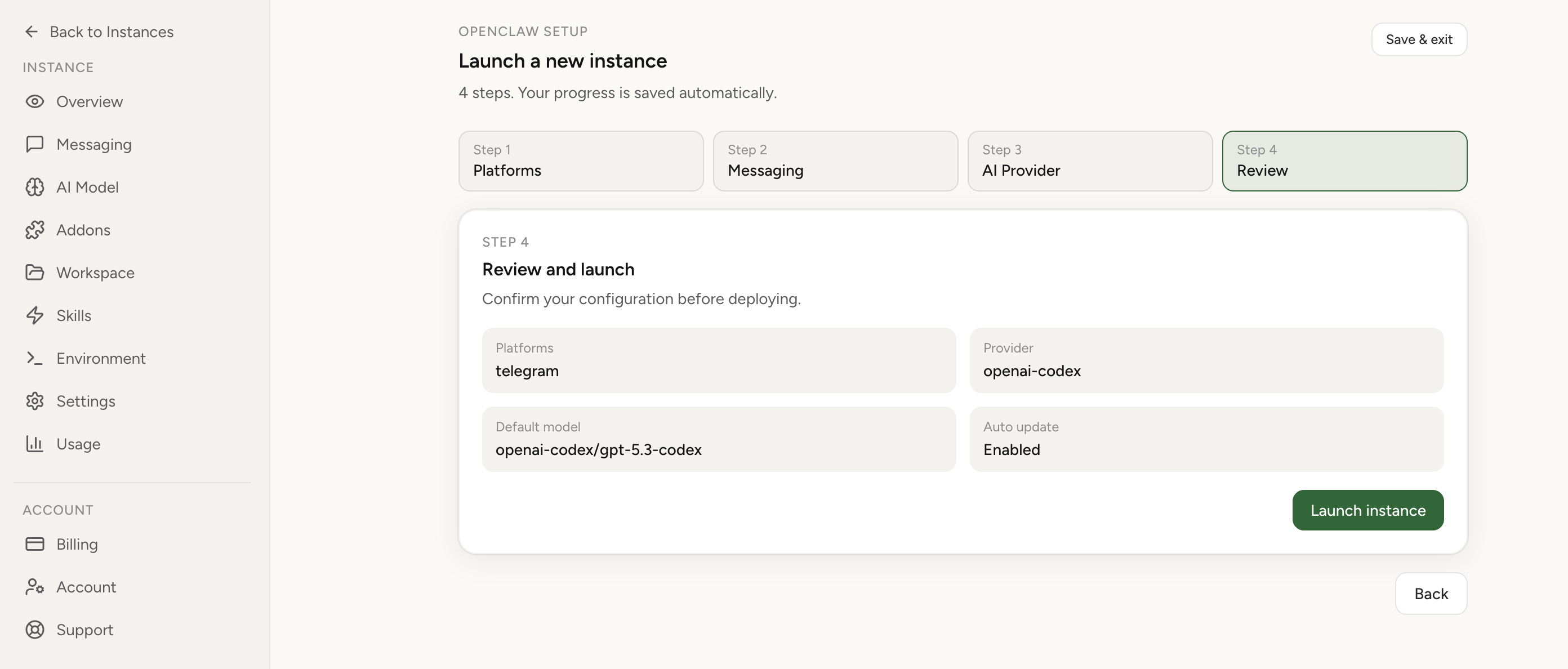
Apply the checklist above and keep self-hosting, or skip the maintenance entirely: run your OpenClaw on managed hosting from $6.90/mo, starting with a 7-day free trial. We handle the stale locks, gateway restarts, version upgrades, and uptime — and you can import your existing instance in a couple of minutes. Cancel anytime.
- Managed hosting handles stale
.jsonl.lockfiles, gateway restarts, and version upgrades for you - Import your existing OpenClaw setup in minutes — keep your channels and configuration
- The optional $199 setup is scoped: no custom development, enterprise/SRE support, or unsupported self-hosting repair
If you would rather compare options first, review OpenClaw cloud hosting or see the best OpenClaw hosting options before deciding.
Deep diagnostics when the basic fix is not enough
Inspect queue-to-start latency as a first-class metric
Many teams track only success and failure counts, which hides the critical leading signal: queue-to-start delay. Add a metric that captures time between enqueue timestamp and actual worker start. When this number grows before outright failure, you can catch scheduler instability hours earlier and avoid full outage windows.
Classify failures by stage, not by final error text
A single “job failed” event can represent very different incidents: dispatch never started, worker started but tool call hung, model responded but delivery failed, or output persisted too late. Split your logging by stage and keep one correlation ID through the full path. This reduces false debugging and gets on-call engineers to root cause quickly.
Build an execution canary job
Add one lightweight canary cron that runs every 10–15 minutes and writes a predictable output. If that job is enqueued but not executed within a small SLA window, alert immediately. Canary jobs are cheap and dramatically improve incident detection for teams with business-critical automations.
Common implementation mistakes and exact corrections
- Mistake: restarting repeatedly without evidence capture.
Correction: always capture one pre-restart snapshot of queue and process state. - Mistake: assuming accepted means running.
Correction: require explicit worker-start and worker-complete events in your dashboard. - Mistake: mixing experiment jobs and production jobs in one lane.Correction: isolate high-risk tests from business-critical automations.
- Mistake: upgrading right before critical schedule windows.Correction: move upgrades to low-risk windows and require one successful scheduled cycle before close.
Questions about OpenClaw cron enqueued but not running
Why does OpenClaw show cron as enqueued but never run the job?
Enqueued means accepted, not completed. Check the returned run ID and logs to distinguish waiting for a lane from a run that started and stalled. Possible causes include stale running state, an earlier task holding capacity, isolated-session waits, duplicate gateways, restart handoffs and host pressure. OpenClaw 2026.10.2 has lane task timeouts; a long configured budget can still delay queued work.
Can I fix enqueued cron jobs without deleting all schedules?
Yes. Start with runtime validation, inspect lane state, restart the gateway cleanly, and verify one test run before touching job definitions. Deleting schedules should be your last step.
Why does a manual cron run enqueue but never execute?
In OpenClaw 2026.10.2, manual runs return after queue acceptance and may still wait for capacity. Inspect the returned run ID or use --wait to observe completion. The timer-only explanation in issue #42997 was a report against 2026.3.8, not the current execution contract. If the gateway exits before dispatch, an interrupted receipt may exist without an executed-run history entry.
How do I prove the fix worked?
Confirm manual trigger execution, observe at least two scheduled cycles, and verify that running markers clear automatically without intervention.
See the versioned cron CLI referencefor run IDs and completion checks, and the March 2026 manual-run reportfor historical context. For deployment options, read the OpenClaw setup guide, compare OpenClaw cloud hosting, or reviewmanaged versus self-hosted OpenClaw.