OpenClaw on Railway vs Lobsterland: Template Deploy or Managed Agent Hosting?
Quick verdict: Railway is excellent for a template-based proof of concept. Lobsterland is the better fit when OpenClaw is becoming a production-like agent service with channel support, hosted browser needs, team operations, and someone accountable for the agent stack after deployment.
Railway appeals to developers because it gets a public deployment online quickly. Lobsterland appeals to teams that want less ambiguity around secrets, OpenClaw updates, browser sidecars, channel recovery, Paperclip coordination, and support ownership.
- A community guide positions Railway deployment as a zero-terminal template flow with a setup path, public URL, and Railway domain.
- TechRadar's hardware options guide describes Railway as a non-technical cloud deployment option with public URL, automatic HTTPS, persistent storage, and a low-cost Hobby plan, while noting cloud data-sovereignty tradeoffs.
- Lobsterland's home page and blog position the service around managed OpenClaw hosting, WhatsApp and Telegram-style channel work, workspace editing, skills, cron, hosted browser, Paperclip, and multiple-agent management.
Railway strengths
- Template speed: a template deploy is good for a proof of concept, demo, or developer evaluation.
- Public URL and HTTPS: the platform can make a cloud endpoint easier than wiring a VPS manually.
- Persistent storage: Railway can provide persistence for the app instead of a purely ephemeral process.
- Developer ergonomics: a product team can iterate quickly before deciding whether OpenClaw should become shared infrastructure.
Those are real advantages. A Railway template is not automatically insecure or toy-only. It is a practical way to find out whether OpenClaw fits your workflow before you commit to a managed platform or a custom infrastructure runbook.
What teams still own on a template deploy
- OpenClaw updates: someone must decide when to upgrade, how to roll back, and what to test after each change.
- Gateway health: public URL health is not the same as Telegram, Slack, browser, cron, and tool-call delivery health.
- Channel and auth recovery: channel tokens, OAuth flows, pairing, and re-pairing remain agent-specific operational work.
- Browser sidecar: browser-capable workflows need state, profile isolation, and recovery beyond a basic app deploy.
- Secrets and backups: teams still need key rotation, access review, and backup checks beyond platform defaults.
- Incident response: when a shared agent stops replying, someone needs logs, context, and authority to fix it.
Railway vs Lobsterland decision checklist
| Situation | Better fit | Why |
|---|---|---|
| Hobby experiment | Railway | Fast template setup is usually enough to evaluate the idea. |
| Developer prototype | Railway or Lobsterland | Use Railway for infrastructure control; use Lobsterland if the prototype needs managed channel or browser help. |
| Non-technical business workflow | Lobsterland | The user likely wants agent operations, not a platform configuration project. |
| Team agent fleet | Lobsterland | Multiple always-on agents need isolation, visibility, recovery paths, and support ownership. |
Where Lobsterland changes the operating model
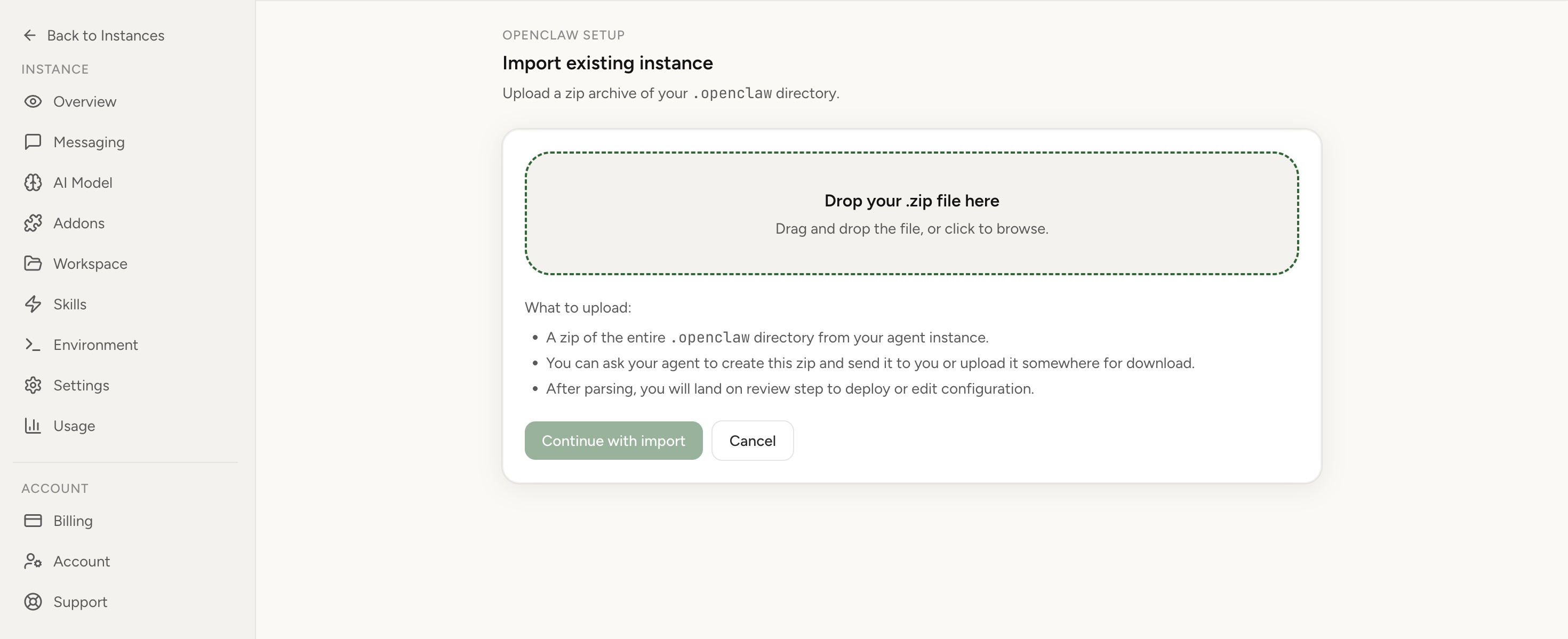
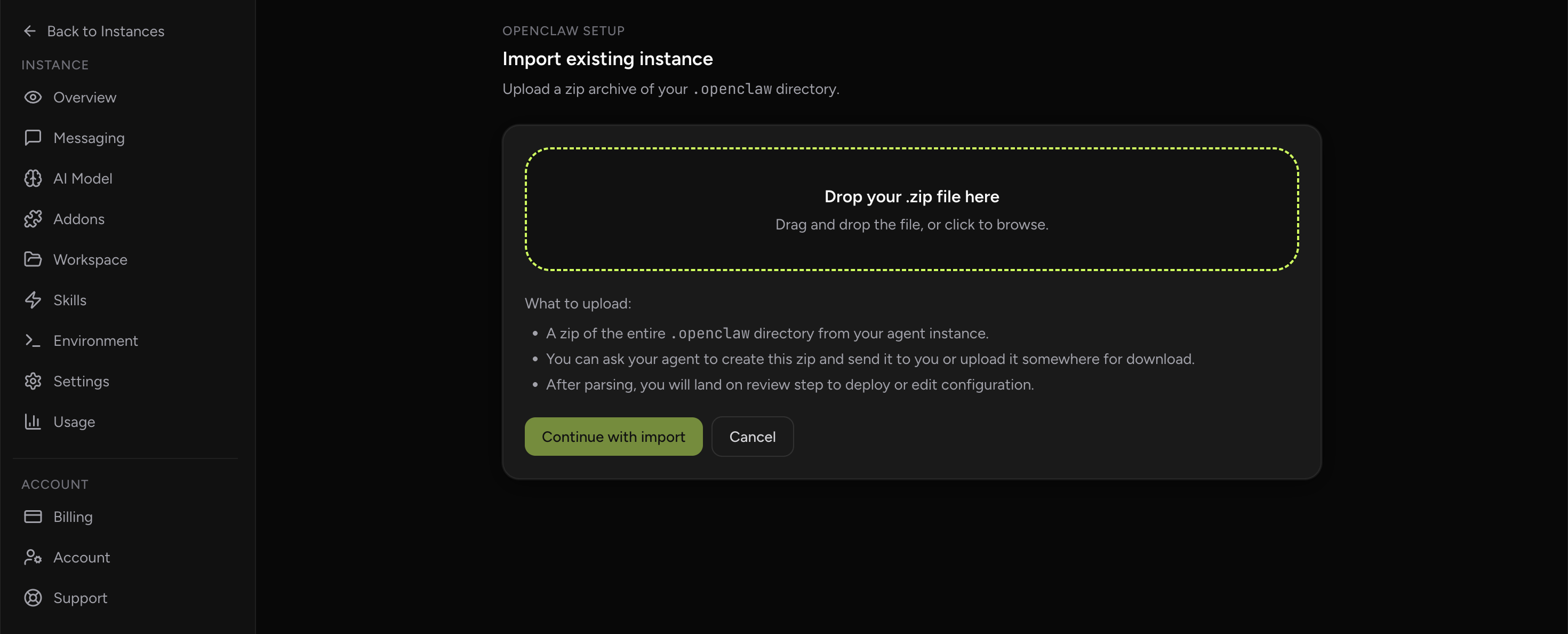
Lobsterland is for teams that want OpenClaw cloud hosting with the agent-specific parts handled as product concerns: isolated runtimes, hosted browser access, encrypted credentials, channel/setup support, Paperclip coordination, usage visibility, multi-agent management, and an import path for existing instances.
If browser work matters, compare the broader browser agent hosting page and the OpenClaw with browser overview. If you are deciding between self-operated and managed paths, the comparison page keeps the operational tradeoffs explicit.
A practical migration path
Use Railway when the question is "Can this OpenClaw workflow work at all?" Move to managed hosting when the question becomes "Who is accountable for this agent every day?" Before moving, review the VPS/cloud setup risk checklist so you capture credentials, channels, storage, and rollback details cleanly. If you still want to self-operate, keep the OpenClaw setup guide beside your runbook; if you want Lobsterland to host it, start from app.lobsterland.ing/login.
Stop babysitting your OpenClaw box
Fix it once — or stop fixing it for good.
Apply the checklist above and keep self-hosting, or skip the maintenance entirely: run your OpenClaw on managed hosting from $6.90/mo, starting with a 7-day free trial. We handle the stale locks, gateway restarts, version upgrades, and uptime — and you can import your existing instance in a couple of minutes. Cancel anytime.
- Managed hosting handles stale
.jsonl.lockfiles, gateway restarts, and version upgrades for you - Import your existing OpenClaw setup in minutes — keep your channels and configuration
- The optional $199 setup is scoped: no custom development, enterprise/SRE support, or unsupported self-hosting repair
If you would rather compare options first, review OpenClaw cloud hosting or see the best OpenClaw hosting options before deciding.